Why Travel Amplifies Digital Risk
Traveling puts you in unfamiliar environments where you routinely connect to networks you don't control, carry high-value devices in crowded spaces, and make financial transactions in new locations. Each of those situations introduces vulnerabilities that rarely come up at home.
The good news: most digital travel risks are predictable, and a small set of practical habits addresses the majority of them. The habits covered here don't require technical expertise - they require only a bit of advance preparation and consistent awareness on the road. For a broader look at digital hygiene that applies both at home and abroad, see safer digital habits for everyday life.
43%
Travelers who use public Wi-Fi without a VPN
According to a 2023 survey by NordVPN, roughly 43% of people reported having their data compromised while using public Wi-Fi, with airports and hotels among the most common locations.
1 in 5
People who've experienced card fraud while abroad
A survey published by the European Central Bank found that card-not-present and skimming fraud remain among the most common types of payment fraud affecting travelers internationally.
Public Wi-Fi: Connecting Without Exposing Yourself
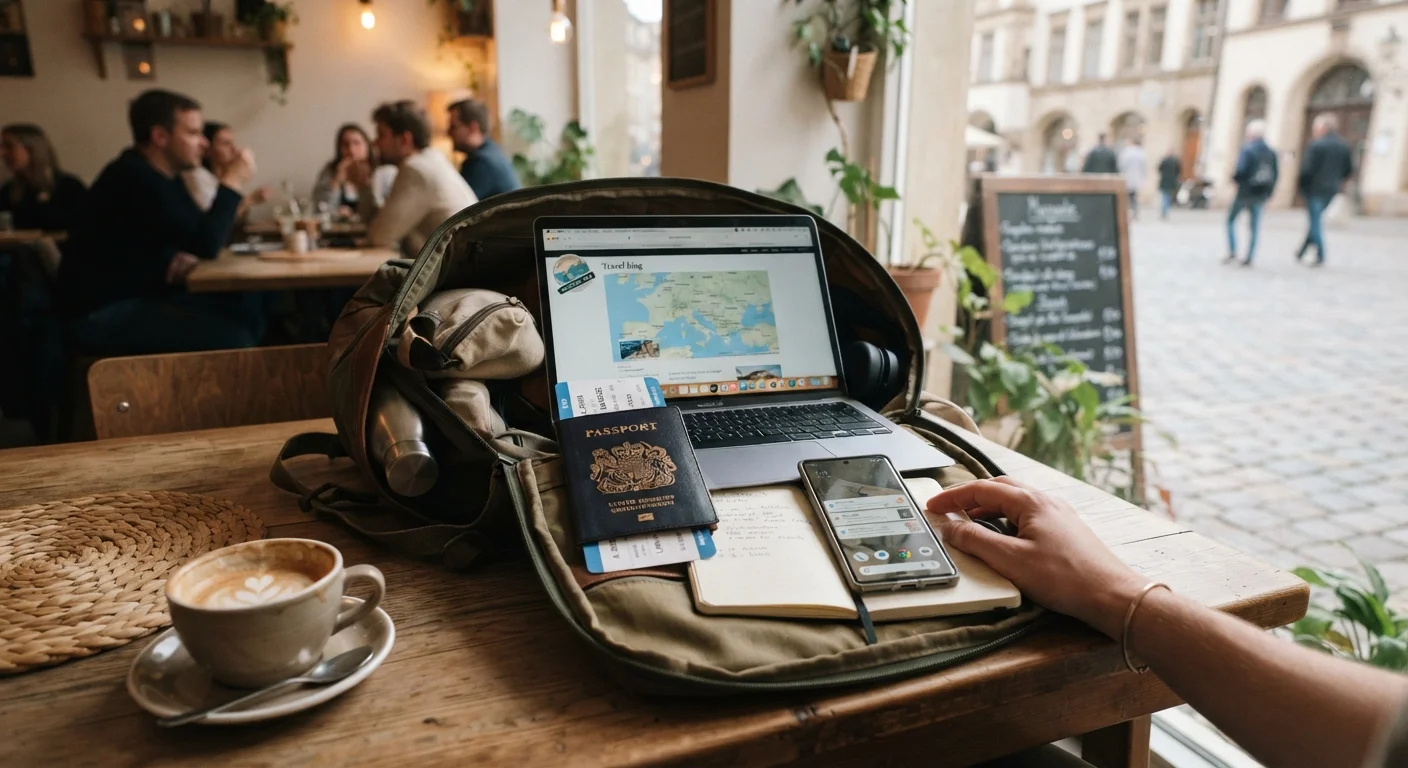
Airport, hotel, and café Wi-Fi networks are convenient - and well-known to attackers. On an open network, it's possible for other users on the same network to intercept unencrypted traffic, a technique often called a man-in-the-middle attack. A VPN (Virtual Private Network) encrypts your connection before it leaves your device, making intercepted data significantly harder to read.
Even with a VPN, certain rules apply: avoid accessing banking or sensitive accounts on public Wi-Fi when possible, look for HTTPS in the browser address bar before submitting any information, and treat hotel lobby computers as entirely untrusted - never log into email or financial accounts on shared machines. For a deeper explanation of network vulnerability, learn what makes a Wi-Fi network vulnerable.
When in Doubt, Use Mobile Data
If you're uncertain about a public network's safety and don't have a VPN active, your phone's cellular data connection is generally more secure than an open Wi-Fi network. For brief, sensitive tasks like checking a bank balance, switching off Wi-Fi and using mobile data is a simple, practical fallback. Just be mindful of international data roaming charges - confirm your plan's coverage before you travel.
Protecting Cards and Contactless Payments
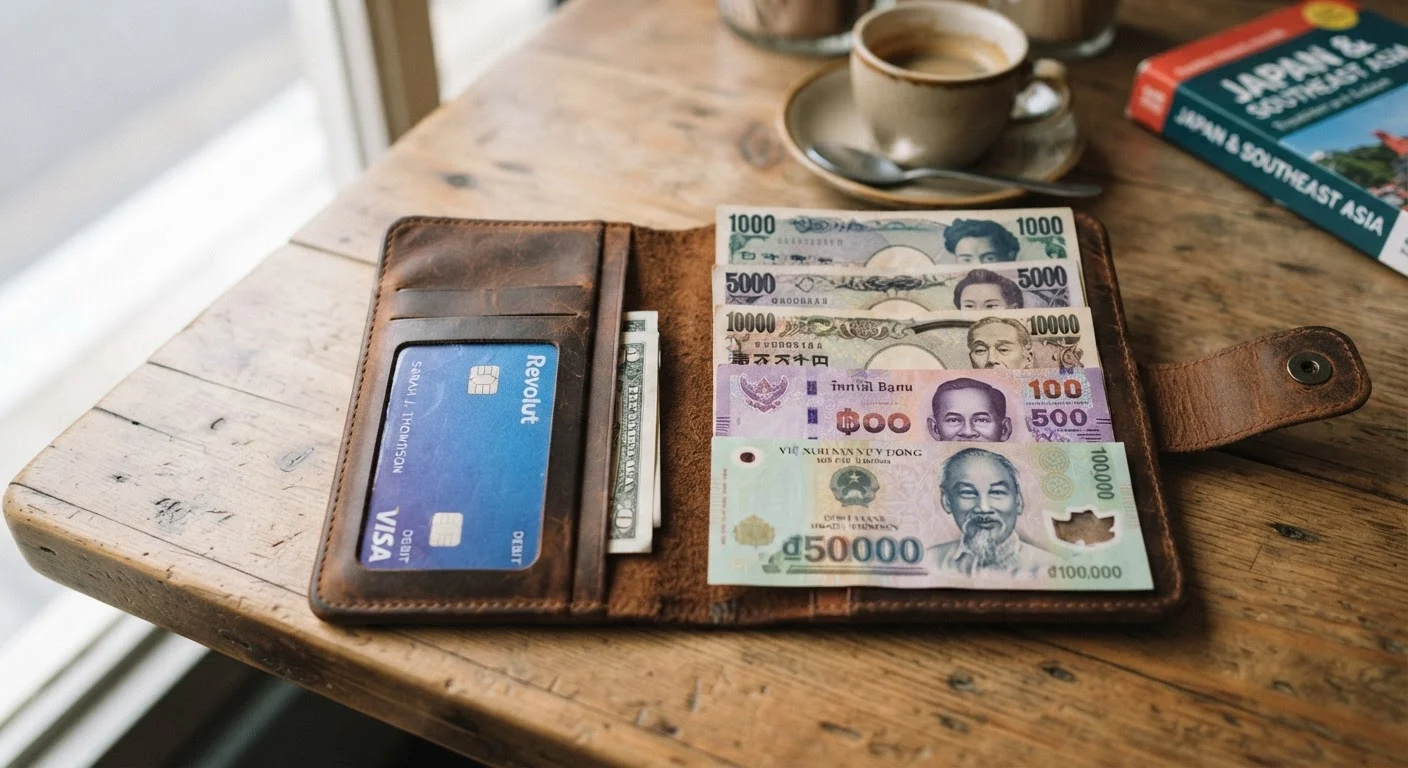
Contactless credit and debit cards use RFID (Radio-Frequency Identification) chips that can theoretically be scanned without physical contact. While real-world RFID skimming fraud is less common than headlines suggest, the risk is not zero - particularly in very crowded environments like transit hubs.
RFID-blocking card sleeves or wallets prevent unauthorized scans and cost very little. Equally important: keep a close eye on your cards during transactions, use ATMs attached to bank branches rather than standalone machines when possible, and notify your bank before you travel so legitimate foreign transactions aren't flagged. For a side-by-side comparison of payment methods abroad, see travel debit card vs. foreign currency cash.
Use a reputable VPN on any public or hotel Wi-Fi network.
Open Wi-Fi networks can expose your traffic to other users on the same connection. A VPN encrypts your data in transit, significantly reducing what an attacker can intercept.
Enable remote wipe on every device before departure.
If a device is stolen, remote wipe lets you erase its contents from another device, preventing access to stored passwords, photos, and financial data.
Use RFID-blocking card holders in high-traffic environments.
Contactless cards can be scanned without physical contact. A blocking sleeve adds a simple barrier without changing how you use your cards at payment terminals.
Turn off Bluetooth and auto-connect Wi-Fi when not in active use.
Devices with Bluetooth or Wi-Fi set to auto-connect can join rogue networks or be discovered by nearby scanners without the user realizing it.
Never use public or hotel lobby computers for sensitive accounts.
Shared computers may have keyloggers or cached sessions that capture login credentials even after you log out.
Device Security: Before You Pack and While You're There
The most effective device protection happens before departure. Start by enabling full-disk encryption on your phone and laptop - both iOS and most modern Android devices do this by default when a passcode is set. Enable remote wipe through your device's built-in service (Find My for Apple, Find My Device for Android) so a stolen phone can be erased before someone accesses its contents.
Back up everything to encrypted cloud storage or an external drive left at home. Once you're traveling, set your phone to require a PIN or biometric to unlock - never leave it unattended in public. Be especially cautious about background apps consuming data and battery, which can also indicate a compromised device. For a complete pre-trip digital checklist, the smart traveler's pre-departure routine covers the full sequence step by step.
Account Access and Phishing Awareness on the Road
Traveling often means checking email in new locations and receiving unusual-looking messages - a combination that scammers actively exploit. Phishing emails, fraudulent booking confirmations, and fake hotel Wi-Fi login pages are all common tactics. Before you travel, enable two-factor authentication (2FA) on your email, banking, and social media accounts so that a stolen password alone isn't enough to gain access.
Be skeptical of any unsolicited message asking you to click a link or confirm payment details, regardless of how official it looks. If you receive something urgent from your bank, navigate directly to the bank's official website rather than clicking any link. For a thorough overview of scam techniques, phishing, smishing, and vishing explained breaks down the most common approaches. You can also build stronger long-term habits with online privacy habits worth building before you need them.