The Visibility Problem Most People Miss
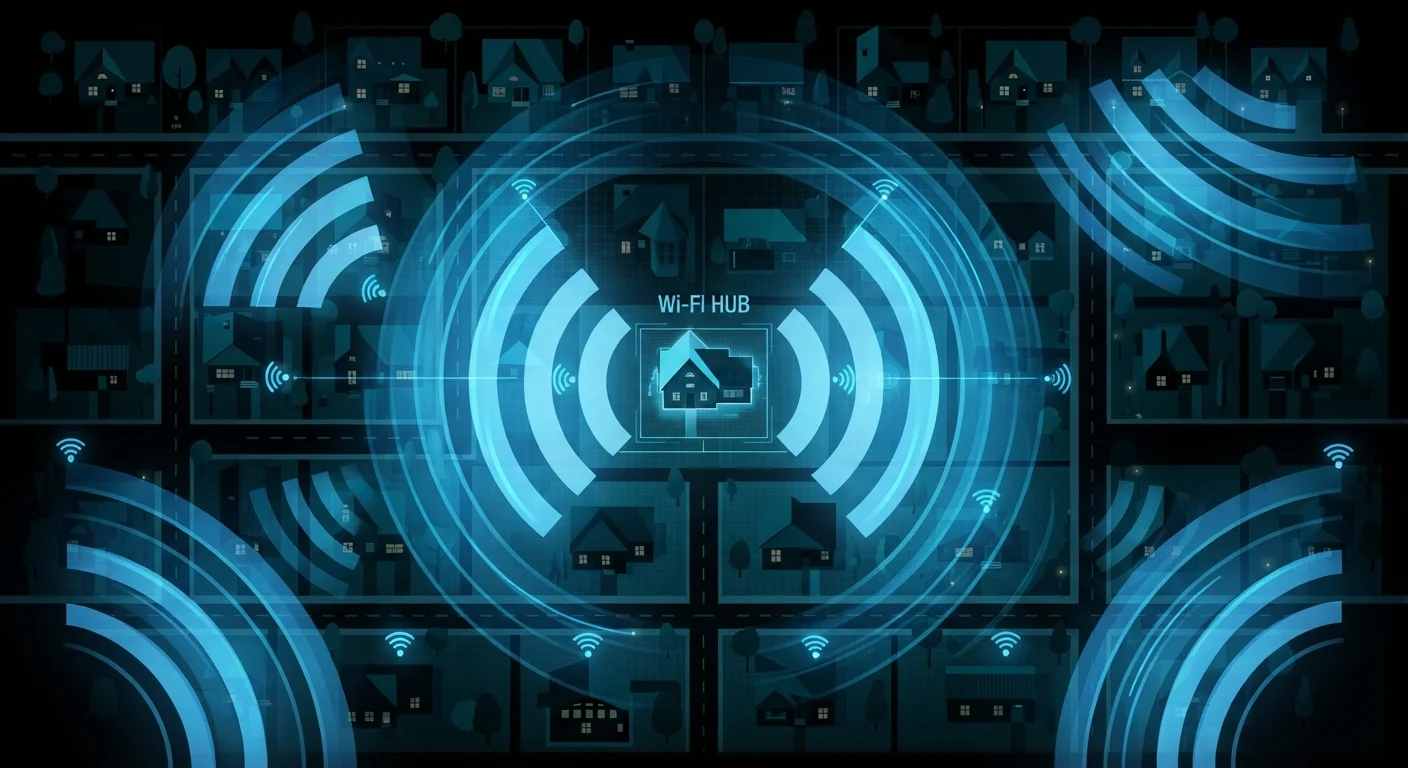
When you connect to Wi-Fi - at home or in a café - you're joining a shared radio network. The signal travels through walls, across hallways, and into the street. Unlike a phone call on a private line, a Wi-Fi broadcast is closer to a conversation in a crowded room: the information is technically available to anyone with the right equipment and motivation to listen.
Most people intuitively understand that public Wi-Fi carries risks, but treat home networks as categorically safe. That distinction matters less than you'd expect. Both types of network rely on the same underlying technology, and both can be compromised through similar means. The key difference is who is physically nearby - not whether the word "home" applies.
Understanding this isn't about triggering alarm. It's about having an accurate picture so you can make informed decisions. Most of the common vulnerabilities are fixable with a few deliberate steps.
34%
Home routers with default credentials unchanged
A study by the American Consumer Institute found roughly one-third of home routers surveyed still used factory-default login credentials, leaving them open to easy unauthorized access.
83%
Routers with known security vulnerabilities
A 2022 analysis by Fraunhofer Institute for Communication found that the vast majority of tested home routers contained known security vulnerabilities, many tied to outdated firmware.
25%
US adults using public Wi-Fi for sensitive tasks
Surveys by cybersecurity organizations have consistently found that roughly one in four US adults access financial or personal accounts on public Wi-Fi, often without any additional protection.
What Makes a Network Vulnerable
Across both home and public networks, the same core weaknesses show up repeatedly:
- Weak or default passwords: Routers ship with factory-set admin credentials that are published in public documentation. If you've never changed yours, anyone who looks it up can log in to your router settings directly.
- Outdated encryption: Older protocols like WEP (Wired Equivalent Privacy) are trivially crackable with tools freely available online. WPA2 is the current minimum; WPA3 is the current recommended standard.
- Unpatched firmware: Routers run software just like any other device. Security vulnerabilities discovered in that software are addressed through firmware updates - which many routers never receive because owners don't know updates are needed.
- Open guest networks: A guest network without a password is an open invitation. Even a password-protected guest network, if misconfigured, can allow access to devices on your main network.
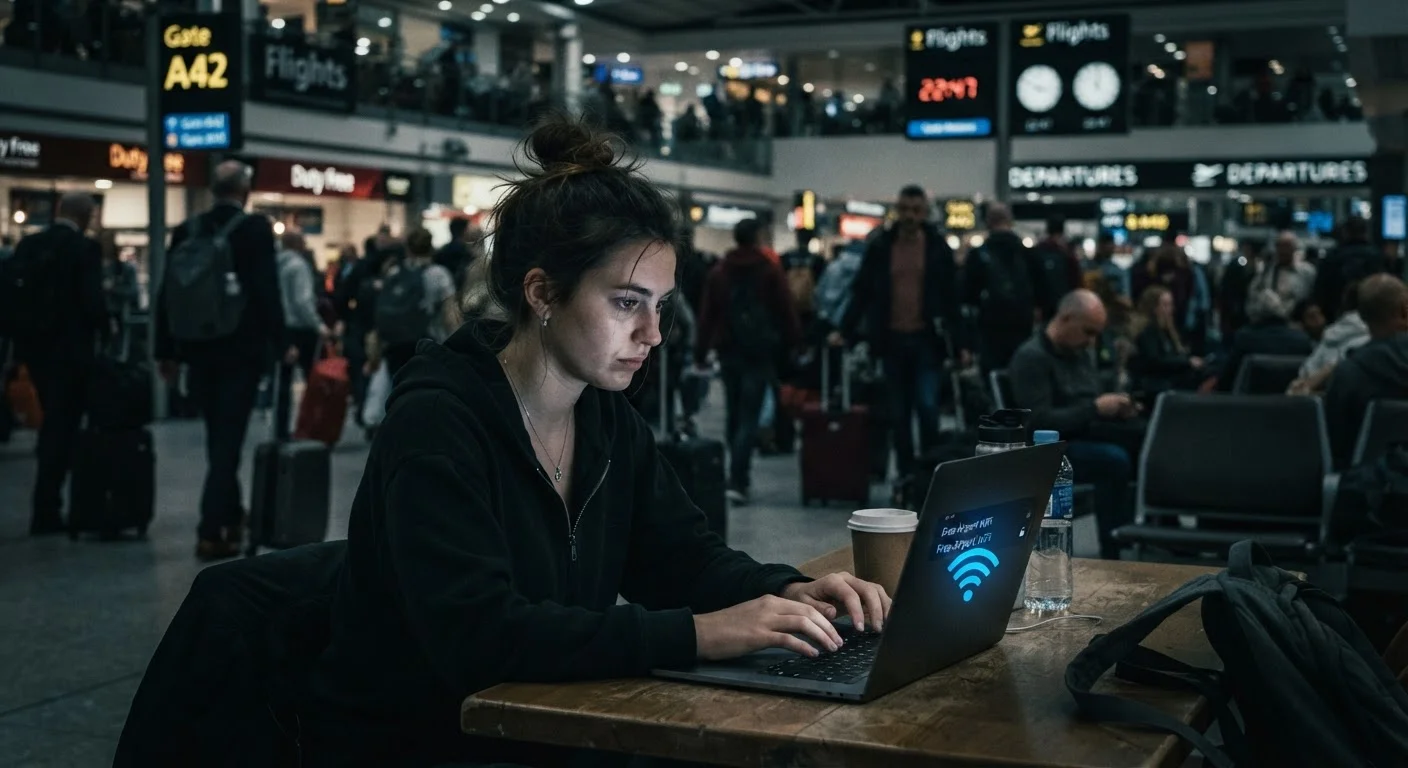
On public networks, a related threat is the rogue hotspot - a Wi-Fi access point deliberately named to resemble a legitimate one ("Airport_Free_WiFi" instead of the real network). Connecting to one hands your traffic directly to whoever controls it. These risks connect to broader reasoning patterns that leave users exposed - chiefly, the assumption that a familiar name means a trusted source.
How to Access Your Router's Admin Panel
Open any browser and type your router's IP address into the address bar - this is usually 192.168.1.1 or 192.168.0.1, and it's often printed on a label on the router itself. You'll be prompted for a username and password. If you've never set these, check your router's documentation for the defaults - then change them immediately. From the admin panel, you can update encryption settings, view connected devices, and check for firmware updates.
Practical Steps That Actually Help
You don't need to be a network engineer to meaningfully reduce your exposure. A handful of changes cover the majority of real-world risk:
- Change your router's admin password from the factory default to something unique and strong - this controls the settings of your entire network.
- Use WPA3 or WPA2 encryption on your Wi-Fi. Check your router's wireless settings page; if you see WEP or no encryption at all, update it immediately.
- Update your router's firmware periodically. Many modern routers offer automatic updates in settings - enable it if the option exists.
- Use a strong, unique Wi-Fi password - not your address, phone number, or anything guessable from public information about you.
- Audit connected devices occasionally through your router's admin panel. Unknown devices are a clear signal to investigate and change your password.
For public networks, limiting what you do - avoiding banking, sensitive email, or entering passwords - is the single most effective habit. If you regularly use public hotspots, learning how VPNs protect you - and what they don't is worth your time. See also the differences between VPNs, proxies, and Tor if you want to compare your options.
Travelers face a compounded version of these risks. If you're often on the road, review practical guidance on protecting your devices and data while traveling.
Keeping a Realistic Perspective
None of this is meant to suggest that every Wi-Fi connection is a trap. The vast majority of internet sessions - even on public networks - don't result in data theft. The goal is to close the gaps that exist, not to avoid Wi-Fi altogether.
Think of it the way you'd think about locking your car. Most parked cars don't get broken into, but leaving it unlocked raises your risk unnecessarily. The same logic applies here: a few deliberate habits close most of the common entry points without requiring paranoia or technical knowledge.
For a broader look at the internet basics that govern how these connections work, the fundamentals help clarify why these protections matter. And for readers curious about how their data can be exposed in other ways beyond Wi-Fi, our article on how data brokers collect your information covers a parallel risk most people don't think about.
Wi-Fi security isn't about technical expertise - it's about not leaving unnecessary doors open.