What These Terms Actually Mean
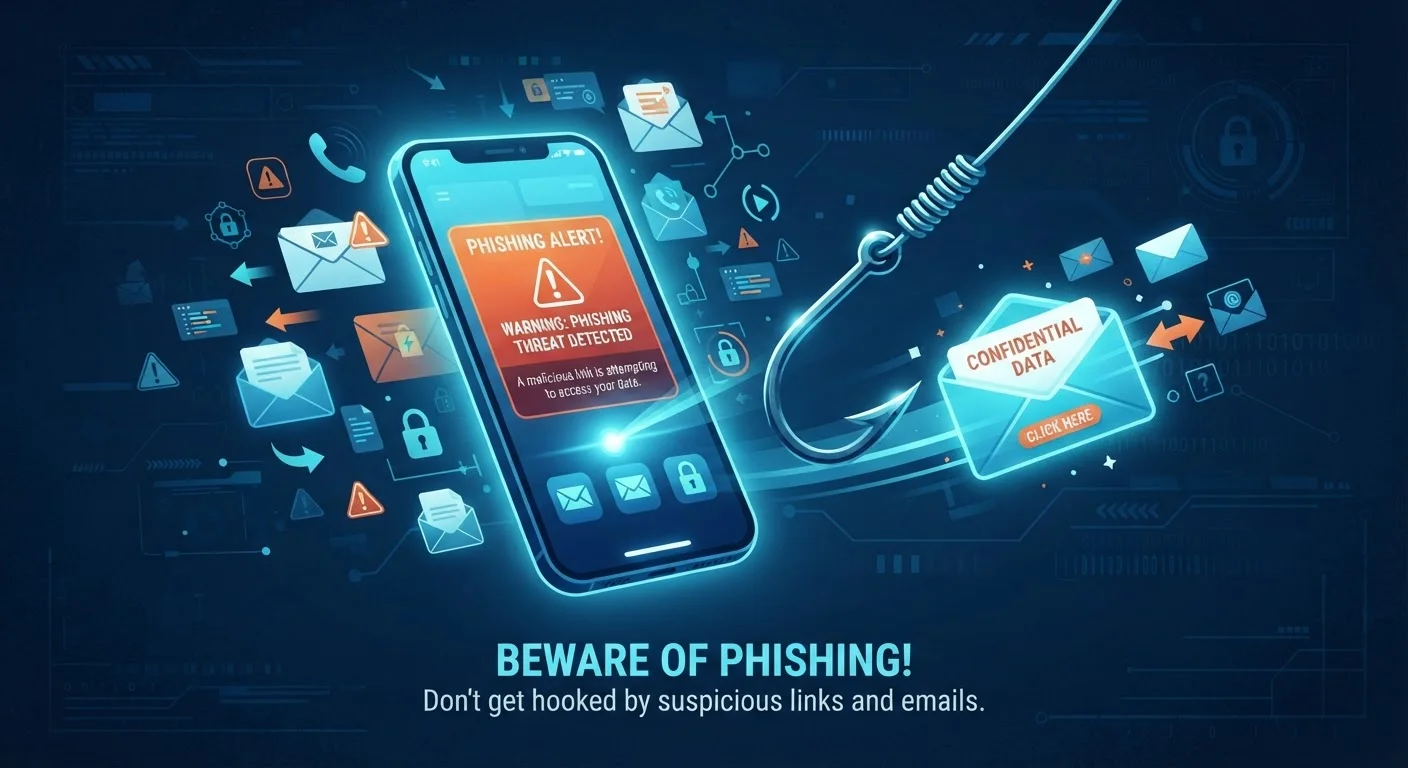
The word phishing has been around since the mid-1990s, but scammers have since branched into two close relatives: smishing (SMS-based) and vishing (voice-based). Despite the different channels, all three share one goal - tricking you into handing over sensitive information or taking an action that benefits the scammer.
Phishing
A scam delivered by email in which an attacker impersonates a trusted organization to steal login credentials, financial details, or personal information. The message typically contains a deceptive link or attachment.
Smishing
Phishing conducted via SMS text message. Attackers send texts that mimic banks, delivery services, or government agencies, often including a link to a fake website or a prompt to call a fraudulent number.
Vishing
Voice phishing - a scam carried out over a phone call. The caller impersonates a legitimate entity such as a financial institution or government agency and uses live conversation to pressure victims into revealing sensitive information.
Social Engineering
The practice of manipulating people psychologically rather than hacking systems technically. Phishing, smishing, and vishing are all forms of social engineering because they exploit trust and urgency rather than software vulnerabilities.
Spoofing
Faking the origin of a communication - such as making a caller ID display a legitimate bank's number, or forging a sender email address - to make a scam message appear authentic.
Understanding these terms isn't just trivia. Once you recognize the pattern behind each attack, you're far less likely to fall for one. See our plain-language guide to digital safety for a broader foundation.
Phishing, Smishing, and Vishing at a Glance
| Primary channel | Phishing: Email | Smishing: SMS text | Vishing: Phone call |
| Common impersonation targets | Banks, delivery services, IRS, tech support, social media platforms |
| Most reported scam type in the US | Imposter scams (includes all three forms) (FTC Consumer Sentinel Network) |
| Key manipulation tactic | Urgency - acting fast prevents the victim from pausing to verify |
| Where to report phishing emails | reportphishing@apwg.org or your email provider's "report spam" tool (Anti-Phishing Working Group (APWG)) |
| Where to report smishing texts | Forward to 7726 (spells SPAM) - works on most US carriers (FCC guidance) |
Each scam type exploits a different habit or trust instinct. Phishing emails mimic familiar brands and create urgency - a flagged account, a suspicious charge, a package delivery problem. Smishing texts feel immediate and personal because texts typically come from people we know. Vishing calls lean on social pressure and real-time conversation, making it harder to pause and think critically.
What they share: a manufactured sense of urgency, impersonation of a trusted entity, and a request that bypasses your normal caution. For a deeper look at how these patterns exploit everyday assumptions, read the reasoning patterns that leave people exposed.
How to Spot Each One
Phishing Emails
- The sender's email address doesn't match the brand's real domain (e.g.,
support@amaz0n-help.net) - Generic greetings like "Dear Customer" instead of your name
- Links that preview to unfamiliar URLs when you hover over them
- Pressure to act immediately or face account suspension
Smishing Texts
- Unsolicited messages about packages, prizes, or bank alerts you didn't expect
- Short links (bit.ly-style) that obscure the real destination
- Requests to reply with a code, click a link, or call a number
Vishing Calls
- Caller claims to be from your bank, the IRS, or tech support
- Pressure to stay on the line and act right now
- Requests for your Social Security number, PIN, or remote access to your device
Legitimate Organizations Won't Pressure You
No real bank, government agency, or tech company will demand immediate action over an unsolicited call or text, threaten arrest for non-compliance, or ask you to pay using gift cards. These are hallmarks of a scam regardless of how convincing the caller or message appears. When in doubt, end the interaction and reach out through official channels on your own terms.
If you travel frequently, these risks follow you. Public networks and unfamiliar devices abroad can make you more vulnerable - check out how to protect your data while traveling for practical on-the-road habits.
What to Do When Something Feels Off
The single most protective habit is also the simplest: pause before you act. Scammers rely on momentum - the moment you stop and verify, their advantage disappears.
- Don't click links in unexpected messages. Navigate to the website directly by typing the address in your browser.
- Call back using official numbers. If a bank or agency contacts you, hang up and call the number on their official website or your card.
- Never give out codes under pressure. Legitimate organizations will not ask for one-time passwords or PINs during an inbound call or text.
- Report it. Forward phishing emails to
reportphishing@apwg.organd smishing texts to 7726 (SPAM). File vishing complaints with the FTC at reportfraud.ftc.gov.
Building these responses into everyday routine matters more than any single tool. Safer daily digital habits explains how to make security automatic rather than effortful. Older adults targeted more frequently by these schemes will find specific guidance in our scam guide for older adults.
$10B+
Consumer losses to fraud reported in a single year
According to the FTC's Consumer Sentinel Network data for 2023, Americans reported over $10 billion in fraud losses - a record high.
3 in 4
Organizations targeted by phishing annually
Industry security surveys consistently find that the majority of organizations experience phishing attempts each year, making it one of the most prevalent threat vectors.