Why Habits Matter More Than Tools
Most people think of digital security as a product - something you install and forget. But the tools that protect you online are only as effective as the behaviors surrounding them. A strong password manager left unused, or a security update dismissed for weeks, offers no real protection at all.
Research into how security breaches occur consistently shows that human behavior - clicking a phishing link, reusing a password, ignoring a software alert - is a more common factor than technical failure. That means the biggest gains in personal security come not from buying something, but from adjusting how you act online each day.
Fortunately, these behavioral shifts don't require technical knowledge. They require awareness and repetition. Many common vulnerabilities stem from false confidence rather than ignorance, so building accurate mental models of how threats work is itself a protective habit.
“Security is always excessive until it's not enough. The most effective protection comes not from any single technology, but from the consistent small decisions people make every day.”
— Bruce Schneier, Security technologist and author on cryptography and digital security
Core Practices That Reduce Everyday Risk
The following practices are grounded in how real-world attacks work and what consistently reduces exposure. None require advanced technical skill - only a willingness to build new routines.
Use a unique password for every account you own.
When one site suffers a data breach, attackers test stolen credentials across hundreds of other services - a technique called credential stuffing. Reusing passwords turns a single breach into a cascade of compromised accounts. Unique passwords stop that domino effect cold.
Enable two-factor authentication (2FA) on every account that offers it.
Two-factor authentication adds a second verification step - typically a code sent to your phone or generated by an app - after you enter your password. Even if a password is stolen or guessed, an attacker without that second factor cannot log in. Accounts with 2FA enabled are dramatically harder to compromise.
Pause before clicking any link in an email, text, or message.
Phishing - tricking people into clicking malicious links by impersonating trusted senders - remains one of the most common attack vectors. A brief pause to question the source, check the sender address carefully, and hover over links before clicking creates a habit of healthy skepticism that catches many threats before they land.
Keep your operating system, apps, and browser consistently updated.
Software updates frequently patch security vulnerabilities - flaws that attackers actively probe and exploit. Delaying updates leaves known gaps open, often for far longer than necessary. Enabling automatic updates removes the friction of remembering to do this manually.
Review app permissions regularly and revoke access you no longer need.
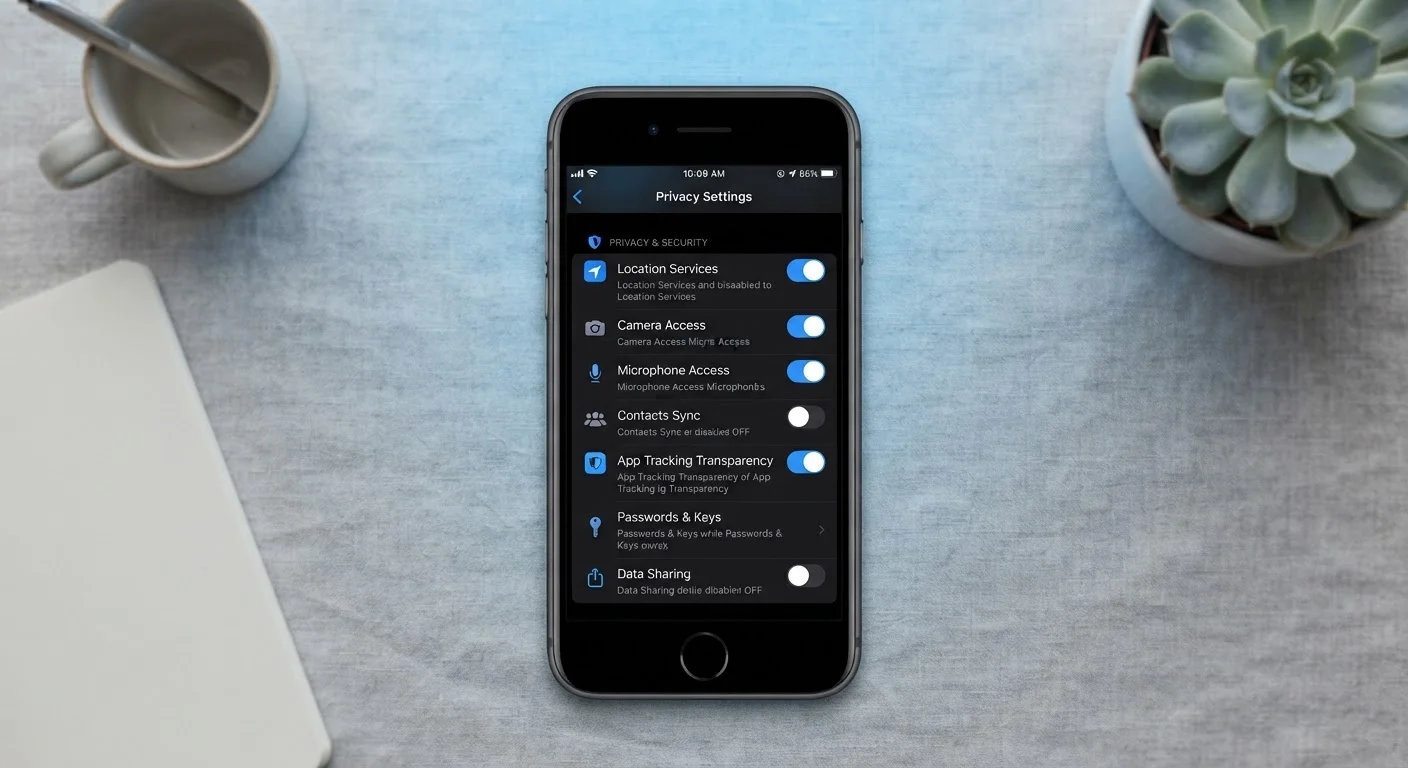
Apps frequently request access to your location, contacts, camera, or microphone - sometimes beyond what their function requires. Permissions you granted months ago may no longer be necessary, and unused apps accumulate into a broad exposure surface. Periodic reviews limit what data can be accessed without your awareness.
Be deliberate about the information you share on public or semi-public platforms.
Oversharing on social media - vacation dates, phone numbers, workplace details - provides raw material for social engineering attacks and account recovery exploits. Attackers often combine publicly visible personal details to answer security questions or impersonate you convincingly.
Security Habits Work in Combination
No single habit eliminates all digital risk - but layering several good practices together compounds their protective effect. Think of it like locking your door, using a deadbolt, and leaving a light on: each measure adds friction for someone trying to get in. The goal is making you a harder target, not an impenetrable one.
Starting Small: Quick Wins You Can Act on Today
It's easy to feel that improving your digital security requires a complete overhaul of how you use the internet. In practice, a handful of targeted changes deliver most of the protection. Start with the highest-impact actions first, then layer in additional habits over time.
If you travel frequently, the same habits that protect you at home apply on the road - but with added considerations around public Wi-Fi and physical device security. Our guide on protecting your devices while traveling covers those scenarios specifically.
Building Lasting Habits Over Time
Security habits follow the same pattern as any behavioral change: they start effortful, then become automatic. The goal is to reach a point where checking a sender's email address before clicking, or choosing not to reuse a password, happens without deliberate thought.
One useful approach is attaching new security behaviors to existing routines. Update your apps when you plug in your phone at night. Review account permissions when you notice a new app notification. Think of it as digital hygiene - not a project you complete once, but an ongoing practice, like locking your door or washing your hands.
For readers who want to go deeper on specific areas, our articles on recognising legitimate websites and privacy habits worth building offer practical, jargon-free extensions of these foundations.
This article is for general informational purposes only and does not constitute professional cybersecurity or legal advice. Specific security needs may vary based on individual circumstances and technical environments.