Why App Security Deserves More Attention Than It Gets
Most people are careful about what they click on in email. Fewer apply the same scrutiny to the apps they install. Yet apps often have deeper access to your device than a browser tab ever would - they can read your contacts, track your location, access your camera, and run in the background while you go about your day.
The good news is that meaningful protection doesn't require technical expertise. A handful of consistent habits - applied across the apps you already use - can substantially reduce your exposure. The practices below are chosen because they address the most common real-world risk points, not because they're the most complicated.
For a broader foundation, building safer habits for everyday digital life offers a complementary starting point that covers browsing, messaging, and accounts alongside app use.
Core Practices That Reduce Real Risk
These aren't abstract precautions - each one addresses a specific way apps become a security weak point for everyday users.
Download apps exclusively from official platform stores.
Official stores - such as the Apple App Store and Google Play - screen apps for known malware and enforce developer policies. Third-party sources and sideloaded apps bypass these checks entirely, significantly raising your risk of installing something harmful.
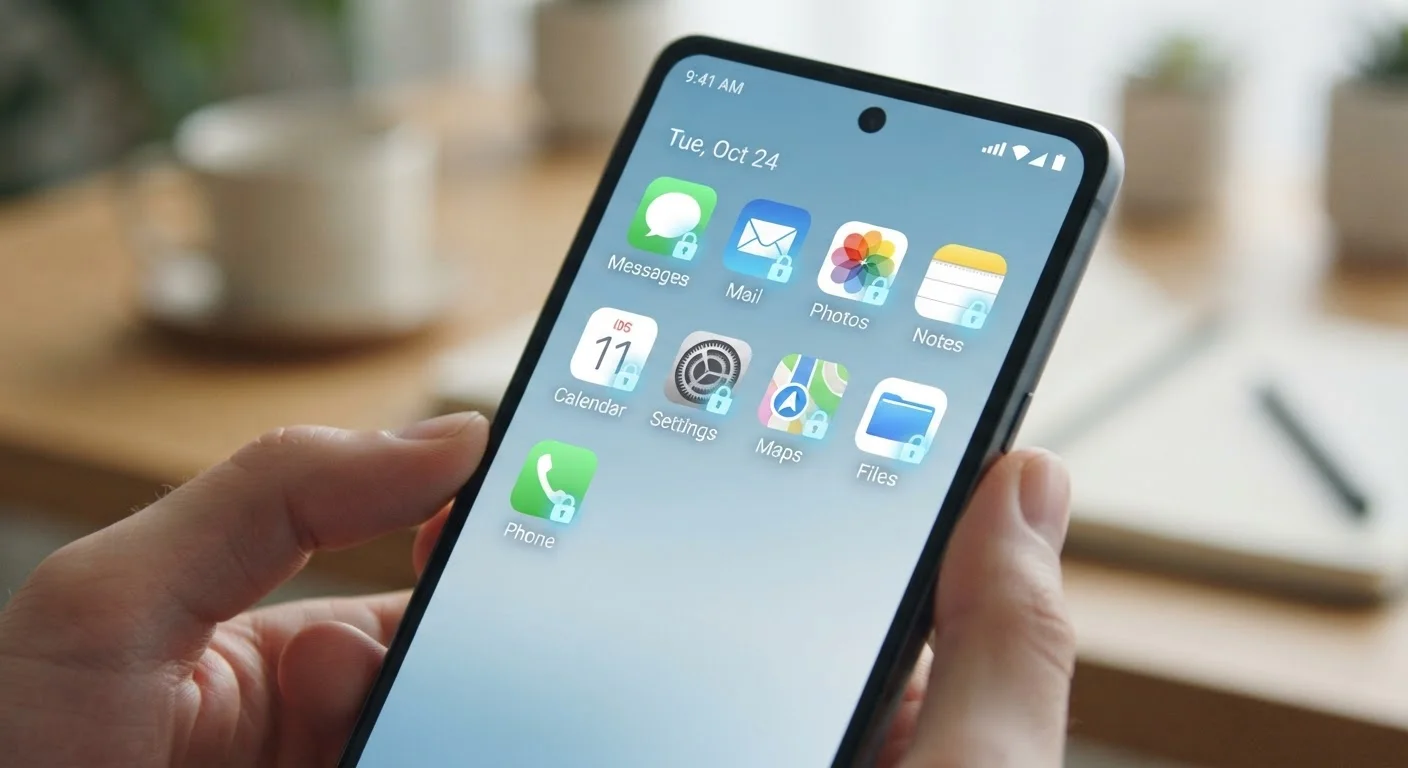
Review and trim app permissions on a regular schedule.
Apps frequently request access to your camera, microphone, contacts, or location - sometimes for features you never use. Permissions left unchecked accumulate quietly over time, giving apps ongoing access to data that isn't needed for their core function.
Keep every app updated promptly rather than deferring updates.
Updates frequently patch security vulnerabilities - specific flaws that attackers can exploit to access your device or data. Delaying updates leaves known weaknesses open longer than necessary. There's a common myth that updates mainly add unwanted features, but the security fixes are often the most important change under the hood.
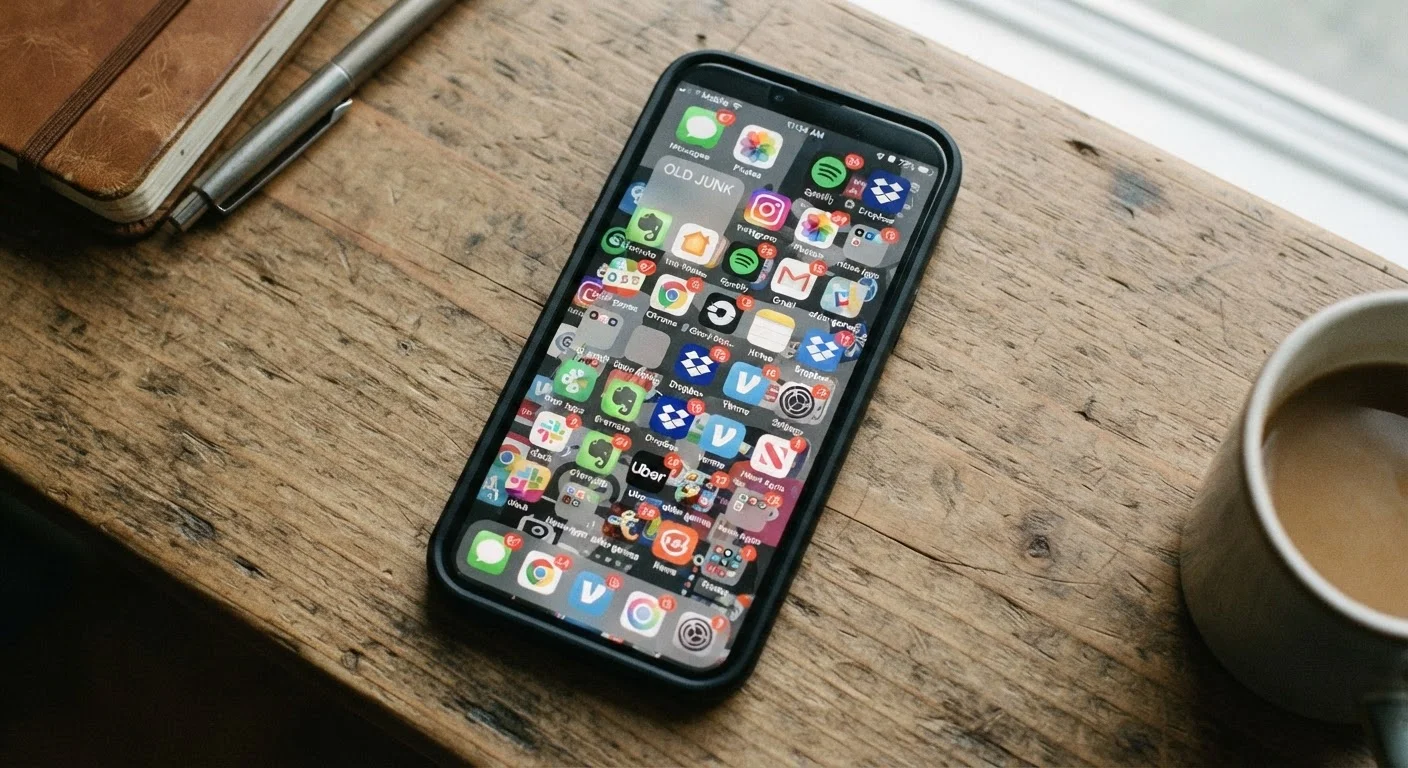
Delete apps you no longer use.
Unused apps can continue running in the background, consuming resources and potentially sending data - even when you've forgotten they're installed. An unmaintained app that no longer receives developer updates also becomes a growing security liability over time.
Enable two-factor authentication (2FA) on accounts linked to your apps.
Many apps connect to accounts that hold sensitive information - email, banking, cloud storage. Two-factor authentication (2FA) requires a second verification step beyond your password, meaning a stolen password alone isn't enough for an attacker to get in.
Check the developer and review count before installing any unfamiliar app.
A quick scan of an app's listing - who made it, how many people have reviewed it, and what those reviews say - can reveal red flags that aren't obvious at first glance. Low review counts combined with vague developer information are common patterns in low-quality or fraudulent apps.
Free Apps and Data Trade-Offs
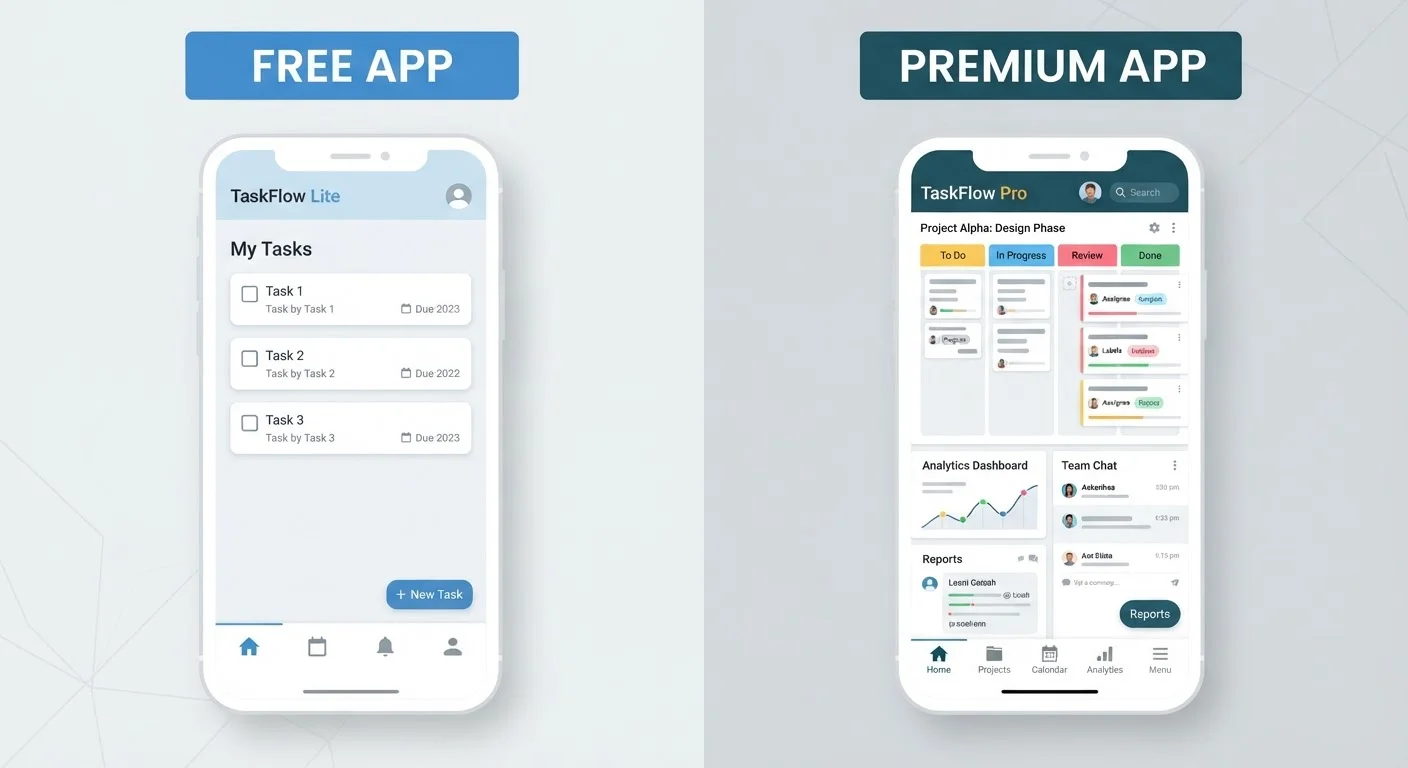
Many free apps are supported by collecting and monetizing user data rather than charging a fee. This doesn't make them automatically unsafe, but it's worth understanding the exchange. Reviewing an app's privacy policy - even briefly - tells you what data is collected and how it's shared. Our breakdown of free vs. paid app tiers can help you read between the lines.
Start Today: Quick Actions With Immediate Impact
You don't need to overhaul your entire digital life to improve your app security. The actions below take minutes and address the highest-impact gaps most people have right now.
Once you've covered these basics, consider running a more thorough review. This step-by-step account security checklist walks you through passwords, recovery options, and connected apps across your key accounts. You may also find it useful to explore the privacy settings most people never touch - many are easy to adjust once you know where to look.