Why App Update Myths Stick Around
Most people tap "Remind me later" on app updates without much thought. The friction is real - updates arrive at inconvenient moments, occasionally change an interface you'd gotten used to, and seem to demand storage you don't have. Those frustrations breed myths, and myths breed habits that quietly put your device and data at risk.
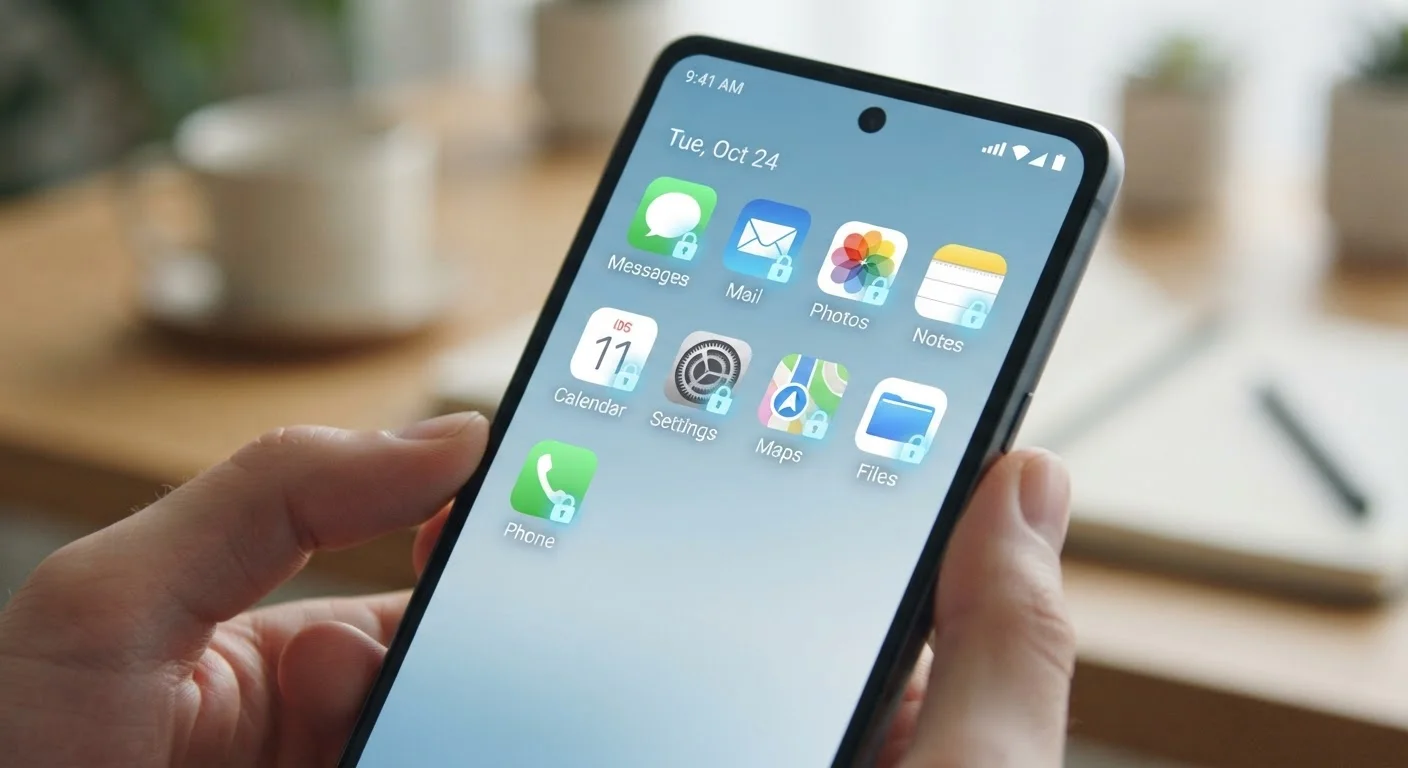
The good news: once you understand what updates actually do, the calculus shifts. Keeping apps current becomes less of a chore and more of a straightforward protective habit - much like the everyday digital hygiene covered in our guide to keeping apps secure.
Myth
App updates are just about adding new features I didn't ask for.
Fact
The majority of app updates - especially minor version releases - address security vulnerabilities and fix bugs, not add features.
Feature additions tend to arrive in major version updates (e.g., moving from version 4 to version 5). Smaller updates, often labeled as patch releases, are almost exclusively about fixing flaws. When developers discover that a piece of code could be exploited by a malicious actor, they issue a patch. Waiting to install it means your device continues to run software with a known, documented weakness - one that attackers may already be aware of.
Myth
If my app is working fine, there's no reason to update it.
Fact
An app can appear to function normally while containing a security flaw that's invisible during everyday use.
Security vulnerabilities don't always manifest as crashes or slowdowns. A compromised app might quietly allow a third party to intercept data, access stored credentials, or escalate permissions - none of which you'd notice during normal use. "Working fine" is about your experience, not about whether the app's code is secure. Relying on perceived performance as a safety signal is one of the most common and consequential digital misconceptions.
Myth
Auto-updates drain my battery and eat up my data.
Fact
Both iOS and Android are designed to run automatic updates over Wi-Fi and during low-activity periods by default.
On most devices, automatic updates are configured to download only when connected to Wi-Fi and to install when the device is charging and idle - typically overnight. The battery and data impact on a well-configured device is negligible. You can verify these settings in your device's app store preferences. If you're on a limited data plan, it's worth double-checking that the "update over cellular" option is turned off rather than disabling auto-updates entirely.
Myth
Developers can push updates that harm my device - it's safer to wait and see.
Fact
App store review processes and code-signing requirements make malicious updates from legitimate developers extremely rare.
Both the Apple App Store and Google Play require developers to sign their updates with verified credentials and submit them through review pipelines. While no system is perfectly impenetrable, the risk of a malicious update from a legitimate, established app is considerably lower than the risk of running an unpatched, vulnerable version. The "wait and see" strategy shifts risk in the wrong direction: it keeps a known vulnerability on your device while adding little practical protection.
Myth
I can just reinstall the app later if something goes wrong.
Fact
Reinstalling an app installs the current version - but any data exposed during the gap cannot be recovered.
If a vulnerability in an outdated app is exploited, the damage may already be done before you reinstall. Stolen credentials, intercepted session tokens, or accessed local data don't get un-accessed when you update or reinstall. Reactive fixes address the software, not the consequences. Treating updates as a prevention strategy rather than a fix-it tool is a more accurate mental model.
The Real Costs of Skipping Updates
Myths about updates don't just cause mild inconvenience - they have measurable downstream effects. Security researchers regularly document cases where vulnerabilities patched in one version of an app are actively exploited against users still running the older version. The window between a patch being released and attackers reverse-engineering it to target unpatched devices can be very short.
60%+
Of mobile breaches tied to unpatched apps
Verizon's Mobile Security Index has consistently found that a majority of mobile compromises involve known vulnerabilities for which patches were already available.
15 days
Median time attackers exploit a new CVE
Research published by security firm Rapid7 has found that the median time from public vulnerability disclosure to active exploitation is often under three weeks.
Beyond security, outdated apps increasingly just stop working well. As cloud services, APIs (application programming interfaces - the connectors between apps and servers), and operating systems evolve, apps that aren't updated lose compatibility. You may notice crashes, missing features, or failed logins - all symptoms of version drift.
It's worth noting that app overload itself compounds the problem: the more apps you're managing, the easier it is to miss critical updates. If you're juggling dozens of rarely used apps, our article on why keeping every app is a quiet drain explains why trimming that list helps.
Watch Out for Fake Update Prompts
Not every "update required" message you see is legitimate. Some phishing sites and malicious ads mimic system update alerts to trick users into downloading harmful software. Always update apps through your device's official app store - never through a pop-up on a website or a link in an unsolicited message. If you're unsure, go directly to your app store and search for the app manually.
The pattern of dismissing important maintenance - whether it's skipping permits on home renovations or ignoring app patches - tends to create larger problems down the line. The short-term convenience rarely outweighs the compounding risk. Similarly, internet myths that many people still believe shows how small misconceptions quietly erode digital safety over time.