The Hidden Cost of a Crowded App Drawer
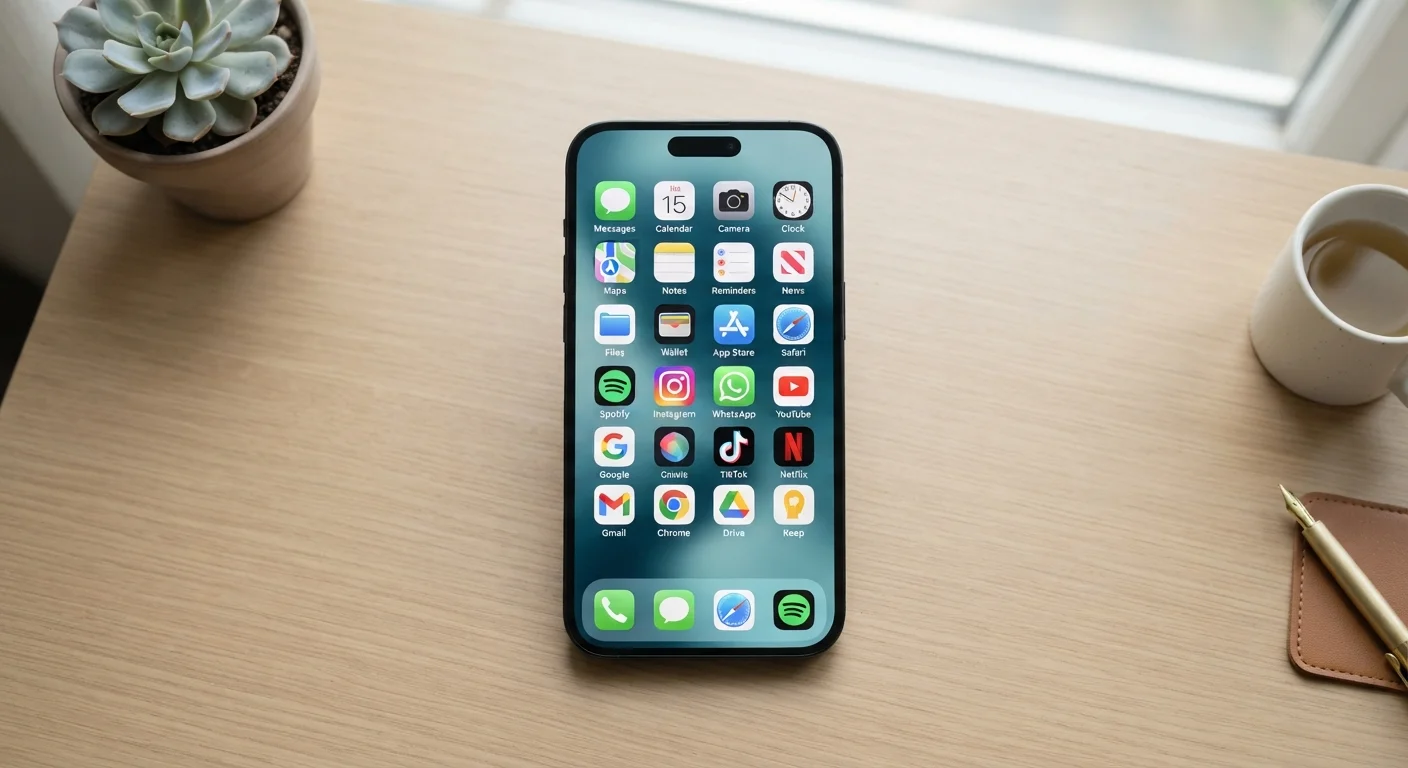
Most people don't think twice about downloading a new app. It's free, it takes thirty seconds, and maybe you'll use it someday. But over months and years, that habit stacks up into something with real consequences for your device and your attention.
App overload isn't just a storage problem - it's a performance problem, a privacy problem, and, for many people, a focus problem. Understanding exactly why will help you decide what's actually worth keeping on your phone.
40+
Average apps installed per US smartphone
Research from various mobile analytics firms consistently shows US users maintain dozens of apps, with a significant portion opened rarely or never.
~25%
Apps used only once after download
Mobile industry studies have repeatedly found that roughly one in four downloaded apps is opened once and then effectively abandoned.
Common Mistakes That Turn Downloads Into Dead Weight
Most people make the same handful of errors when managing their apps. Recognising them is the first step toward a leaner, faster device. See our practical guide to app clutter for a full audit method once you've spotted these patterns.
Downloading apps impulsively and never revisiting them.
Why it happens: App stores make installation nearly frictionless, and the 'I might need this later' mindset is powerful. There's rarely a moment that prompts a second look.
Assuming unused apps have no impact if you never open them.
Why it happens: It feels logical - if you're not using an app, it shouldn't be doing anything. But most modern apps are designed to run background refresh cycles regardless of user activity.
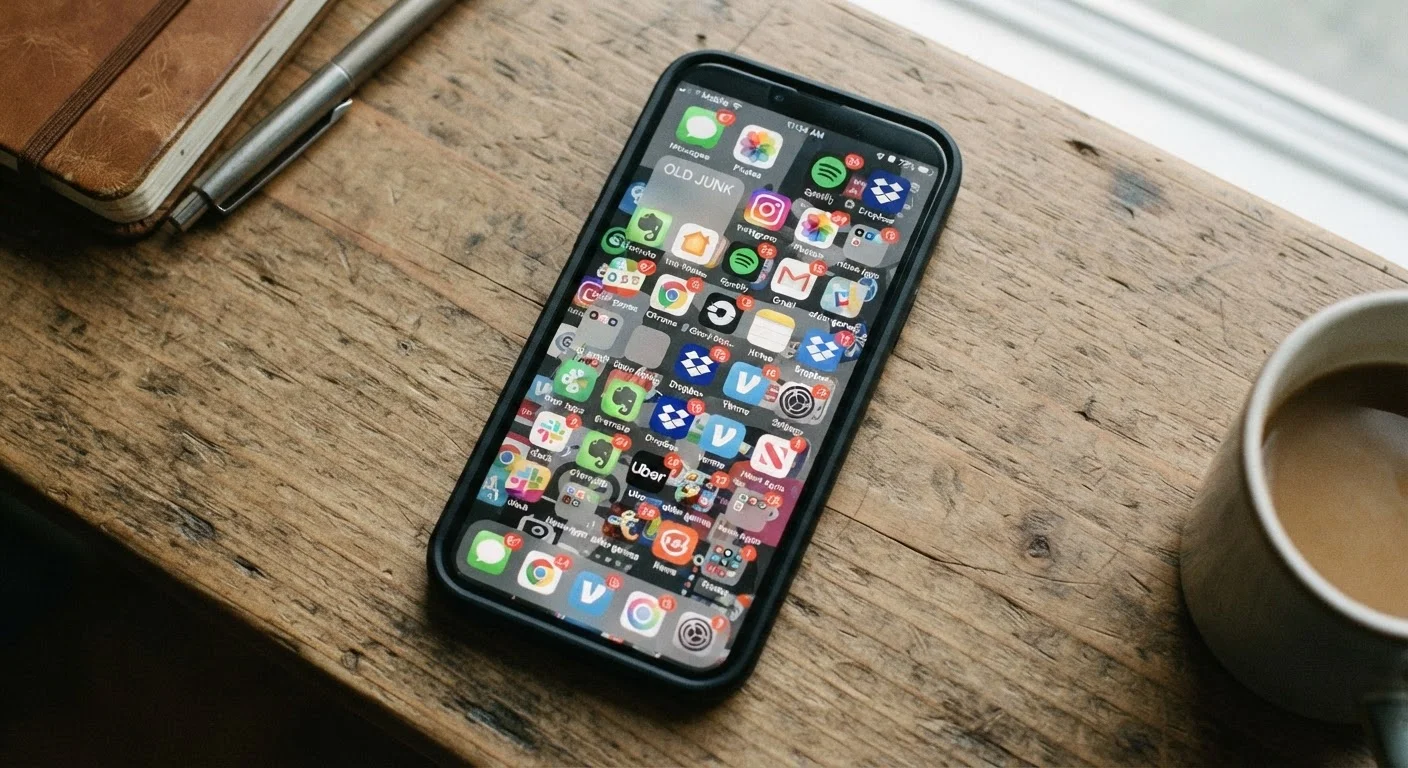
Keeping duplicate apps that serve the same purpose.
Why it happens: You try a new notes app, never fully commit, and keep the old one as a backup. This pattern repeats across categories - maps, weather, messaging - until you have three versions of the same tool.
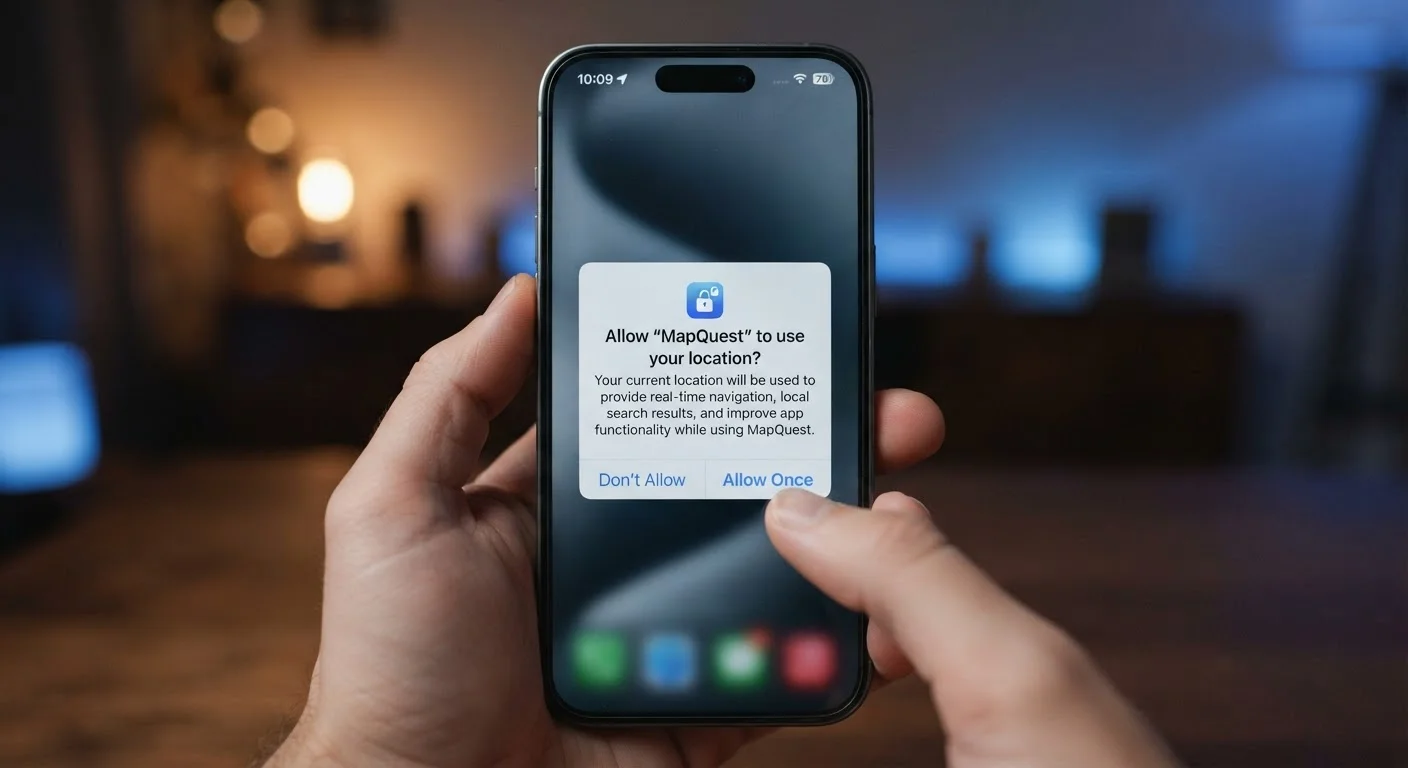
Ignoring the permissions apps retain long after you stop using them.
Why it happens: Permissions are granted at install and rarely reviewed afterward. Most people don't think about what access an old app still holds.
Treating storage warnings as the only reason to delete apps.
Why it happens: Storage is a visible, concrete metric, so it becomes the default trigger. But performance degradation and privacy exposure tend to happen long before the 'storage full' notification appears.
Why Dormant Apps Are a Privacy Risk, Not Just Clutter
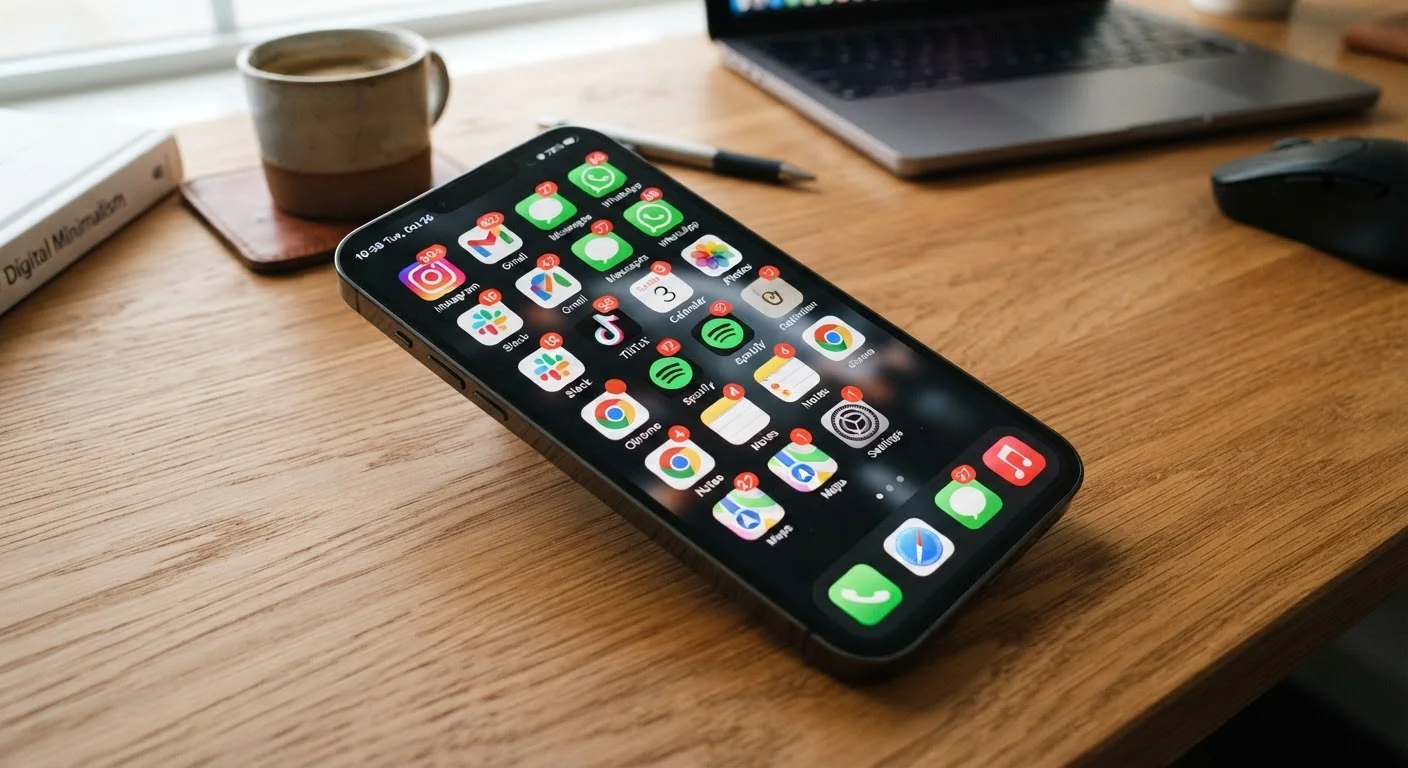
An app you haven't opened in eight months can still be active in ways that matter. Many apps continue to refresh content, ping location servers, or sync data in the background - even when you never launch them. This isn't theoretical: background activity is one of the leading causes of unexplained battery drain and data usage. Check the signs your phone is running too many background apps if you've noticed sluggish performance or faster-than-usual battery drain.
Beyond performance, dormant apps retain the permissions you granted at install. An old photo-editing app may still have access to your camera, microphone, or precise location. For a plain-language breakdown of what those requests actually mean, see our guide on app permissions and what each one really means. And because many of these apps are free and ad-supported, their data practices deserve scrutiny - the privacy trade-offs inside free apps aren't always obvious.
Background App Activity Adds Up Quietly
Even apps you never open can consume mobile data and battery life through background refresh. On both iOS and Android, you can see exactly which apps are using resources in the background via your device's battery or data settings. Reviewing this list periodically - not just when your battery is struggling - is a simple habit with real payoff.
Keeping your remaining apps updated is equally important. Outdated apps are a common attack surface, and the reasons to keep them current go well beyond new features - read more about common myths about app updates to understand what skipping them actually costs. For broader habits around app safety, the guide on keeping apps secure covers the practices that make a genuine difference.
Dormant Apps Still Hold Your Data Access
Deleting an app removes it from your device, but it does not automatically delete the data the app's developer already collected. If data privacy is a concern, check the app's account deletion or data removal process before uninstalling. Many apps require you to delete your account separately through their settings or website to fully remove stored information.