Why Background Apps Are Worth Your Attention
Every smartphone runs a mix of active and background processes. Active processes are the apps you're looking at right now. Background processes are everything else - apps refreshing their feeds, checking for messages, syncing data, or simply waiting in a ready state. On their own, a few background apps are harmless and even useful. The problem starts when dozens of apps are doing this simultaneously, or when apps you never open are quietly consuming resources around the clock.
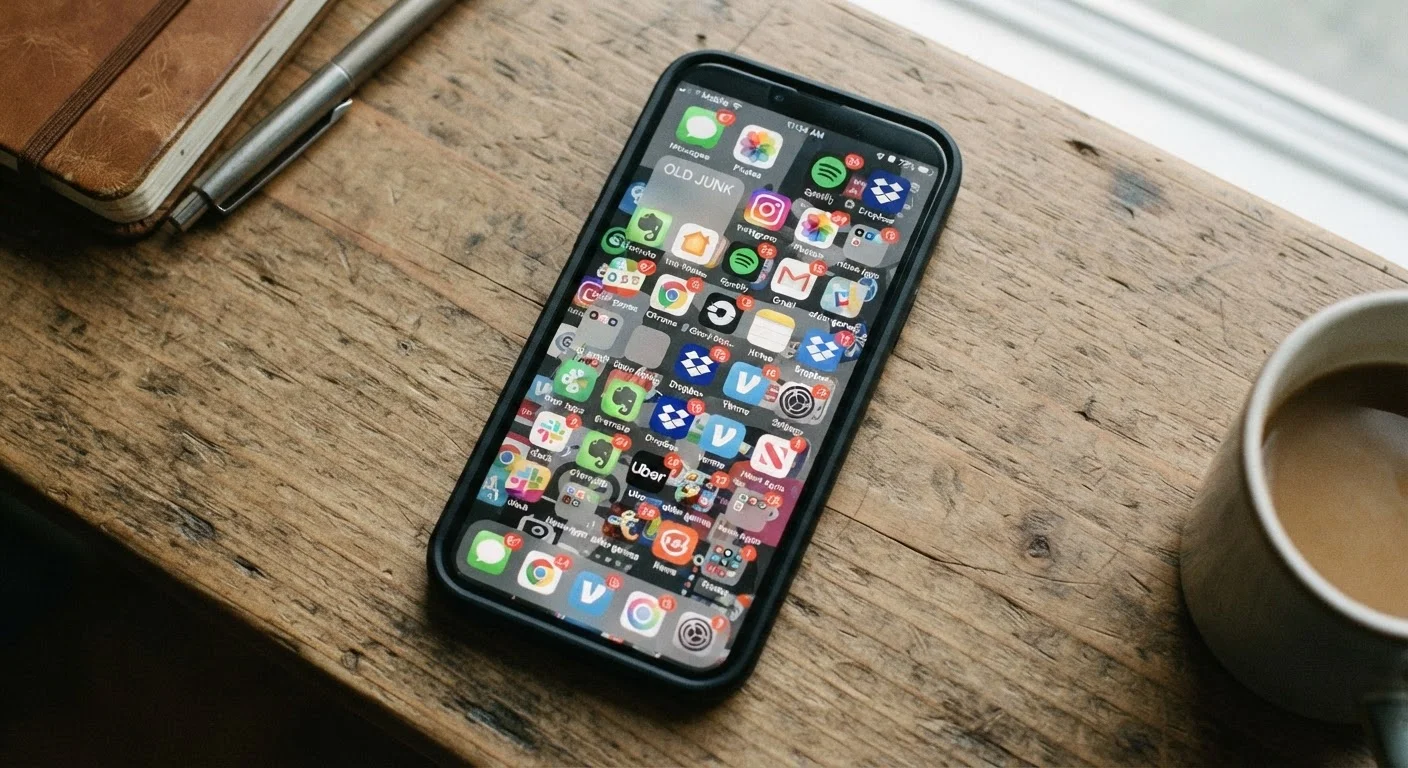
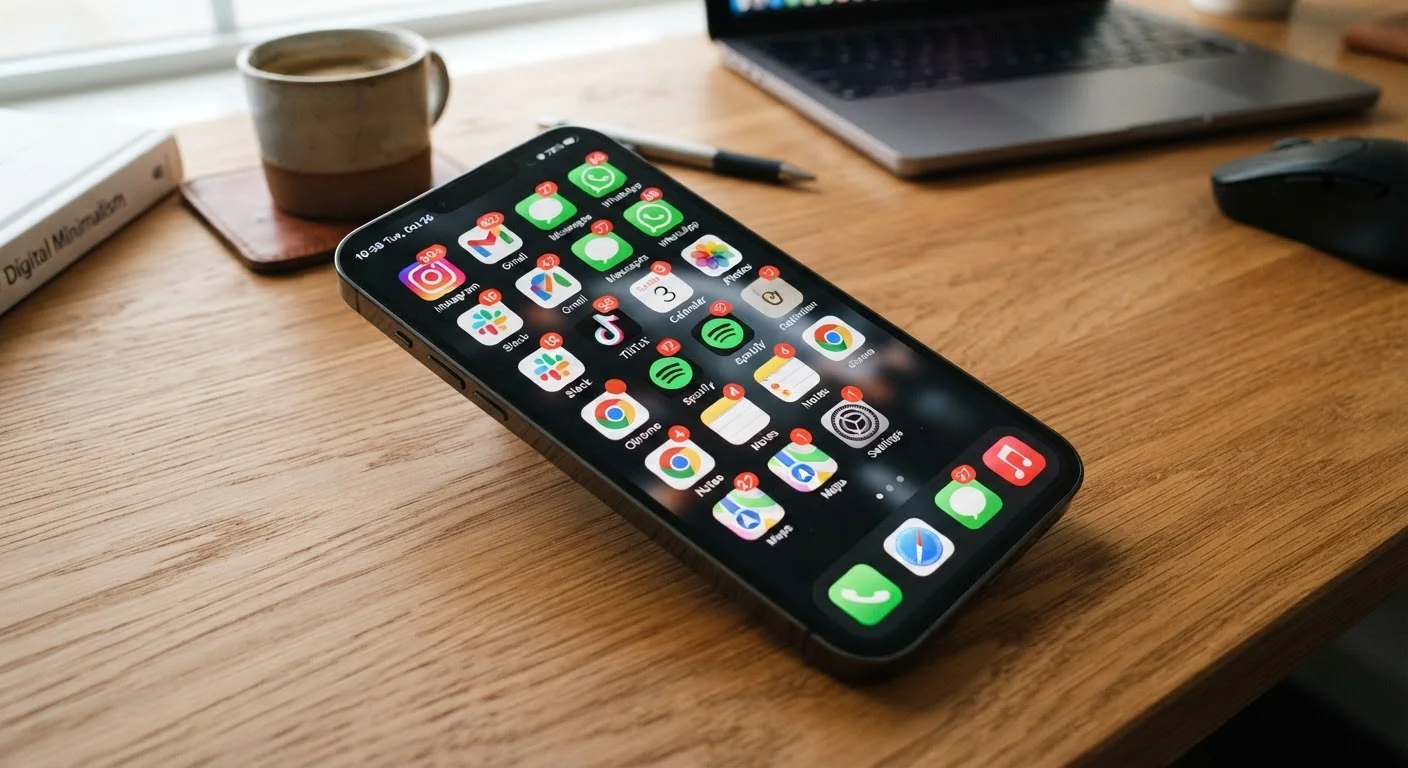
The symptoms are easy to dismiss individually - a battery that doesn't quite make it through the day, a phone that feels warm in your pocket, data charges slightly higher than expected. But together, these signals form a clear picture. As the quiet drain of accumulated apps describes, the problem often builds gradually, making it easy to normalise performance that's actually well below what your device is capable of.
The checklist below walks you through the most reliable signs of background app overload, and the specific settings you can use to address each one. No technical expertise required - just your phone's built-in menus and about 20 minutes.
Battery Usage Screen (iOS / Android built-in)
Shows which apps have consumed the most battery over the past 24 hours or 10 days, making it easy to spot background overuse.
Mobile Data Usage Log (iOS / Android built-in)
Breaks down data consumption by app, including a background-data figure, so you can identify apps refreshing without your input.
Background App Refresh Settings (iOS)
Lets you selectively disable background refresh for individual apps, reducing unnecessary wake cycles and data use.
Battery Optimisation / Restriction Settings (Android)
Allows you to restrict specific apps from running in the background or using battery when not actively in use.
App Permission Manager (iOS / Android built-in)
Central hub for reviewing and adjusting location, notification, and other permissions that enable background activity.
How to Use This Checklist
Work through each group in order. The first two groups focus on identifying whether you have a problem worth addressing. The third group - the data usage audit - is often the most revealing, because mobile data logs don't lie about which apps are active in the background. The final group gives you the concrete settings steps to fix what you find.
You don't need to act on every item. If your battery life is fine and your phone runs cool, some of these checks are simply good habits to build into an occasional digital tidy-up. If you are seeing multiple warning signs, prioritise the battery and data sections first.
Performance Warning Signs
Battery and Heat Indicators
Data Usage Audit
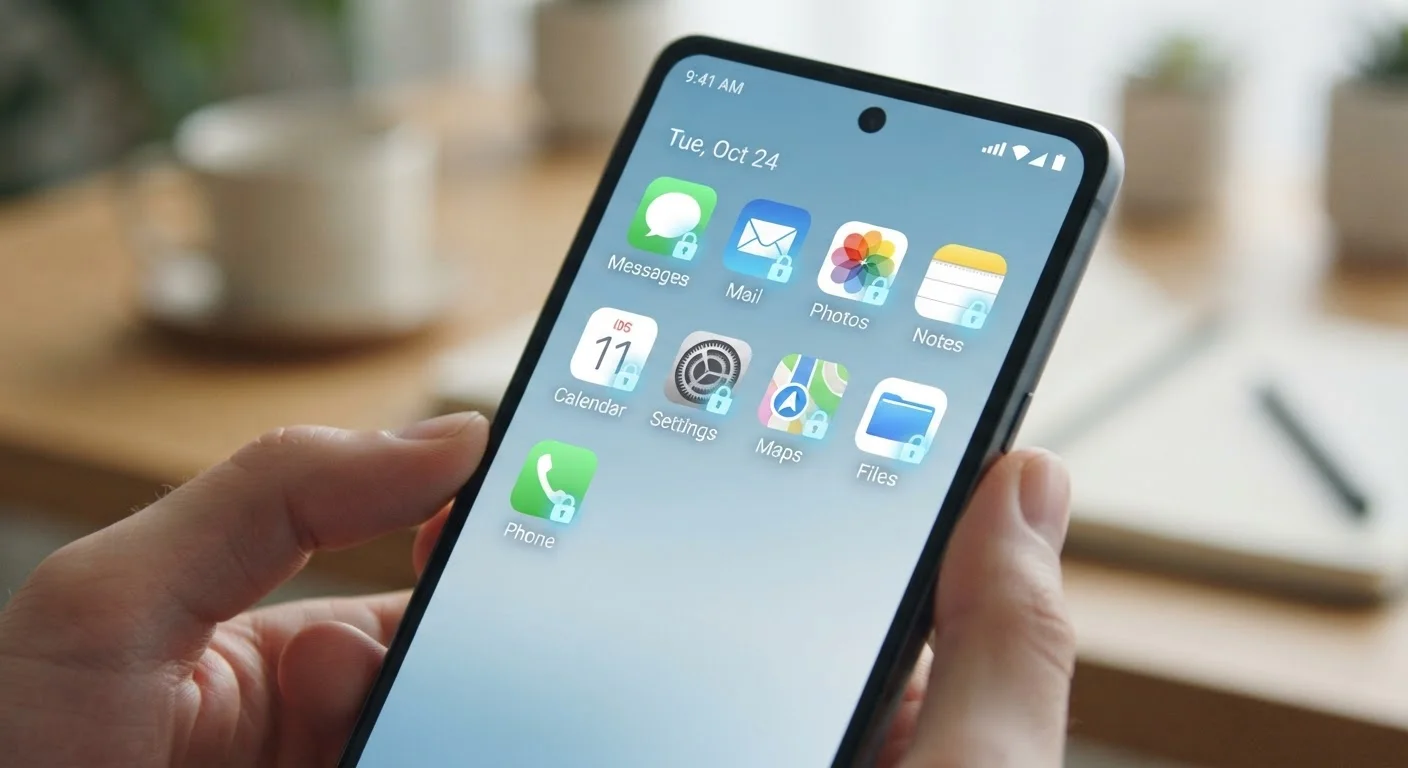
App Permission and Background Refresh Review
Once you've worked through these steps, consider whether any of the apps you've restricted are ones you truly use. If not, removing them entirely is often more effective than managing their settings - and a good starting point for organising your digital life more broadly.
Restricting the Wrong Apps Can Cause Problems
Not every background-running app is a problem. Email clients, navigation apps, and health trackers often rely on background refresh to function as expected. Before restricting an app, consider whether you depend on it for timely updates - for example, disabling background refresh on your mail app may mean messages only appear when you manually open it.
High Data Use Could Indicate a Security Issue
If an app you rarely use is consuming large amounts of background data, it isn't always just inefficiency - in some cases it can indicate malware or an app behaving outside its stated purpose. If you can't explain the data use and the app came from outside an official app store, consider removing it and running a security review. See our guide on keeping apps secure for practical next steps.
A Note on Privacy and Free Apps
Background data activity isn't only a performance issue. Many free apps fund themselves through advertising networks that collect data about your behaviour, location, and usage patterns - much of this happens in the background, not while you're actively using the app. If you've noticed apps refreshing constantly without obvious benefit to you as the user, it may be worth reading about the privacy trade-offs inside free apps before deciding which ones to keep.
Your Built-In Settings Are Your First Line of Defence
You don't need a third-party app to audit or control background activity - both iOS and Android include detailed, reliable tools for this. Using your device's built-in battery and data screens is almost always enough to diagnose the problem. Be cautious of apps marketed as 'battery boosters' or 'RAM cleaners'; independent research has consistently found that many of these provide little real benefit and can themselves become a source of background drain.
Reviewing your app permissions - especially location access - is one of the simplest ways to reduce both background drain and unintended data sharing at the same time. Treat it as routine maintenance, the same way you'd periodically clear out a cluttered inbox.