Why 'Free' Is a Business Model, Not a Gift
Building, maintaining, and updating an app costs real money. When an app charges nothing at download, that cost has to be recovered somewhere. For the vast majority of ad-supported apps, the answer is your attention and your data.
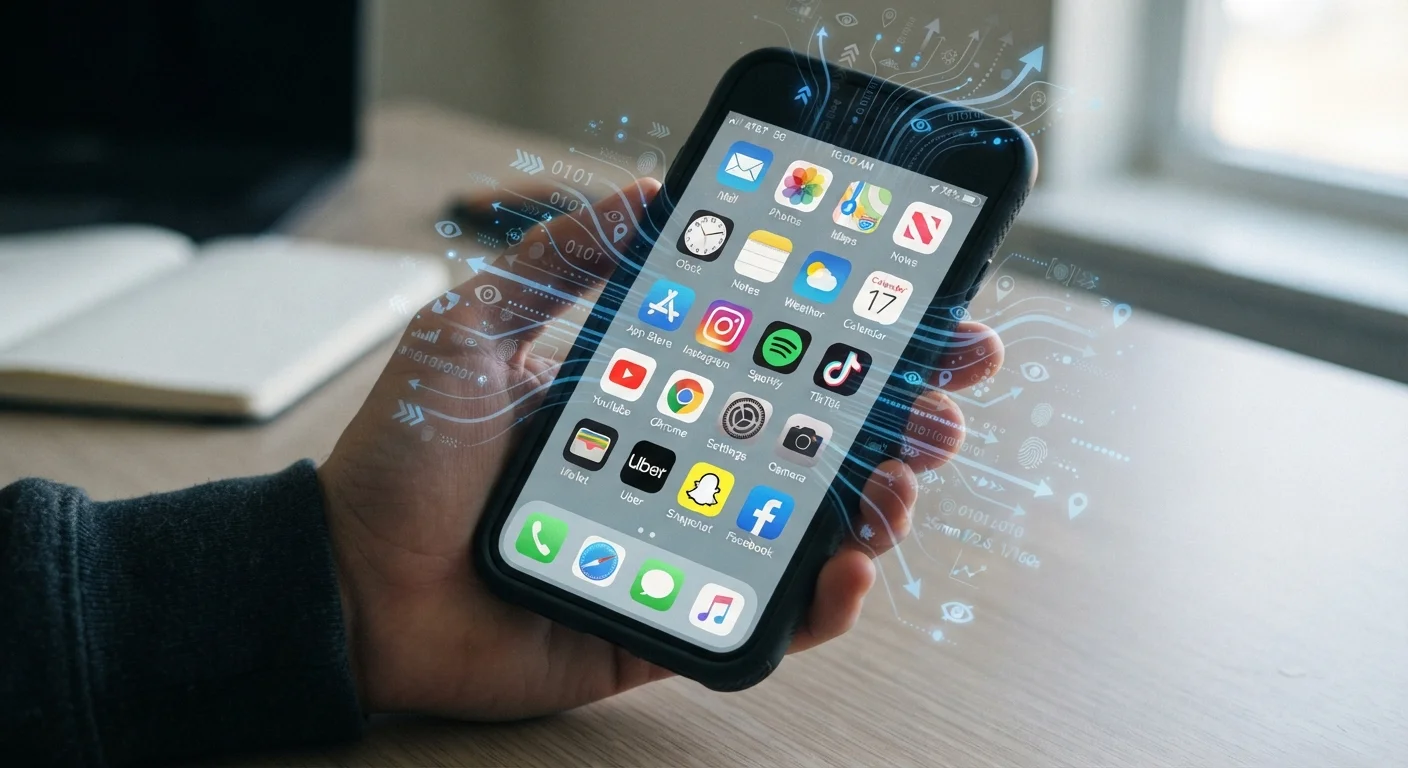
Advertisers pay to reach specific audiences. To define those audiences, apps collect signals about who you are and how you behave - your location, the content you engage with, how long you spend on certain features, and the device you're using. This data is packaged, often alongside data from many other users, and used to serve ads that are more likely to get a click.
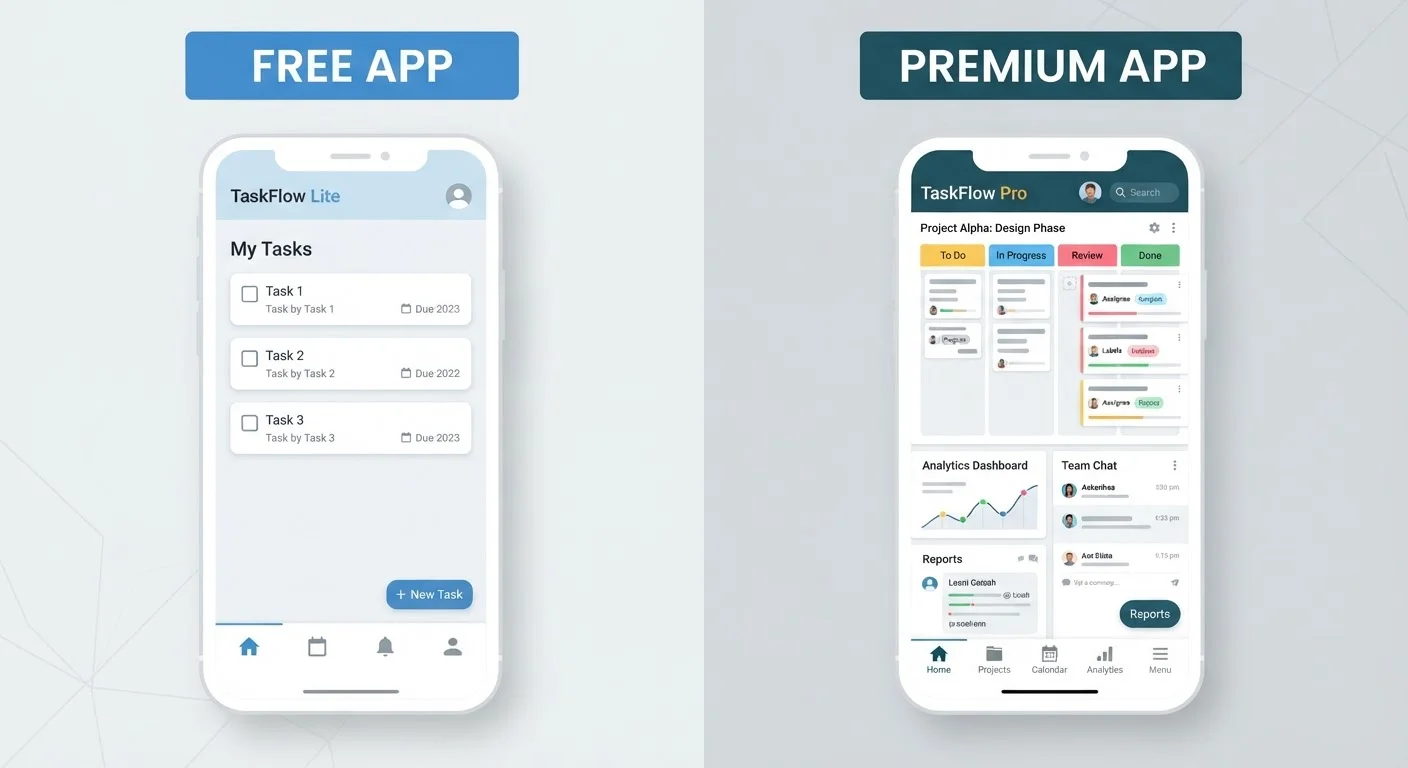
This isn't inherently sinister - it's an openly disclosed business model. The challenge is that the disclosure lives in privacy policies most people never read, written in language that rarely makes the implications plain. Understanding the model is the first step to making a genuinely informed choice about which apps you invite into your daily routine. For a broader look at what you gain and give up across free and paid tiers, see our breakdown of free vs. paid app tiers.
72%
Share of top free apps using ad tracking SDKs
Analysis of popular app store titles has consistently found that a large majority of free apps embed at least one third-party advertising or analytics SDK.
87%
US adults concerned about data privacy
According to Pew Research Center surveys, most American adults report concern about how companies use their personal data, yet continue using ad-supported apps regularly.
3-5
Average third-party SDKs per free app
Mobile security researchers have found that the average free consumer app embeds multiple third-party tracking or analytics libraries, each with its own data-sharing practices.
What Data Free Apps Commonly Collect
The types of data collected vary by app category and purpose, but several categories appear across most ad-supported software:
- Device identifiers: A unique ID tied to your phone or tablet, used to track behavior across sessions and sometimes across apps.
- Location data: Ranging from general region to precise GPS coordinates, depending on permissions granted. Even apps that don't obviously need location sometimes request it.
- Usage patterns: Which features you tap, how long you linger, what you search for within the app, and when you use it.
- Crash and diagnostic data: Technically for stability, but often bundled with analytics that reveal behavioral patterns.
- Cross-app tracking: On some platforms, data is linked across multiple apps from different developers to build a richer profile.
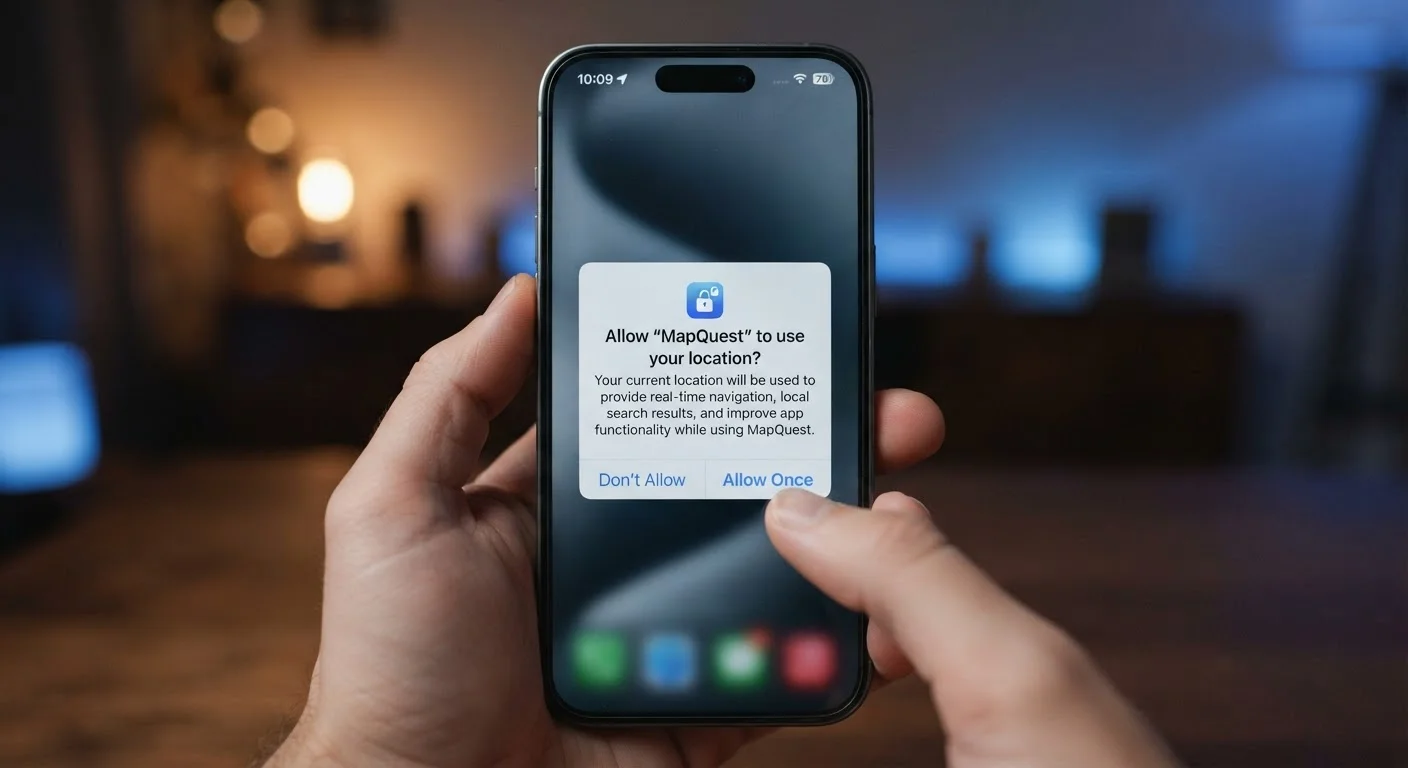
The permissions an app requests are the clearest signal of what it intends to access. Understanding what each permission request actually means helps you decide when to approve and when to decline.
Check the App Store's Data Labels First
Before downloading any free app, scroll to the Privacy section on its App Store or Google Play listing. Apple's 'App Privacy' labels and Google's 'Data Safety' section give you a quick summary of what data the app collects and whether it's linked to your identity. It's not a substitute for reading the full privacy policy, but it surfaces red flags in under a minute.
How to Read a Privacy Policy Without Getting Lost
Privacy policies are long by design - but you don't need to read every word to understand the key risks. Focus on three sections:
- Data we collect: Lists what information the app gathers directly from your use.
- How we share your information: This is the most consequential section. Look for phrases like "advertising partners," "third-party networks," or "data brokers." These indicate your data leaves the developer's hands.
- Your choices: Many apps are required to offer opt-outs for certain types of data use. This section explains what control, if any, you actually have.
If a policy says data is shared with "trusted partners" without naming them or describing limits, that's worth noting. Vague language in this section typically means broad sharing.
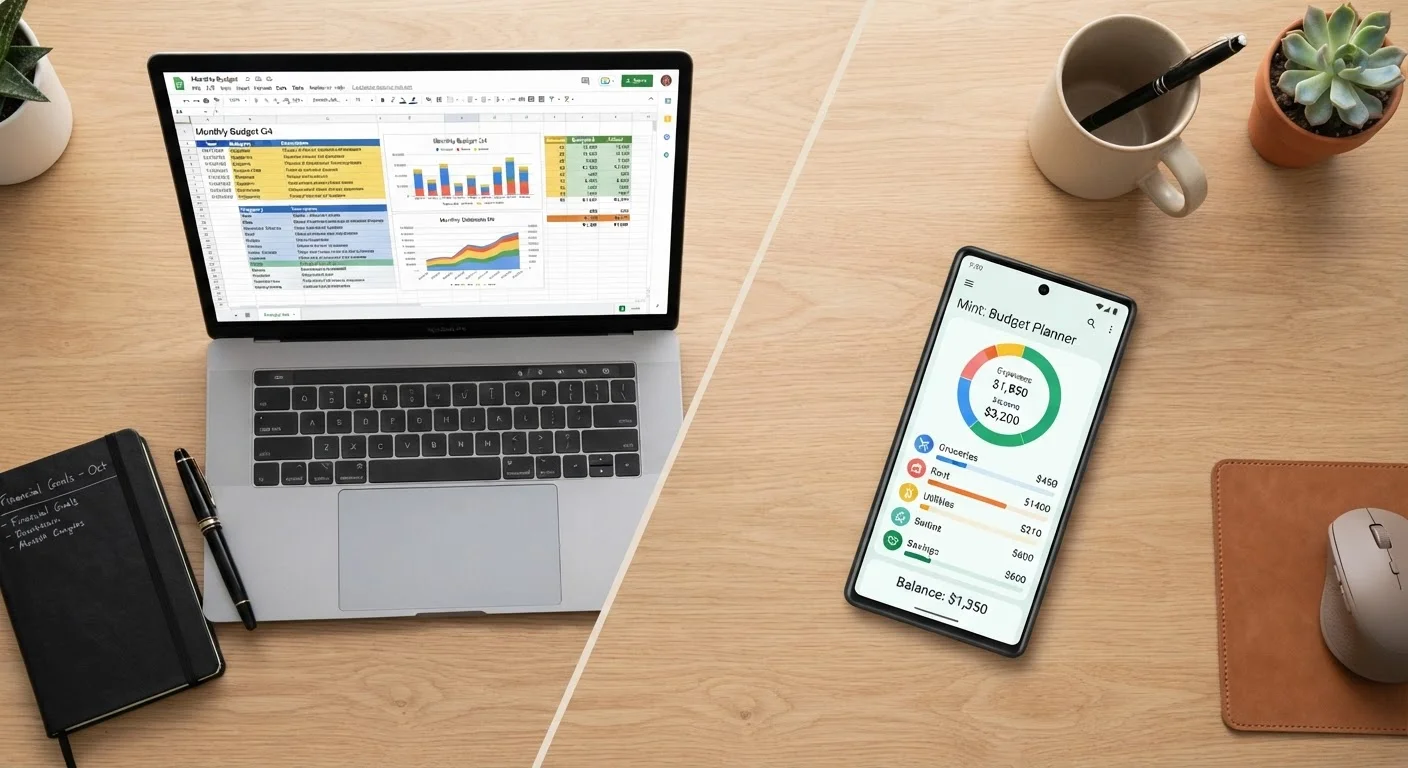
Finance apps deserve particular scrutiny. If you're comparing tools for managing your budget, the privacy dimension of app-based budgeting is a meaningful factor in that decision.
Practical Steps to Reduce Your Exposure
You don't have to abandon free apps to protect your privacy. A few consistent habits meaningfully reduce how much data you share:
- Audit permissions after installing: Go to your phone's settings and revoke any permission that doesn't directly serve the app's purpose. A flashlight app has no legitimate need for your contacts.
- Use 'only while using the app' for location: Most phones allow location access only while the app is active, rather than continuously in the background.
- Opt out of ad personalization: Both Android and iOS offer system-level settings to limit ad tracking. Individual apps may also have their own opt-out in settings or account preferences.
- Delete apps you no longer use: Dormant apps can continue collecting data in the background. Unused apps carry costs beyond storage - removing them reduces both clutter and exposure.
- Consider security hygiene alongside privacy: Keeping your apps secure and limiting their data access are complementary habits, not separate concerns.
Opting Out Has Real Limits
Ad opt-out controls - both at the system level and within individual apps - typically stop ad personalization, not data collection entirely. An app may still gather usage data, device identifiers, and diagnostics even after you've opted out of targeted ads. These opt-outs reduce the commercial value of your data profile; they don't erase it.