What Each Approach Actually Involves
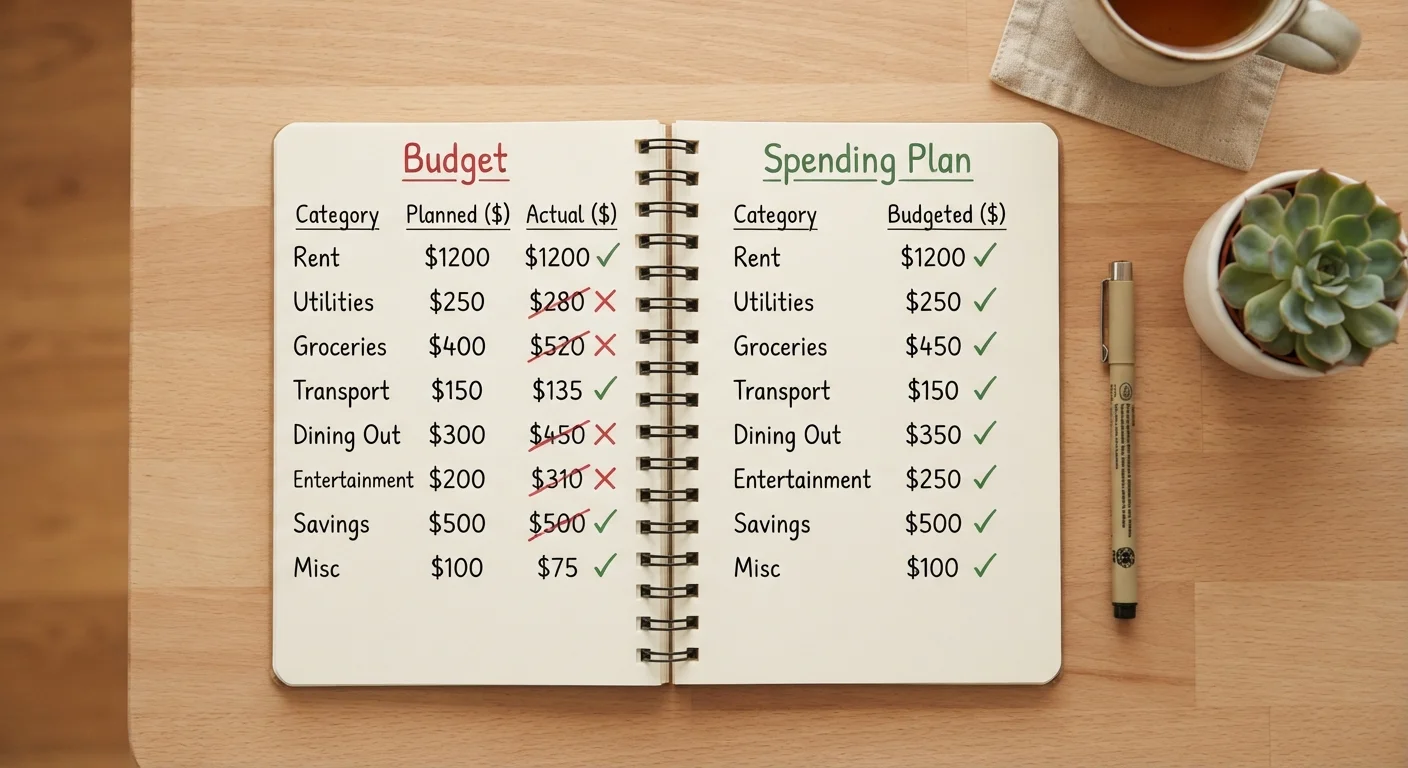
Before deciding which tool fits your life, it helps to understand the real day-to-day experience of each. Understanding how a budget differs from a spending plan matters here too - the tool you pick should match the mindset you're working from.
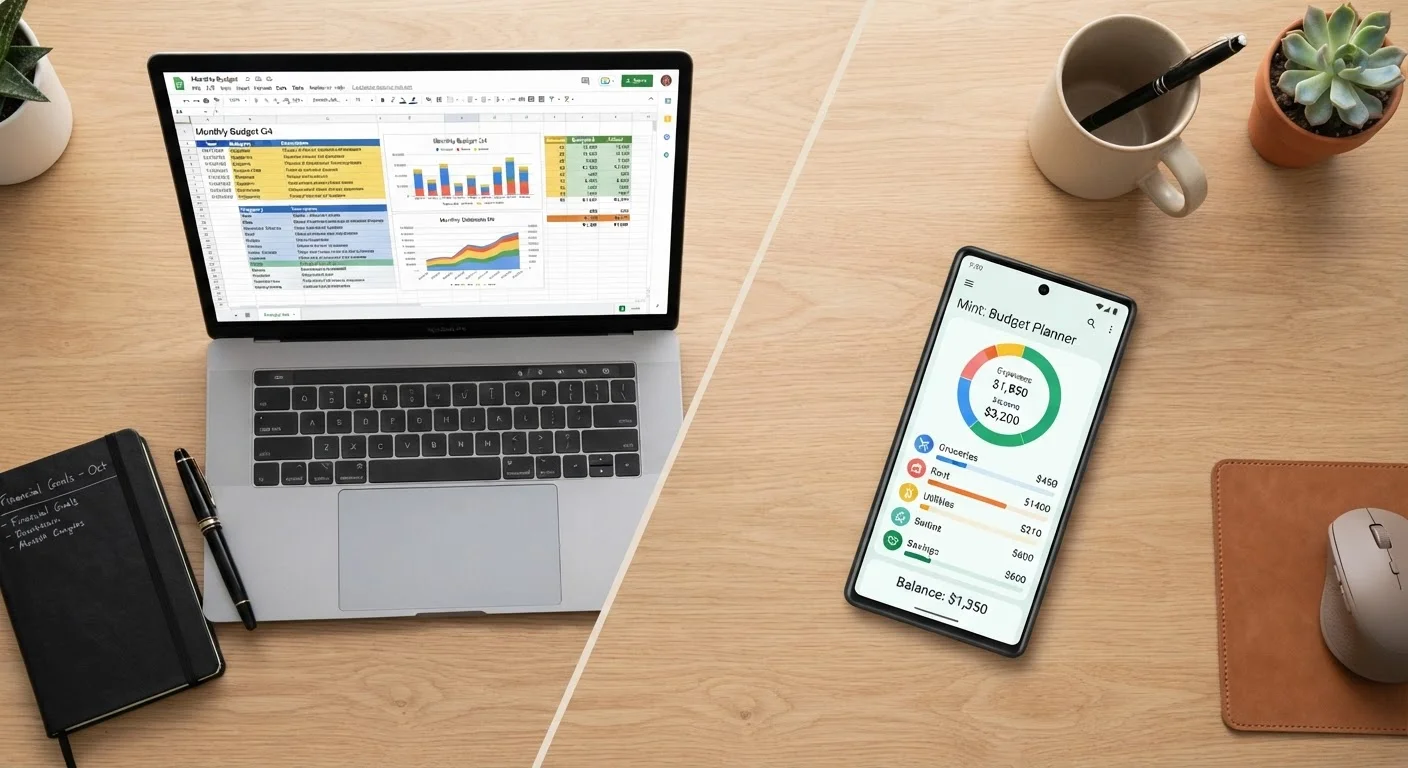
Spreadsheet budgeting means building and maintaining your own tracking system in a tool like Google Sheets or Microsoft Excel. You define the categories, input transactions manually or import them via CSV, and create whatever formulas and summaries make sense to you. The upside is that nothing is off-limits. The downside is that the system only works if you keep feeding it data - it won't do that on its own.
App-based budgeting typically involves connecting your bank accounts and credit cards directly to a third-party app. Transactions are pulled in automatically and sorted into categories. Most apps layer on visual dashboards, spending alerts, and goal trackers. The setup is faster, but you're working within the app's structure rather than your own.
| Criterion | Spreadsheet Budgeting | App-Based Budgeting |
|---|---|---|
| Setup time | Higher - build from scratch | Lower - guided onboarding |
| Ongoing effort | Manual data entry required | Mostly automated |
| Customization | Unlimited | Limited to app's options |
| Data privacy | Stays local or cloud-synced | Stored on third-party servers |
| Cost | Often free | Free tier or subscription |
| Learning curve | Moderate to high | Low to moderate |
| Visual dashboards | DIY charts only | Built-in and automatic |
Flexibility and Structure: Who Controls the Framework
The flexibility gap between the two approaches is real and worth weighing carefully. In a spreadsheet, you can track fixed and variable expenses exactly as they appear in your life - splitting a category, adding a custom calculation, or modeling next month's cash flow is just a formula away. If your income varies month to month, that adaptability is especially valuable.
Apps, by contrast, give you a predefined structure you can adjust only within their allowed parameters. For most standard budgets, that's more than enough. But if your financial situation is complex - freelance income, shared household expenses, or multiple savings goals running in parallel - you may find yourself working around the app rather than with it.
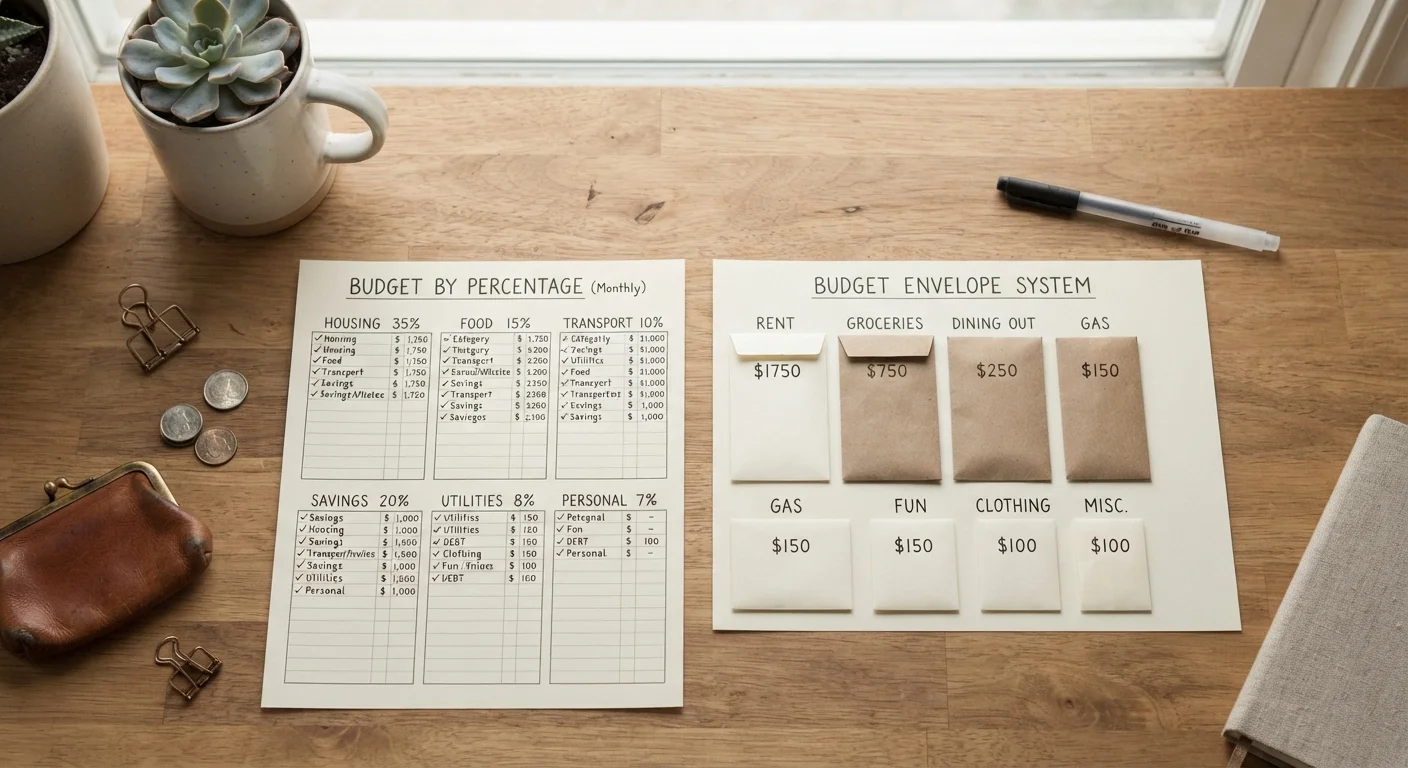
That said, flexibility cuts both ways. A blank spreadsheet can be paralyzing if you don't already have a budgeting framework in mind. If you're exploring different approaches, it helps to first consider which budgeting framework fits your life before committing to a tool.
~60%
Adults without a working monthly budget
Surveys from the National Foundation for Credit Counseling have consistently found that a majority of U.S. adults do not maintain a detailed monthly budget.
1 in 3
App users who stop after 30 days
Research on personal finance app retention suggests roughly a third of users disengage within the first month, often citing habit formation as the barrier.
Privacy, Cost, and What You're Actually Agreeing To
One of the most underappreciated trade-offs is data privacy. Budgeting apps that sync with financial institutions require you to authenticate those connections - often through a third-party aggregator service. Your transaction data lives on servers outside your control, governed by the app's privacy policy and terms of service, which can change. That's not a reason to avoid apps outright, but it's worth reading those terms before linking your accounts.
Spreadsheets keep your data wherever you save the file. A locally stored spreadsheet shares your financial information with no one. If you use a cloud-synced version (Google Sheets, for example), that data lives on Google's servers - but you're not handing over bank credentials.
Cost is the other practical factor. Many capable spreadsheet tools are free or already included in software you use. Budgeting apps often follow a freemium model - the free tier may cover basic needs, but key features (syncing multiple accounts, detailed reporting, bill tracking) typically sit behind a subscription. What free vs. paid app tiers actually deliver is worth understanding before committing. And as covered in detail elsewhere, subscription costs accumulate differently than one-time purchases - a $10/month budgeting app costs $120 per year, every year.
Neither Tool Replaces the Habit
The most important variable in any budgeting system isn't the tool - it's whether you actually use it. A well-maintained spreadsheet will outperform a neglected app every time, and vice versa. Choose the method that lowers friction enough that you'll return to it each week. Your ideal approach may also shift as your life circumstances change.
This article is for general informational purposes only and is not personalized financial advice. For guidance specific to your financial situation, consider speaking with a qualified financial professional.