Why Privacy Habits Matter Before Something Goes Wrong
Most people think about online privacy after a problem - a suspicious login alert, a friend who got hacked, or a news story about a data breach. By then, undoing the damage is significantly harder than preventing it. Privacy habits work like seatbelts: you wear one every trip, not just on roads where you expect trouble.
This isn't about fear. It's about reducing the ongoing friction that makes you a soft target. The internet runs on data, and a lot of that data is yours - your browsing patterns, purchase history, location, and contact details. The more deliberately you manage it, the less of it circulates in places you'd never consciously choose. See common reasoning patterns that leave users exposed for context on how small misjudgments compound over time.
Use a unique, strong password for every account you own.
Reusing passwords means a single breach can unlock dozens of accounts. Attackers routinely run 'credential stuffing' attacks - automatically trying stolen username-password pairs across popular sites. A unique password for each account contains the damage to just one service.
Enable two-factor authentication (2FA) on every account that offers it.
Two-factor authentication (2FA) requires a second proof of identity - typically a code from an app or a text message - beyond just your password. Even if someone obtains your password, they still can't access your account without that second factor. App-based authenticators generally offer stronger protection than SMS codes.
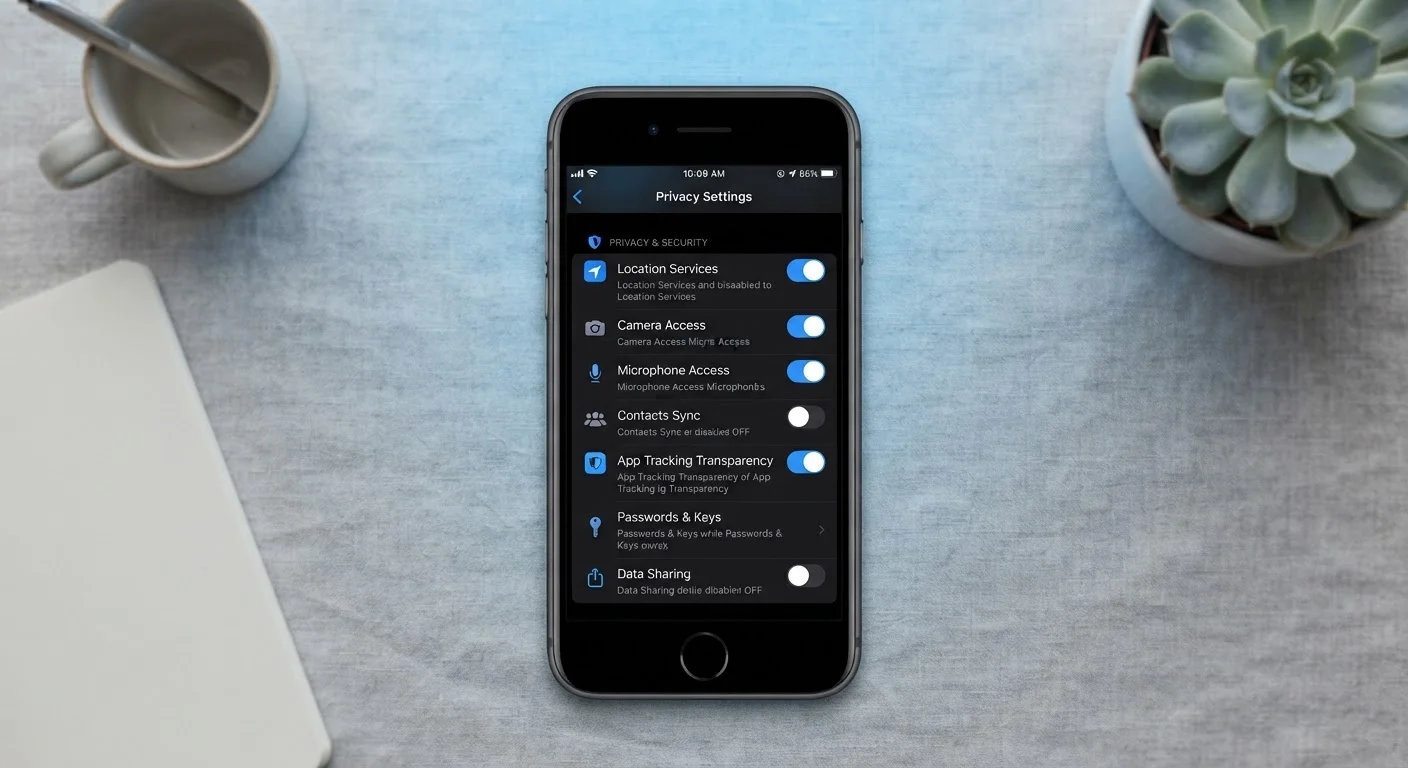
Audit and restrict app permissions on your devices regularly.
Apps frequently request access to your camera, microphone, contacts, and location - often beyond what they need to function. Unused apps with broad permissions are a silent privacy drain. Reviewing permissions every few months keeps your exposure in check. See app security practices that genuinely reduce risk for a fuller picture.
Be deliberate about what personal information you share online.
Every piece of information you volunteer - your real birthday on a social profile, your phone number on a contest form, your home city in a forum post - feeds into profiles assembled by data brokers and used by advertisers and scammers alike. Sharing less by default is a simple, durable protection.
Verify websites before entering any personal or financial information.
Phishing sites often closely mimic legitimate services. A padlock icon alone does not guarantee a site is trustworthy - it only means the connection is encrypted. Learning to read the full URL and look for other trust signals significantly reduces the risk of entering credentials on a fake page.
Core Practices That Create a Durable Privacy Foundation
These aren't advanced techniques - they're consistent behaviors that meaningfully reduce your digital exposure. Each one addresses a specific, real-world vulnerability.
80%+
Of breaches involving stolen or weak credentials
Verizon's Data Breach Investigations Report has consistently found that the large majority of hacking-related breaches exploit weak, reused, or stolen passwords.
99.9%
Of automated attacks blocked by MFA
Microsoft's security research has indicated that enabling multi-factor authentication blocks the vast majority of automated account compromise attempts.
If you're unsure where to start, a structured account security audit checklist can help you methodically work through your most important accounts.
Quick Actions You Can Take Today
You don't need to overhaul your entire digital life at once. These quick wins create immediate, measurable improvements with minimal effort.
For readers who want to go deeper, commonly ignored privacy controls across email, social media, and devices are worth exploring next. If you're curious whether your browser extensions might be working against you, browser extensions come with trade-offs worth understanding.
Traveling? Your habits matter more on the road.
Public Wi-Fi at airports, hotels, and cafés is a common attack surface. Avoid logging in to sensitive accounts - banking, email - while on unsecured networks. If you travel frequently, understanding how to protect your devices and data while traveling is worth the time. A VPN can help, but it's only one part of the picture - see how VPNs, proxies, and Tor actually differ before assuming any tool covers all your needs.
Making Privacy a Habit, Not a Project
The biggest obstacle to online privacy isn't technical knowledge - it's treating it as a one-time task rather than an ongoing practice. Setting up strong passwords once, then never revisiting them, leaves you exposed as services change and old accounts accumulate.
Think of it as a light maintenance schedule: review connected apps on your key accounts every few months, check whether services you no longer use still have access, and update recovery information when your contact details change. Evidence-informed daily security habits can make this feel natural rather than burdensome.
Data you share today can surface in unexpected places years later. Understanding how data brokers collect and sell personal information is one more reason to be deliberate about what you volunteer. Privacy isn't a destination - it's a direction you keep moving in.