The Problem With How Most People Handle Passwords
The average person manages accounts across dozens of services - banking, email, streaming, shopping, social media, and work tools. Keeping track of unique, complex passwords for all of them is genuinely hard. So most people take shortcuts: they reuse the same password across sites, choose something memorable but simple, or cycle through a handful of variations.
The trouble is that data breaches happen constantly. When one service is compromised, attackers test those stolen credentials on other sites automatically - a technique called credential stuffing. If you've reused a password, one breach can cascade into several compromised accounts.
This is the core problem password managers are built to solve. They remove the cognitive burden of memorization so you can have a genuinely unique, strong password for every single account without having to keep any of them in your head.
81%
Of breaches involve weak or stolen passwords
According to Verizon's Data Breach Investigations Report, the vast majority of hacking-related breaches exploit weak, default, or stolen credentials.
100+
Average online accounts per person
Research from security firms has consistently estimated that the typical internet user maintains over 100 online accounts, far exceeding what memory alone can manage securely.
65%
Of people reuse passwords across sites
A Google-Harris Poll survey found that nearly two-thirds of Americans admit to using the same password for multiple accounts, significantly increasing their exposure to credential-stuffing attacks.
How a Password Manager Actually Works
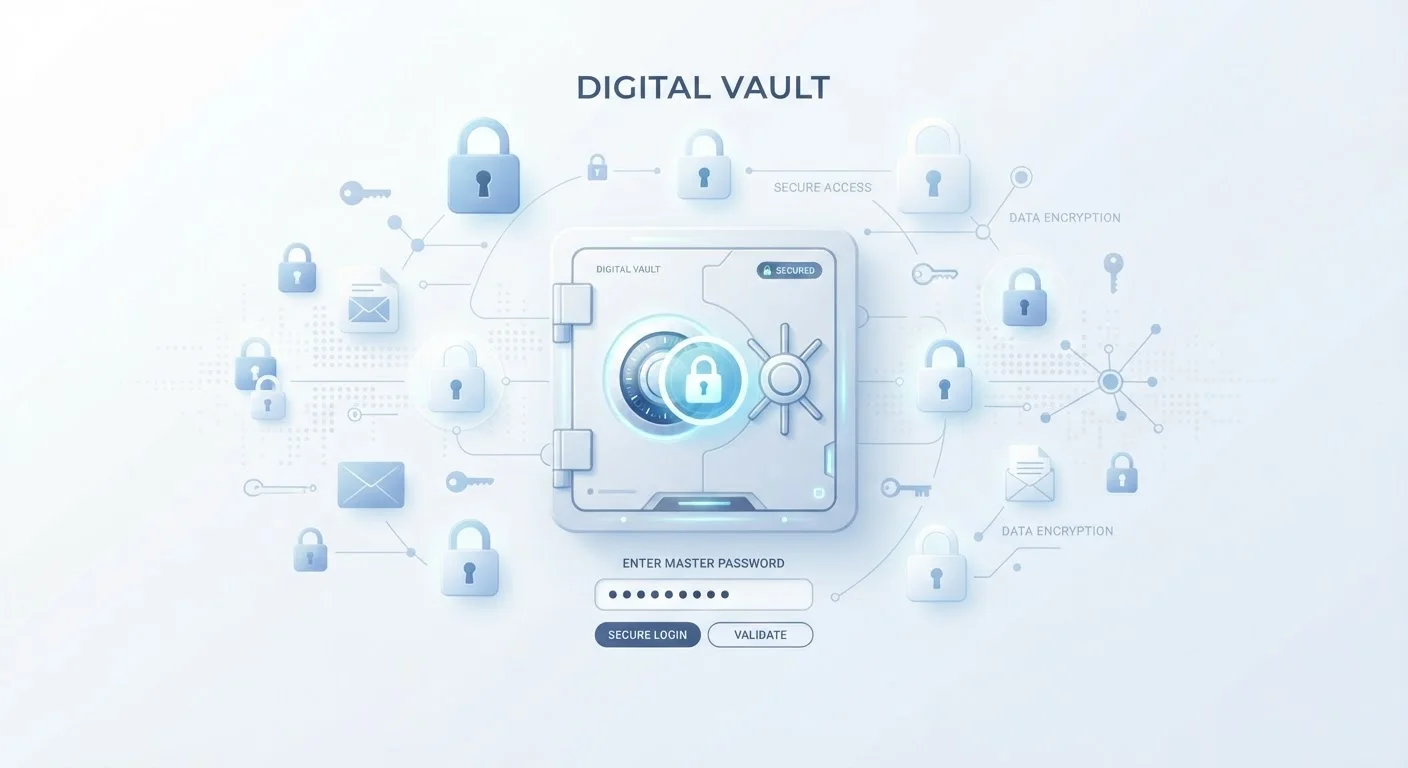
When you create an account with a password manager, you set a master password - the one credential you'll need to remember. Everything else is handled by the app. Here's the basic flow:
- You store a credential. When you log into a site, the manager prompts you to save the username and password. It stores that information in an encrypted vault.
- The vault is encrypted on your device. Before any data leaves your device or syncs to the cloud, it's scrambled using strong encryption. The service provider cannot read it.
- You autofill with one click. Next time you visit that site, the manager recognizes it and fills in your credentials automatically. No typing, no remembering.
- New accounts get strong passwords instantly. The built-in password generator creates long, random strings - like
k7!mQzT#9Lr2- that are far harder to crack than anything a human would choose.
Most managers also sync your vault across all your devices, so a password saved on your laptop is available on your phone within seconds.
Treat Your Master Password Like a House Key
Your master password is the one thing your password manager cannot protect for you - so make it count. Use a long passphrase of four or more unrelated words rather than a short, complex string. Write it down and store that note somewhere physically secure (not on your computer). Never reuse it for any other account.
Who Password Managers Are Actually Designed For
Password managers are sometimes marketed toward security professionals, but they're genuinely built for ordinary users. If you have more than a handful of online accounts - which describes almost everyone - a password manager is relevant to you.
They're especially useful if you:
- Find yourself clicking "Forgot password" more than once a week
- Know you reuse passwords but feel stuck about how to change that
- Share account access with a partner or family member and need a safer method than texting passwords
- Manage accounts for a small business or freelance clients
Password managers are not just for tech-savvy users. Modern options are designed to be set up in minutes, with intuitive interfaces that guide you through importing existing passwords and replacing weak ones gradually.
For broader context on building secure habits, see online privacy habits worth building - password management is one foundational piece of a larger picture.
What a Password Manager Doesn't Do - and What to Pair It With
A password manager significantly reduces your risk, but it isn't a complete security solution on its own. A few important limits to understand:
- It doesn't protect a compromised device. If malware is recording your keystrokes, it could capture your master password as you type it. Keeping your operating system and apps updated reduces this risk.
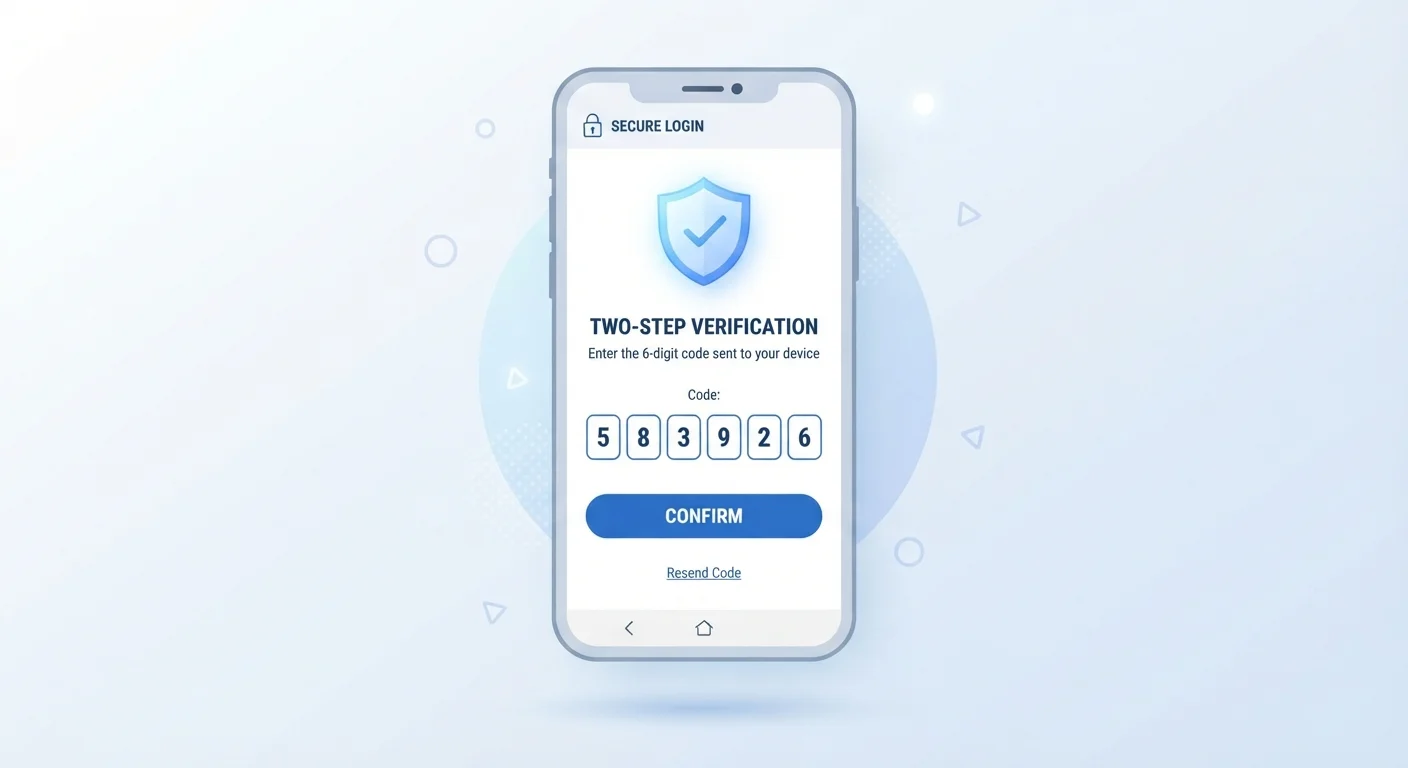
- It doesn't replace two-factor authentication. Even with a strong unique password, adding a second layer of verification to your most important accounts is worthwhile. Two-factor authentication means an attacker needs more than just your password to get in.
- It doesn't audit your accounts for you. Use it alongside a periodic security review. A structured account security checklist helps you catch old accounts, weak passwords still in circulation, and recovery options that need updating.
Cloud Sync vs. Local Storage
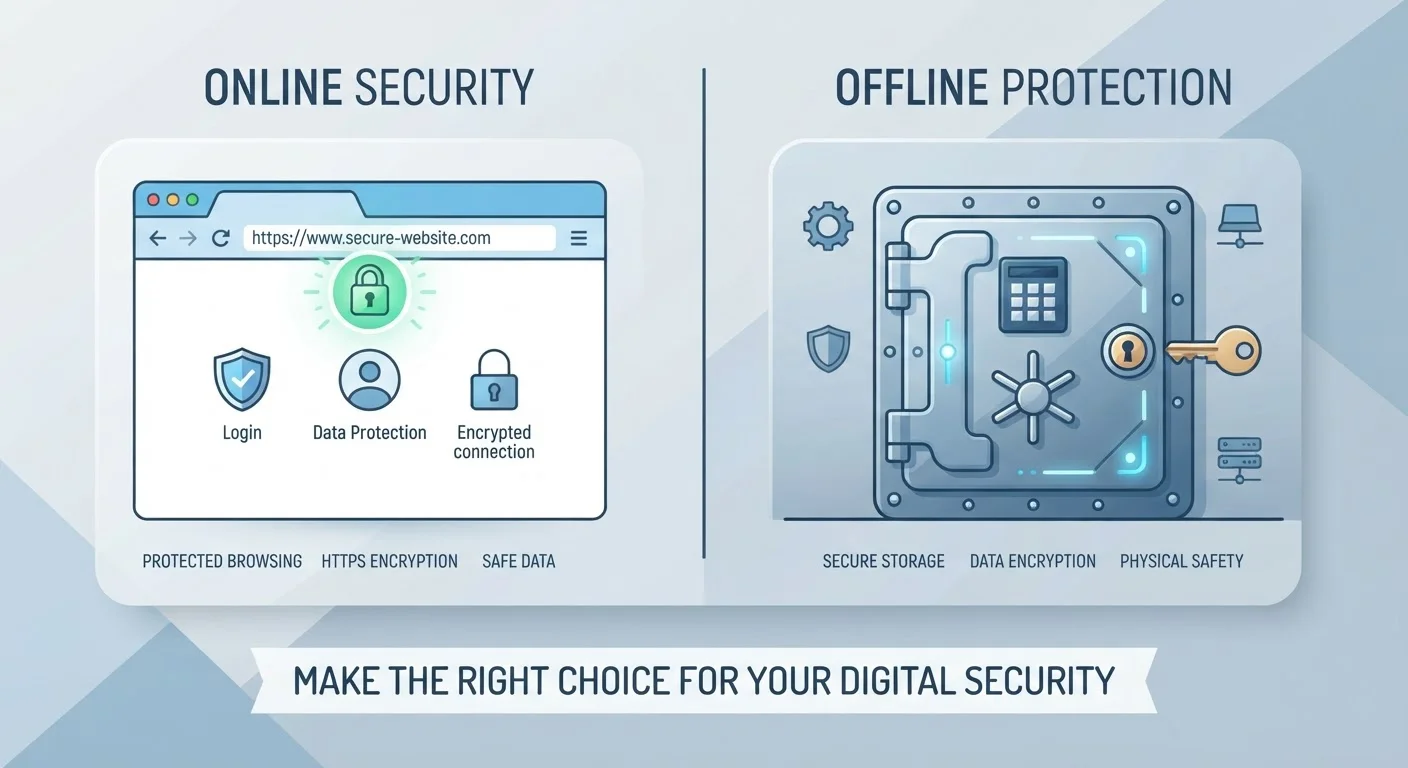
Most password managers sync your encrypted vault to the cloud so it's available across all your devices. Some users prefer a local-only option that stores the vault file on their own hardware - this trades convenience for a different risk profile. Neither approach is universally better; your choice depends on how you balance accessibility against control over where your data lives.
Building these tools into your everyday routine - rather than treating them as one-time fixes - is where most of the long-term benefit comes from. For a broader view of what that looks like in practice, building safer digital habits is a practical starting point.