How Each Approach Actually Works
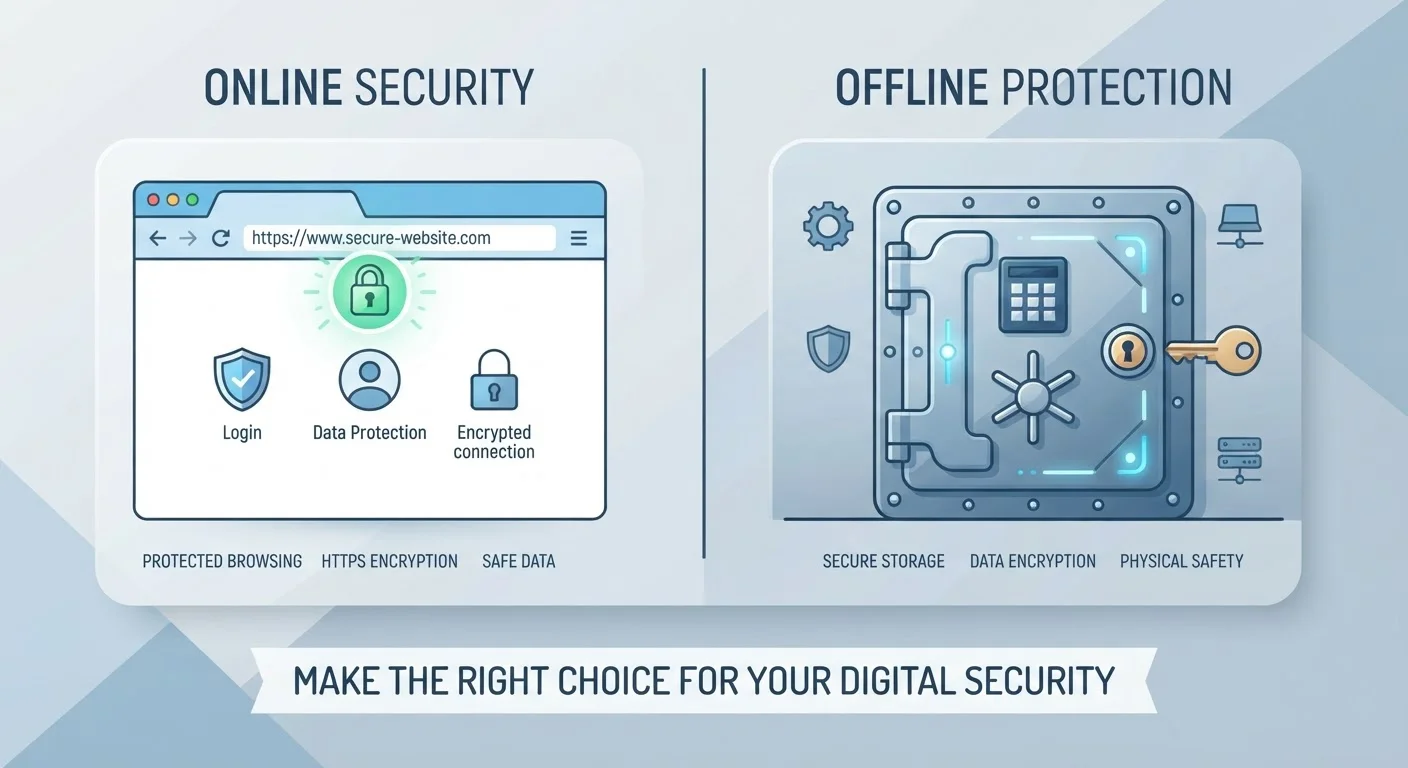
When you save a password in Chrome, Safari, Firefox, or Edge, the browser stores it locally - and, if you're signed into a browser account, syncs it to that provider's cloud. The encryption used is generally tied to your device's own security or your browser account login. That means if someone gets access to your computer while it's unlocked, or compromises your Google or Apple account, your saved passwords can be exposed.
A dedicated password manager works differently. It stores all your credentials in an encrypted vault protected by a master password that only you know. Most reputable managers use a zero-knowledge architecture - meaning the service itself cannot read your vault contents, even if their servers are accessed. When you log in to a site, the manager autofills your credentials after you authenticate locally.
For a deeper look at what's happening under the hood, see our password managers explained guide.
| Criterion | Browser-Saved Passwords | Dedicated Password Managers |
|---|---|---|
| Setup required | None - built into browser | App or extension install needed |
| Encryption model | Tied to browser/device account | Zero-knowledge, master-password encrypted |
| Cross-browser support | Limited to one browser ecosystem | Works across all major browsers |
| Password generation | Basic or absent | Built-in, strong random generator |
| Breach / reuse alerts | Limited or inconsistent | Comprehensive, ongoing monitoring |
| Shared-device risk | Higher - viewable in settings | Lower - requires master password |
| Cost | Free | Free tiers available; paid plans exist |
Where Browser Passwords Fall Short
Browser-saved passwords aren't without merit - they lower the barrier to using any saved password, which beats reusing the same credential everywhere. But several limitations matter.
- Device dependency: Passwords saved in Chrome sync to your Google account. Switch to Firefox or Safari on another device, and you start from scratch.
- No password auditing: Browsers don't routinely warn you if you're reusing passwords across multiple sites - a leading cause of account takeovers.
- Limited breach alerts: Some browsers have added basic breach-checking features, but these are less comprehensive than the monitoring built into most dedicated managers.
- Physical access risk: On a shared or unlocked computer, a browser's saved passwords can often be viewed in plain text through the browser's own settings menu - no technical skill required.
A Note on Browser Security Improvements
Major browsers including Chrome, Safari, and Firefox have added meaningful security upgrades in recent years - including breach detection powered by databases like Have I Been Pwned. These features narrow the gap with dedicated managers but don't fully close it. If you're already using browser-saved passwords, enabling these checks is a meaningful step forward.
Pairing password hygiene with broader security habits amplifies your protection. Our guide on building safer habits for everyday digital life covers complementary practices worth considering.
The Security Edge of Dedicated Managers
Dedicated password managers were built specifically for this job, and that focus shows in their feature sets.
81%
Data breaches linked to weak or stolen passwords
According to Verizon's Data Breach Investigations Report, the majority of hacking-related breaches involve compromised credentials.
100+
Average online accounts per person
Research from NordPass suggests the average internet user has well over 100 accounts requiring a password.
13%
Users who reuse the same password everywhere
A Google/Harris Poll survey found a significant share of users still rely on one password or minor variations across all accounts.
- Strong password generation: They create long, random, unique passwords for every account - removing the temptation to reuse or simplify.
- Cross-platform portability: Your vault travels with you across browsers, operating systems, and devices through a single app or browser extension.
- Security audits: Most managers flag weak, reused, or compromised passwords and prompt you to update them.
- Secure sharing: Many offer encrypted credential sharing for families or teams, without exposing the underlying password.
The trade-off is a learning curve and, in some cases, a subscription cost. You also create a single point of failure - your master password - so choosing a strong, memorable one is critical. Using two-factor authentication on the manager account itself is a strongly recommended safeguard.
Before choosing an approach, it's worth running through our account security audit checklist to understand where your current setup has gaps.
Making the Right Call for Your Situation
Neither option is universally wrong. If your digital footprint is small - a handful of accounts, one device, one browser - browser-saved passwords may be adequate for lower-stakes logins. What matters most is that you're using different passwords for different accounts.
For most people, though, digital life spans many accounts, devices, and services. A dedicated manager makes it genuinely easier to maintain strong, unique credentials everywhere - not just where it's convenient.
Password storage is just one piece of a larger picture. Our article on online privacy habits worth building outlines how it fits alongside other durable digital security practices.