The Problem a Password Alone Can't Solve
Passwords are breached constantly - through data leaks, phishing emails, and automated tools that try millions of common combinations. Once a password is exposed, an attacker anywhere in the world can attempt to use it immediately. The unsettling reality is that a strong password only protects you until someone else obtains it.
Two-factor authentication (2FA) closes that gap. By requiring a second, independent verification step at login, 2FA ensures that knowing your password is not enough. An attacker who lifts your credentials from a breached database still hits a wall. This single change dramatically shrinks the window of risk that comes with any password exposure.
For a broader look at layering security habits together, see online privacy habits worth building - 2FA is one piece of a bigger picture.
80%+
Of hacking-related breaches involve stolen credentials
Verizon's Data Breach Investigations Report consistently attributes the majority of hacking incidents to compromised usernames and passwords.
99.9%
Of automated account attacks blocked by MFA
Microsoft's security research indicates that enabling multi-factor authentication blocks the vast majority of automated credential-based attacks on accounts.
How 2FA Actually Works
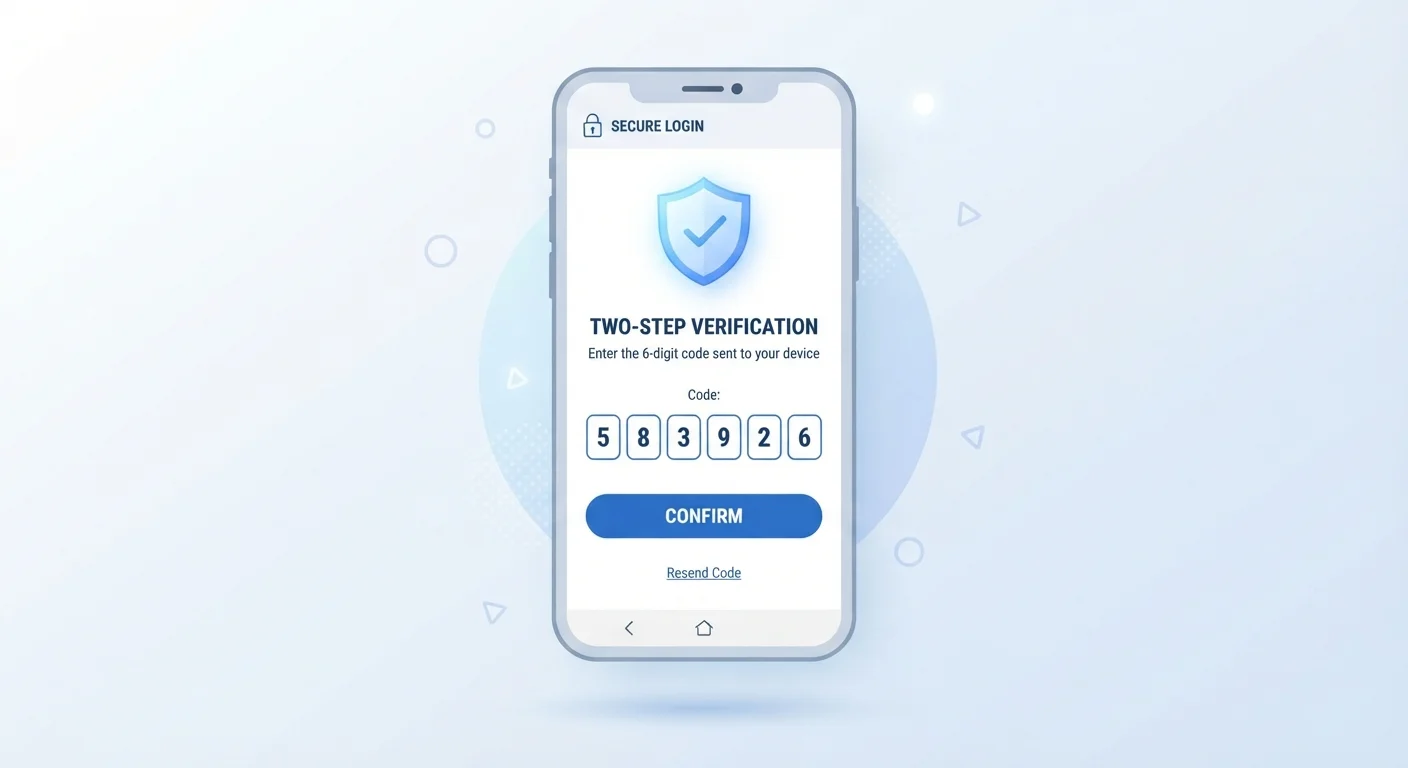
When you enable 2FA on an account, logging in becomes a two-step process. First, you enter your username and password as usual. Then the service asks you to confirm your identity a second time using a different method. Only after both checks pass does it let you in.
The three most common second factors are:
- SMS codes: A one-time code sent via text message to your registered phone number. Convenient, but vulnerable to SIM-swapping attacks.
- Authenticator apps: Apps like Google Authenticator or Authy generate time-sensitive six-digit codes that refresh every 30 seconds. These codes never travel over the phone network, making them more secure than SMS.
- Hardware security keys: Physical USB or NFC devices you tap or plug in to confirm your identity. These are the most phishing-resistant option available and are recommended for accounts holding especially sensitive data.
Each method requires physical access to something you own - your phone or a key - which is something a remote attacker almost certainly doesn't have.
Choose an Authenticator App Over SMS When Possible
If a service offers both SMS codes and an authenticator app, choose the app. Codes generated locally on your device never travel over the phone network, which removes the risk of SIM-swapping - a technique where an attacker convinces a carrier to transfer your number to their device. Setting up an authenticator app takes under two minutes and is supported by most major services.
Where to Enable It First
Not every account carries equal risk, so prioritize strategically. Your email account deserves immediate attention because it controls password resets for nearly every other service you use - compromise it, and an attacker can chain their way into everything else.
After email, focus on:
- Banking and payment accounts
- Your primary social media profiles
- Cloud storage (photos, documents)
- Any account tied to your phone number or identity documents
When setting up 2FA, save your backup codes in a secure place - a physical printout or an encrypted note. Losing your phone without recovery options can lock you out of your own accounts.
A full review of your accounts pairs well with 2FA setup. The account security audit checklist walks through passwords, recovery options, and login history in one session.
2FA in the Context of Broader Security
Two-factor authentication works best as part of a layered approach. A weak or reused password still creates risk - even with 2FA enabled, a phishing page could capture both your password and a relayed one-time code in real time. Pairing 2FA with unique, strong passwords removes that vulnerability. Password managers make maintaining unique credentials across dozens of accounts practical without requiring you to memorise anything.
Similarly, keeping the apps on your device updated and reviewing their permissions limits the pathways an attacker might use to intercept codes or access your accounts. For practical guidance on that front, the article on keeping apps secure covers the habits that make a real difference.
2FA is not a guarantee - no single security measure is. But it consistently and meaningfully raises the cost of attacking your accounts, making you a far less appealing target than someone without it enabled.
“Turning on two-factor authentication is one of the most impactful things an ordinary person can do to protect their online accounts. It transforms a single point of failure into a much harder target.”
— Cybersecurity and Infrastructure Security Agency (CISA), U.S. federal agency responsible for national cybersecurity guidance