What Actually Separates Wi-Fi from Ethernet
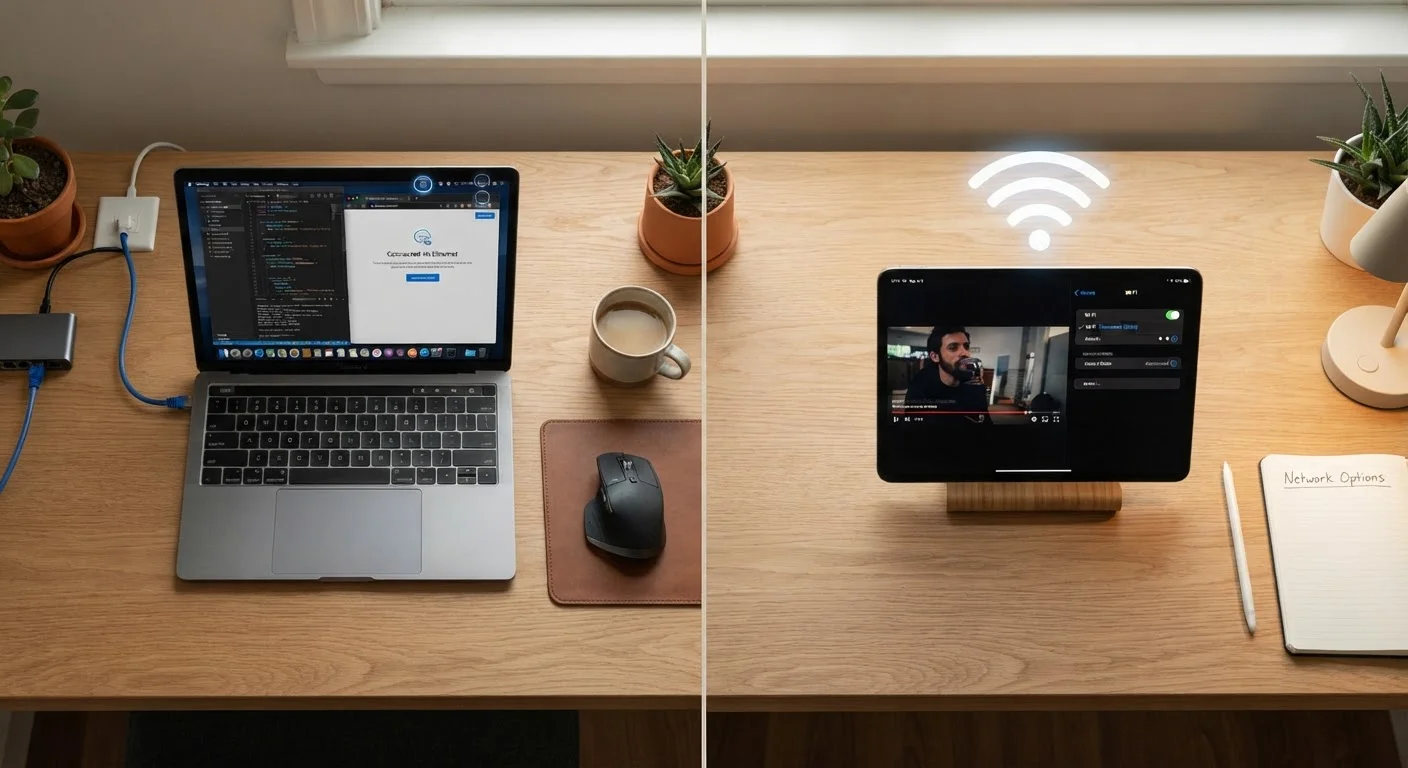
At their core, Wi-Fi and Ethernet are simply two different ways of moving data between your device and your router. Ethernet does this through a physical cable - typically a flat, flexible cord with a slightly chunky plug called an RJ-45 connector. Wi-Fi transmits the same data as radio waves through the air, without any physical tether.
That single difference - cable versus radio signal - is what drives nearly every trade-off between the two. A cable can carry data at consistent speeds without interference; radio waves travel through walls, bounce off furniture, and compete with your neighbor's router and your own microwave. To understand how that affects your day-to-day usage, it helps to know a little about bandwidth and what it actually measures - because raw speed is only part of the story.
| Criterion | Wi-Fi | Ethernet |
|---|---|---|
| Typical latency | 10-50 ms (varies by environment) | 1-5 ms (highly consistent) |
| Susceptibility to interference | High (walls, appliances, neighbors) | None (shielded cable) |
| Setup convenience | No cables required | Cable routing needed |
| Device mobility | Full - move anywhere in range | None - tethered to port |
| Speed consistency | Variable (signal strength dependent) | Highly stable |
| Security exposure | Higher (signal travels through air) | Lower (physical access required) |
| Best use case | Mobile devices, smart home gadgets | Desktops, gaming, video calls |
Where Each Connection Type Shines
Ethernet's strengths show up most clearly in situations that demand reliability over convenience. A desktop computer running a video conference, a gaming console in an online match, or a media player streaming 4K content all benefit from the stable, low-latency connection a cable provides. Latency - the round-trip time for a data packet to travel from your device to a server and back - is consistently lower on Ethernet, sometimes by 10-20 milliseconds compared to Wi-Fi. That gap sounds tiny, but in real-time gaming or voice calls, it's noticeable.
Wi-Fi's strengths are equally real. It's the only option for smartphones and tablets, it requires no cable management, and it lets you move freely around your home. Modern Wi-Fi standards (Wi-Fi 6 and newer) have dramatically narrowed the speed gap with Ethernet for everyday tasks like browsing, social media, and standard-definition streaming. For most casual users in a quiet household, Wi-Fi is genuinely sufficient.
~2-5 ms
Typical Ethernet latency under normal use
Network engineering benchmarks consistently show wired connections delivering latency well under 10 ms, compared to 20-50 ms or more over Wi-Fi in busy environments.
30%+
Wi-Fi speed loss common at mid-range distances
Studies of home Wi-Fi environments have found that signal speed can drop by 30% or more when moving just one or two rooms away from the router, depending on building materials.
1 Gbps
Standard Ethernet cable (Cat5e or higher) max throughput
A standard Cat5e or Cat6 Ethernet cable supports up to 1 gigabit per second - the full speed of most consumer broadband plans - with no wireless overhead or packet loss.
It's also worth noting that Wi-Fi security carries its own considerations - particularly on shared or public networks. Our guide on how exposed your home Wi-Fi network can be covers what most people overlook.
Interference, Distance, and the Hidden Variables
Wi-Fi performance degrades in ways that aren't always obvious. Concrete walls, metal appliances, and even dense bookshelves absorb or reflect radio signals. Neighboring Wi-Fi networks sharing the same frequency channel create congestion. The farther you are from your router, the weaker the signal - and a weak signal means slower speeds and more dropped packets, even if your internet plan is fast.
Ethernet sidesteps all of this. The signal travels through shielded copper wire and arrives at your device with essentially no degradation up to cable lengths of around 300 feet (roughly 90 meters). That predictability is why IT professionals default to wired connections for anything stationary and mission-critical.
Not All Wi-Fi Standards Are Equal
Wi-Fi has gone through several generations, each labeled with a number: Wi-Fi 5 (802.11ac), Wi-Fi 6 (802.11ax), and the newer Wi-Fi 6E. Each generation added faster maximum speeds and better handling of multiple connected devices. However, your actual speeds depend on both your router's standard and whether your device supports it - an older laptop on a Wi-Fi 6 router will still connect at Wi-Fi 5 speeds. Check your router and device specs if you're troubleshooting slow wireless performance.
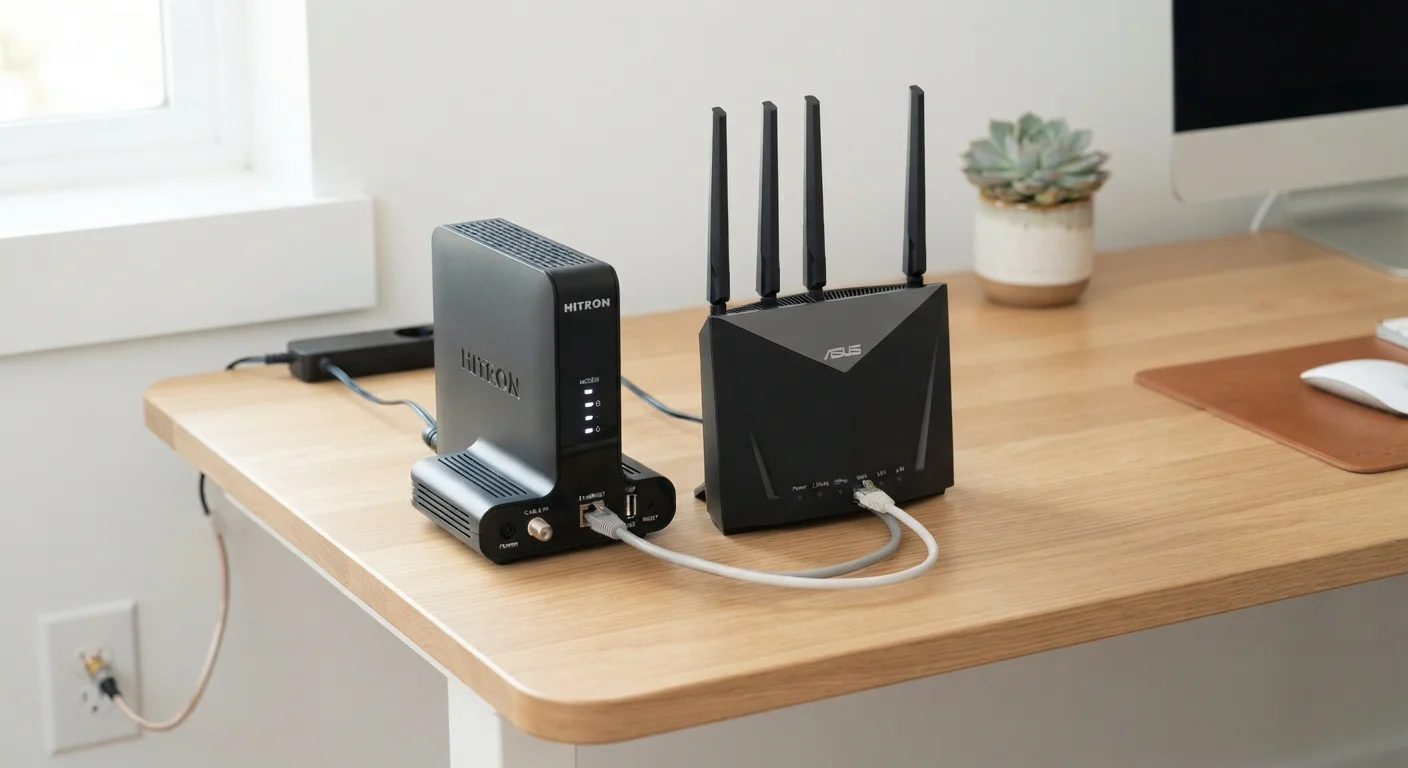
If running a cable isn't practical - say, your router is two floors away from your desk - a powerline adapter or a MoCA adapter can carry network data through your home's existing electrical or coaxial wiring. These aren't perfect substitutes for a direct Ethernet run, but they often outperform Wi-Fi over long distances. See our overview of modems, routers, and how they work together if you're unclear on the hardware side of your setup.
Making the Right Choice for Your Home
The most practical answer for most households isn't choosing one connection type over the other - it's using both deliberately. Connect stationary, high-demand devices (desktop computers, game consoles, smart TVs) via Ethernet where possible. Let mobile devices, smart speakers, and lower-bandwidth gadgets use Wi-Fi. This hybrid approach reduces wireless congestion and gives your most demanding devices the performance they need.
When setting up or upgrading your network, router placement matters enormously for Wi-Fi quality. Our article on commonly missed steps when setting up home internet highlights several easy-to-overlook decisions that affect your whole-home signal. And if you're adding smart home devices to the mix, keep in mind that a congested Wi-Fi network affects all of them - something explored in our look at the trade-offs of connected home gadgets.
The bottom line: Ethernet is the more capable connection by technical measures, but Wi-Fi is indispensable for modern life. Knowing which to reach for - and why - puts you firmly in control of your own network.