What Each Device Actually Does
Think of your home internet setup as a two-step pipeline. The first step is getting the internet signal into your home. The second step is distributing that signal throughout your home. That's the division of labor between a modem and a router.
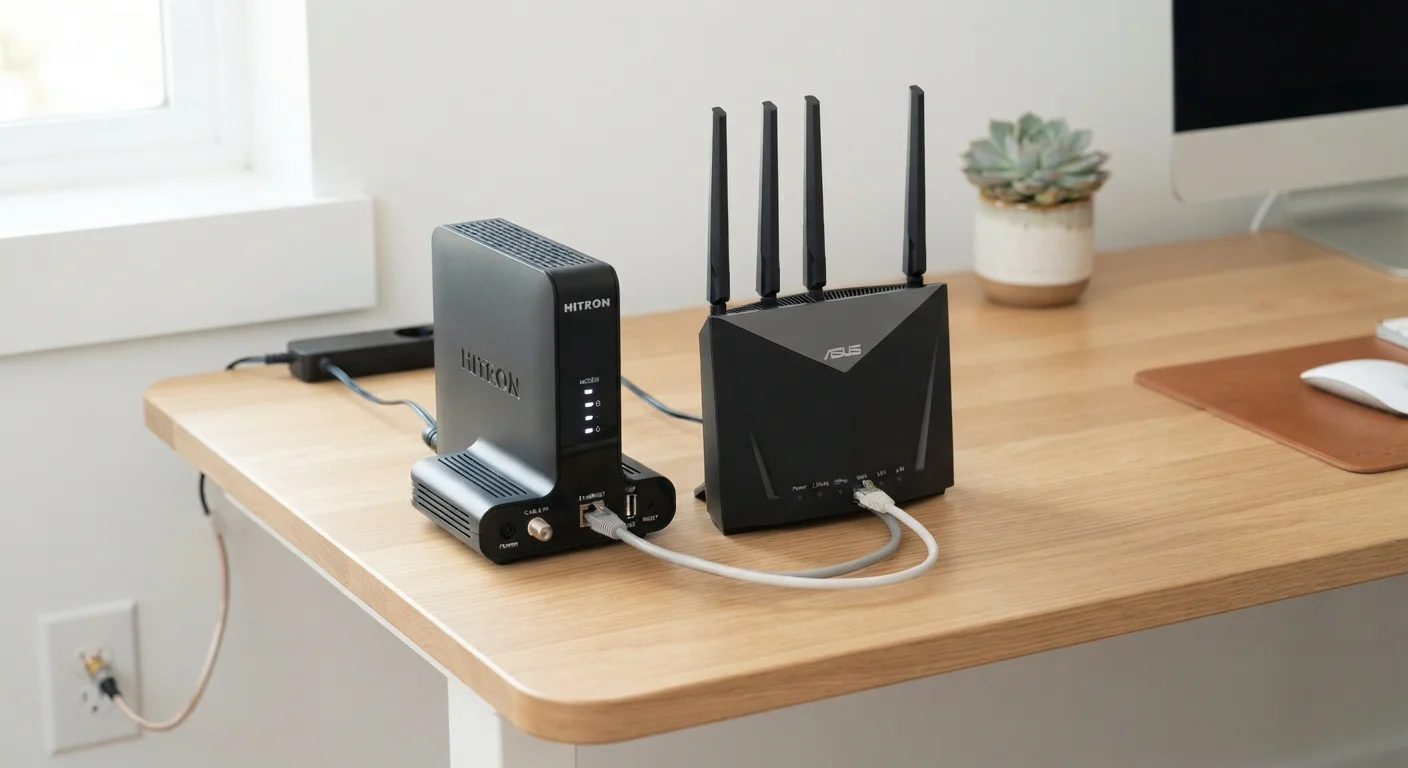
A modem (short for modulator-demodulator) is the device that physically connects to the cable, fiber, or phone line coming from your internet service provider (ISP). Its job is to translate the type of signal your ISP sends - whether coaxial, fiber-optic, or DSL - into the standard digital data format that computers and other devices understand. Without a modem, your home has no internet access at all.
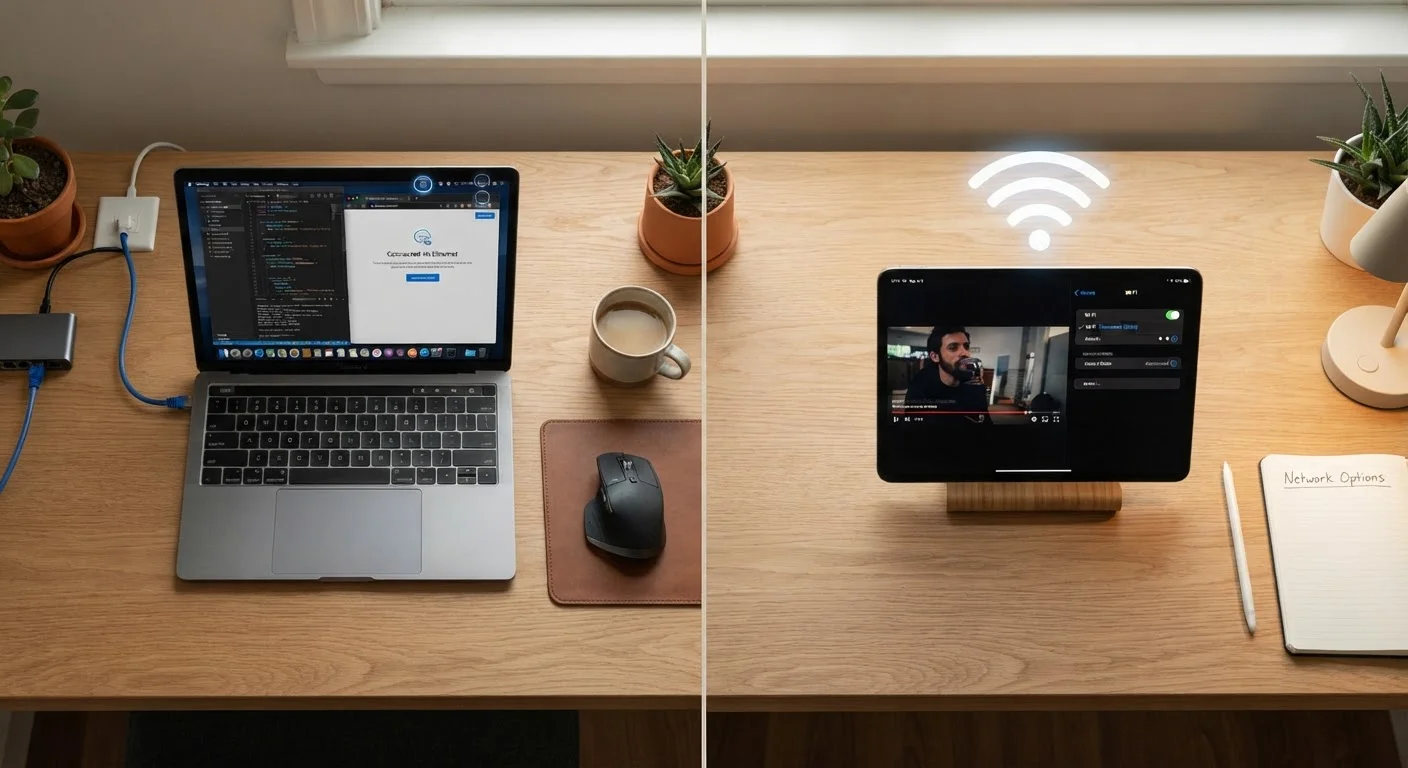
A router is the device that takes the internet connection delivered by the modem and creates a local network inside your home. It assigns each connected device its own internal address, manages the flow of data between devices, and broadcasts the Wi-Fi signal you connect to. Your router is the reason your phone, laptop, and smart TV can all be online simultaneously. For a deeper look at how your devices connect once the router is in place, see our guide to Wi-Fi vs. Ethernet.
How They Work Together - and Where Combo Units Fit In
In a typical home setup, an ethernet cable runs from the modem into the router's WAN port. The router then distributes the connection to devices either wirelessly (Wi-Fi) or through additional ethernet ports. Remove either device from this chain and the setup breaks down - the modem can't share the connection, and the router has nothing to connect to the outside world.
| Criterion | Modem | Router |
|---|---|---|
| Primary job | Connects home to ISP | Shares connection among devices |
| Creates Wi-Fi | No | Yes |
| Assigns device addresses | No | Yes (via DHCP) |
| Plugs into | Coax, fiber, or phone line | Modem (via ethernet) |
| Affects Wi-Fi range/speed | No | Yes |
| Can work standalone | Yes (one wired device only) | Only if internet source is present |
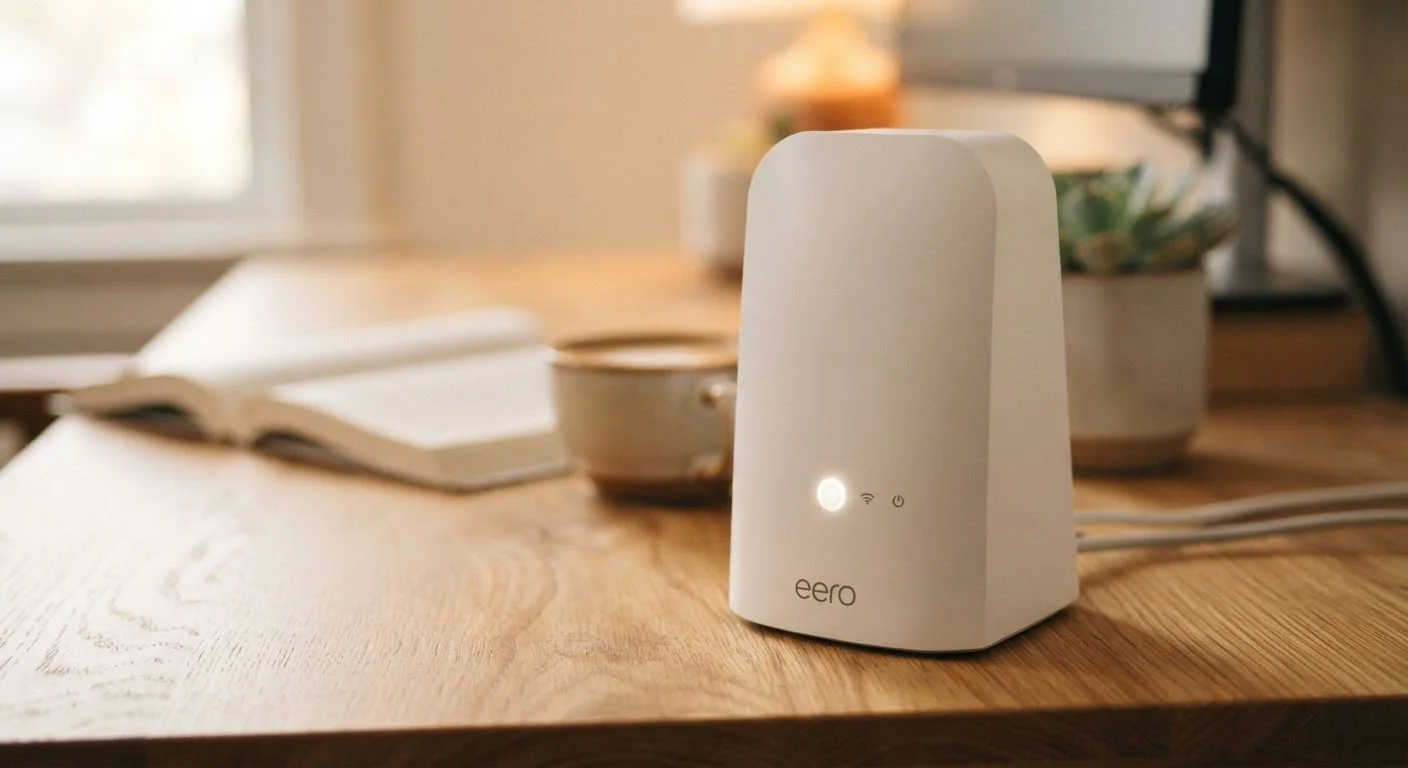
Many ISPs offer - or automatically supply - a modem-router combo, sometimes called a gateway. These all-in-one units perform both functions in a single box, which makes initial setup simpler and reduces cable clutter. The trade-off is flexibility: when it's time to upgrade your Wi-Fi to a newer standard, you have to replace the entire unit rather than just the router.
Renting ISP Equipment Has Hidden Costs
When your ISP provides a combo gateway, you're often paying a monthly rental fee that continues indefinitely. Purchasing a compatible modem separately and pairing it with a router you choose yourself can reduce long-term costs and give you more control over your network quality. Always verify equipment compatibility with your ISP before purchasing.
If you're setting up internet at a new address, the equipment your ISP provides is worth scrutinizing. See commonly overlooked steps when setting up internet at a new home for practical guidance before you plug anything in.
Renting vs. Buying Your Equipment
Most ISPs charge a monthly rental fee - commonly between $10 and $15 - for their modem or gateway equipment. That adds up: over two or three years, rental fees can easily exceed the cost of purchasing compatible hardware outright. Owning your modem also gives you more control over which router you pair it with.
$10-$15/mo
Typical ISP modem rental fee
Many major US internet providers charge this range monthly for equipment rental, which can exceed the cost of a purchased device within 12-18 months.
2 devices
Minimum hardware for a full home network
A modem and a router (or a single combo gateway) are the two foundational pieces of equipment any home internet setup requires.
Before buying, confirm that any modem you consider is compatible with your ISP and your specific service tier. Most ISPs publish approved device lists on their websites. Once you've sorted out your modem situation, it's worth exploring your router's settings - most people never look at them, but a few adjustments can meaningfully improve performance. Our guide to your router's hidden settings walks through the most useful ones.