Why Internet Setup Is More Complicated Than Plugging In a Box
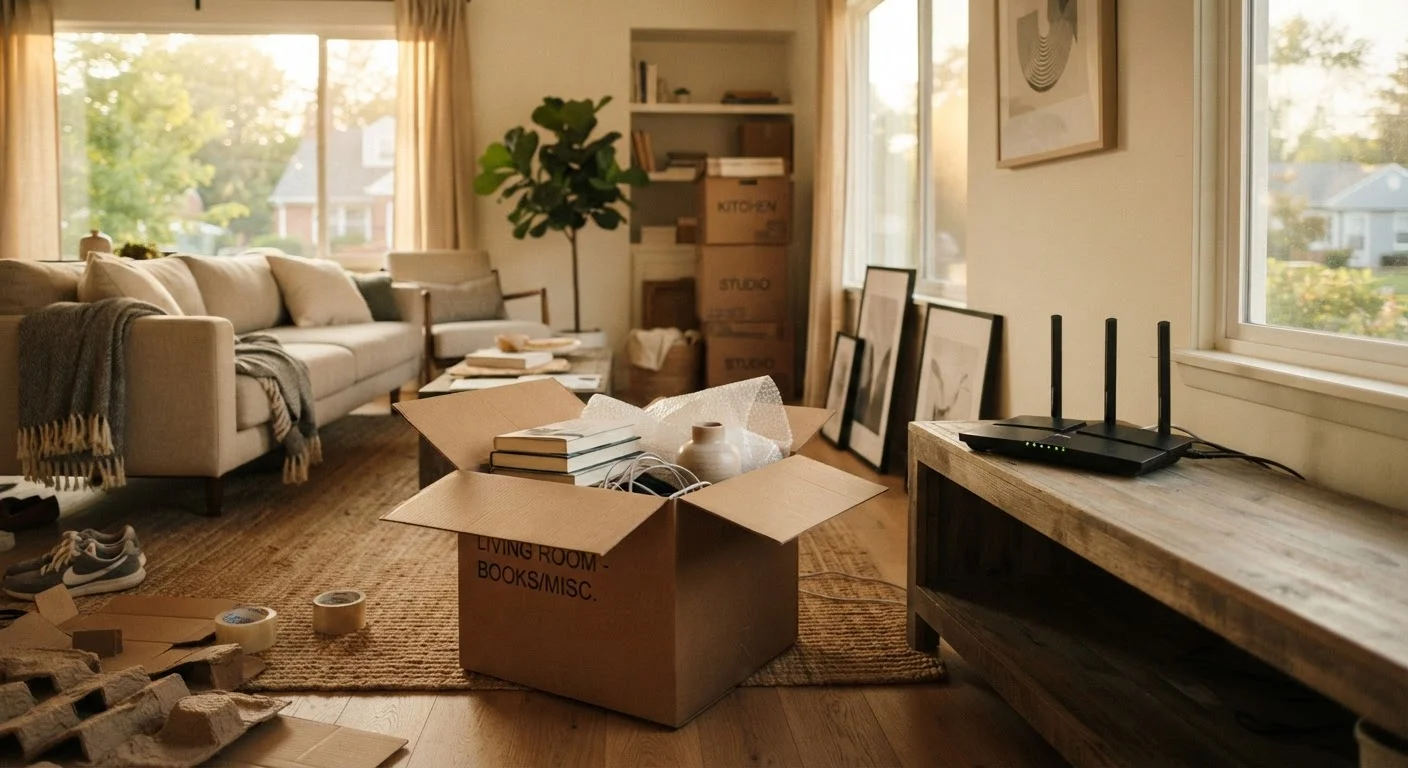
Moving into a new home involves dozens of decisions, and internet setup often gets treated as an afterthought - something to sort out on moving day itself. The result is that most people end up with a functional connection but leave real performance and security on the table. The mistakes aren't exotic. They're the kind of overlooked steps that feel obvious in hindsight but aren't obvious in the middle of carrying furniture.
This guide walks through the most common oversights, why they happen, and what to do instead. Whether you're switching providers, reusing old equipment, or setting up from scratch, these are the gaps worth closing early. For a fuller look at setting up your network with the right security foundations, see our walkthrough for setting up a secure home network from scratch.
Scheduling installation too late - or not at all before moving day.
Why it happens: People focus on physical moving logistics and assume internet setup can be handled quickly on arrival. In reality, ISP technician appointments can book out one to three weeks in advance.
Accepting the ISP's equipment rental without considering the long-term cost.
Why it happens: The modem or gateway included in a standard installation feels like part of the service. Monthly rental fees are easy to overlook in a bundle bill.
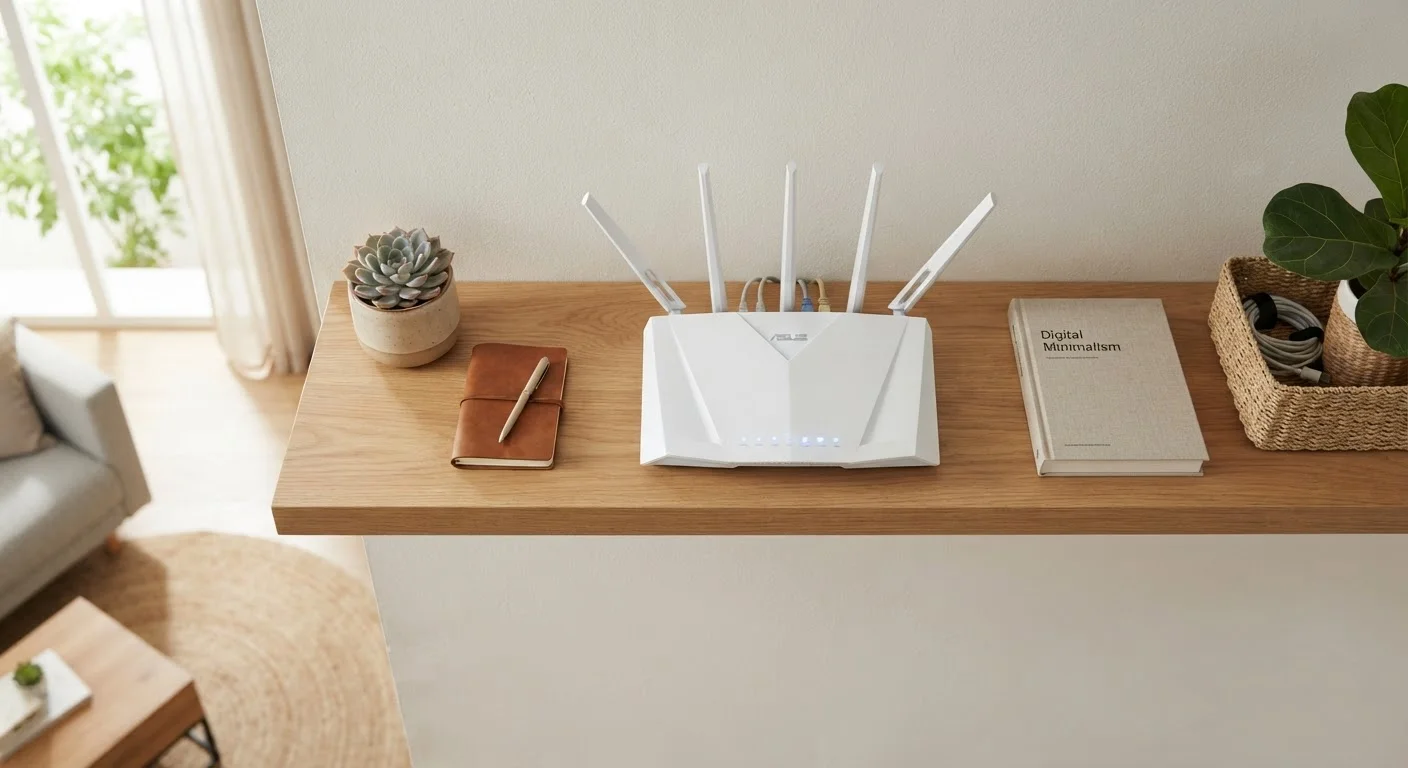
Placing the router wherever the coaxial or ethernet port happens to be.
Why it happens: The port location dictates where the modem goes, and the router typically ends up in the same corner - often a closet, corner room, or near the floor.
Keeping the default router network name (SSID) and password.
Why it happens: The connection works immediately, so there's no urgent prompt to change anything. Default credentials can feel like a personal preference issue rather than a security one.
Choosing a plan based on advertised speed without understanding actual household needs.
Why it happens: Speed tiers are marketed with large numbers, and it's hard to know what you genuinely need without a frame of reference.
Skipping a speed test after installation to verify what you're actually getting.
Why it happens: If the connection works well enough to browse, people assume it's performing as promised. Many never compare their real-world speeds against their subscribed plan.
The Details That Trip Up Even Experienced Users
Even people who consider themselves reasonably tech-savvy tend to stumble on a few specific points. Router placement is one of them - it's easy to assume a central-looking spot is genuinely central for signal, but walls, appliances, and building materials all interfere in unpredictable ways. Testing your connection from multiple rooms before committing to a permanent router location takes ten minutes and can save months of frustration.
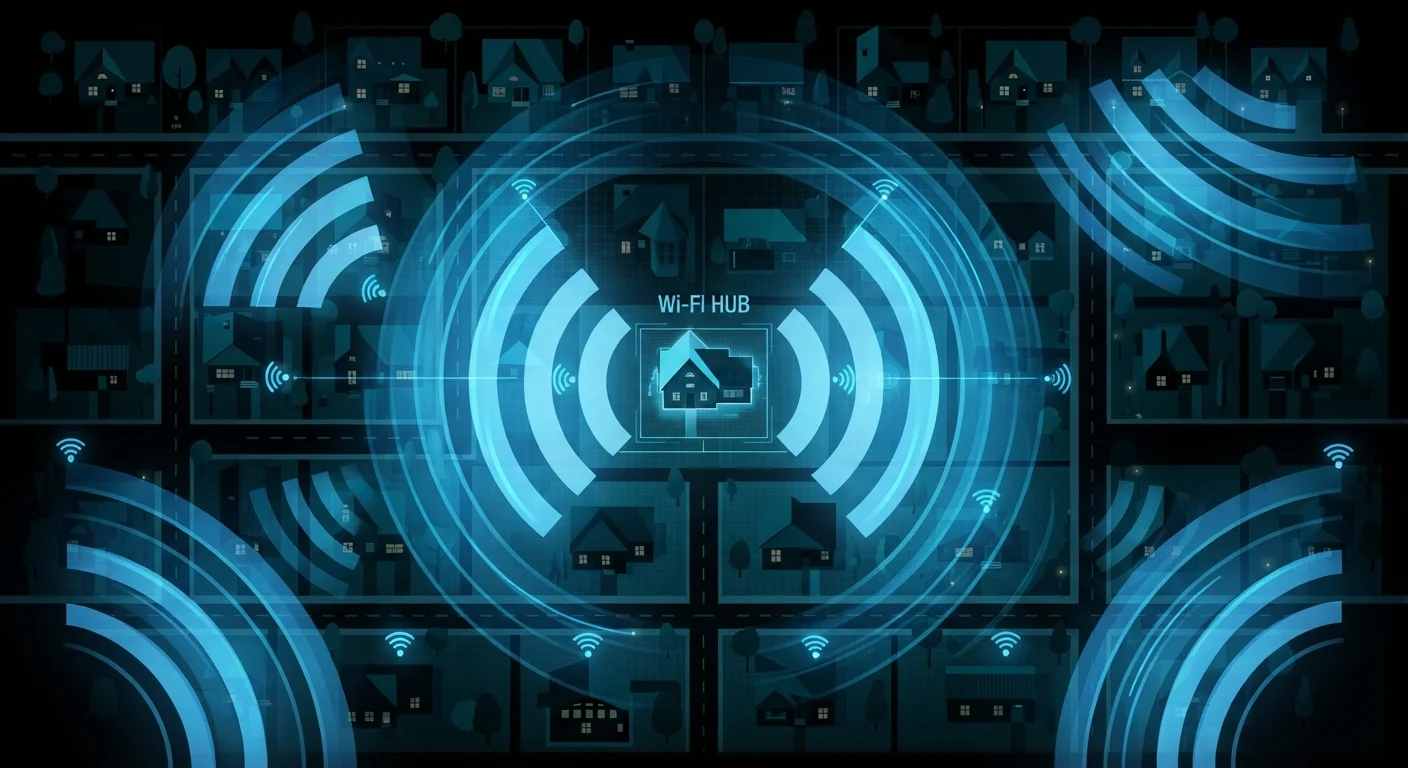
Security defaults are another area where familiarity breeds complacency. Many people recognize that default passwords are a problem but delay changing them because the connection is already working. Understanding how exposed your home Wi-Fi network can be makes the case for acting on day one rather than week four.
Don't Delay Changing Default Login Credentials
Every router ships with a default admin username and password - and these are often publicly documented by the manufacturer. Anyone on your network, or in close physical range, could potentially access your router's settings if you haven't changed them. Make updating both the admin credentials and the Wi-Fi password one of the first things you do after the router is online, not a task for later.
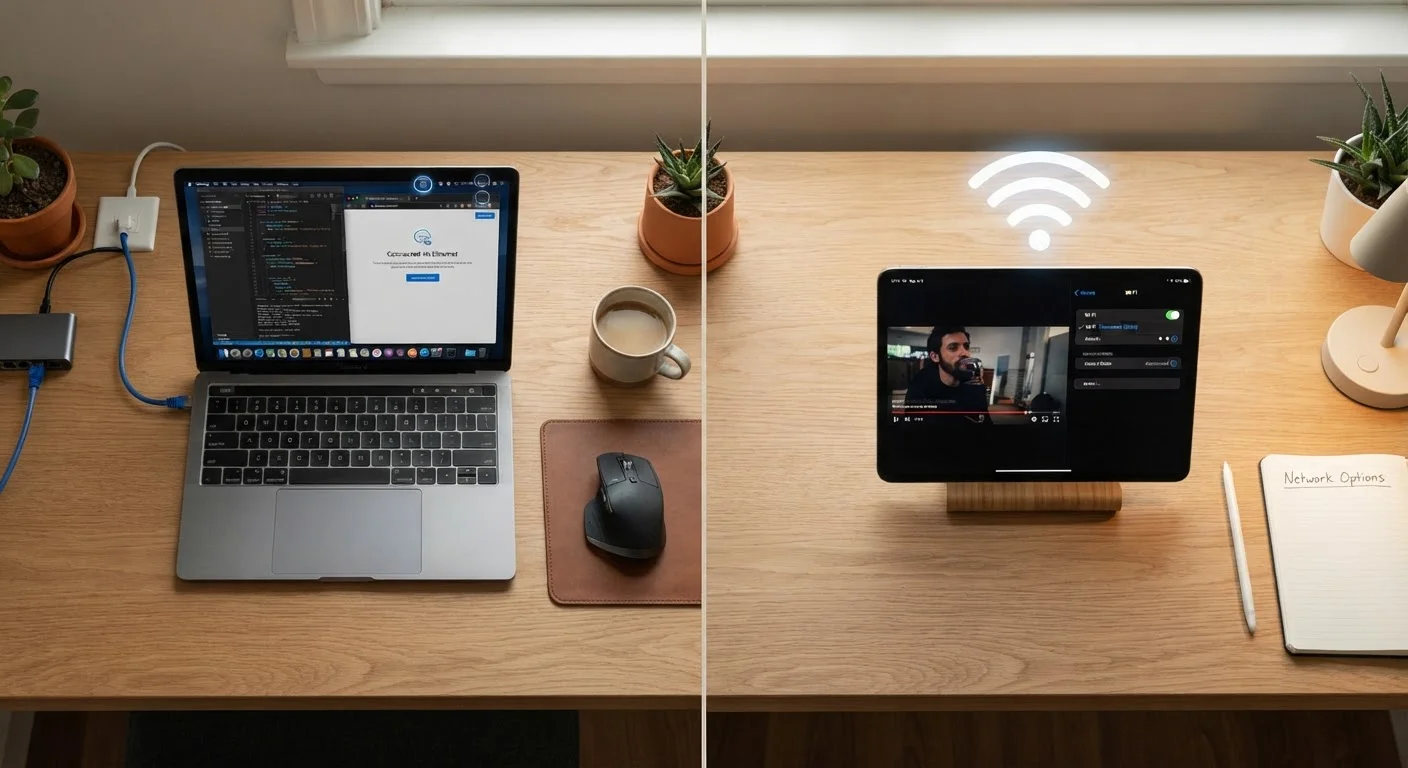
Finally, don't overlook the physical infrastructure already in your home. If coaxial or ethernet wall ports exist from a previous owner, understanding which ones are active - and where they run - can inform where you place equipment and whether a wired connection is worth pursuing for high-demand devices. For context on when that matters, our comparison of Wi-Fi vs. Ethernet for different use cases is worth a read.
3-4 weeks
Typical ISP technician wait in some areas
Installation appointment availability varies widely by provider and region, with wait times notably longer in rural or newly developed areas.
$10-$15/mo
Common monthly equipment rental fee
Many ISPs charge a recurring modem or gateway rental fee that adds up to $120-$180 annually, according to provider pricing disclosures.
One more item that gets missed: after everything is running, take five minutes to explore your router's admin panel. Most routers have settings that remain untouched for years but can meaningfully improve performance and security. Our guide to your router's hidden settings explains the most useful ones in plain language.