The Pipe Analogy That Actually Explains It
Imagine your internet connection as a water pipe running into your home. The diameter of that pipe determines how much water can flow through at once - not necessarily how fast the water moves, but how much of it. Bandwidth works the same way. It sets the maximum volume of data that can flow between the internet and your devices in any given second.
When your connection feels sluggish, many people assume the internet itself is broken. More often, the pipe is simply full. Multiple devices streaming, downloading, or syncing at the same time all compete for the same fixed capacity. Understanding this is the first step toward diagnosing - and solving - everyday internet frustrations.
For a deeper look at the numbers that describe this capacity, see our guide to Mbps, Gbps, and latency.
5-8 Mbps
Bandwidth needed per HD video stream
Figures reflect general industry guidance from major streaming platforms for standard high-definition playback.
15-25 Mbps
Bandwidth needed per 4K video stream
4K streaming requirements vary by platform and compression method; these figures represent commonly published recommendations.
~50%
Of US households with 3+ connected devices
According to Pew Research Center data on home internet use, multi-device households have become the norm across the United States.
What Consumes Bandwidth and How Much
Not all online activities are equal in their appetite for bandwidth. Browsing text-heavy web pages uses very little. Sending an email uses almost none. But modern digital habits are increasingly bandwidth-hungry.
- 4K video streaming can consume 15-25 Mbps per screen, per session.
- Video calls typically require 1.5-4 Mbps for each participant, more for high-definition group calls.
- Online gaming uses relatively modest bandwidth - usually under 5 Mbps - but is highly sensitive to latency.
- Cloud backups and software updates often run silently in the background, quietly consuming significant capacity.
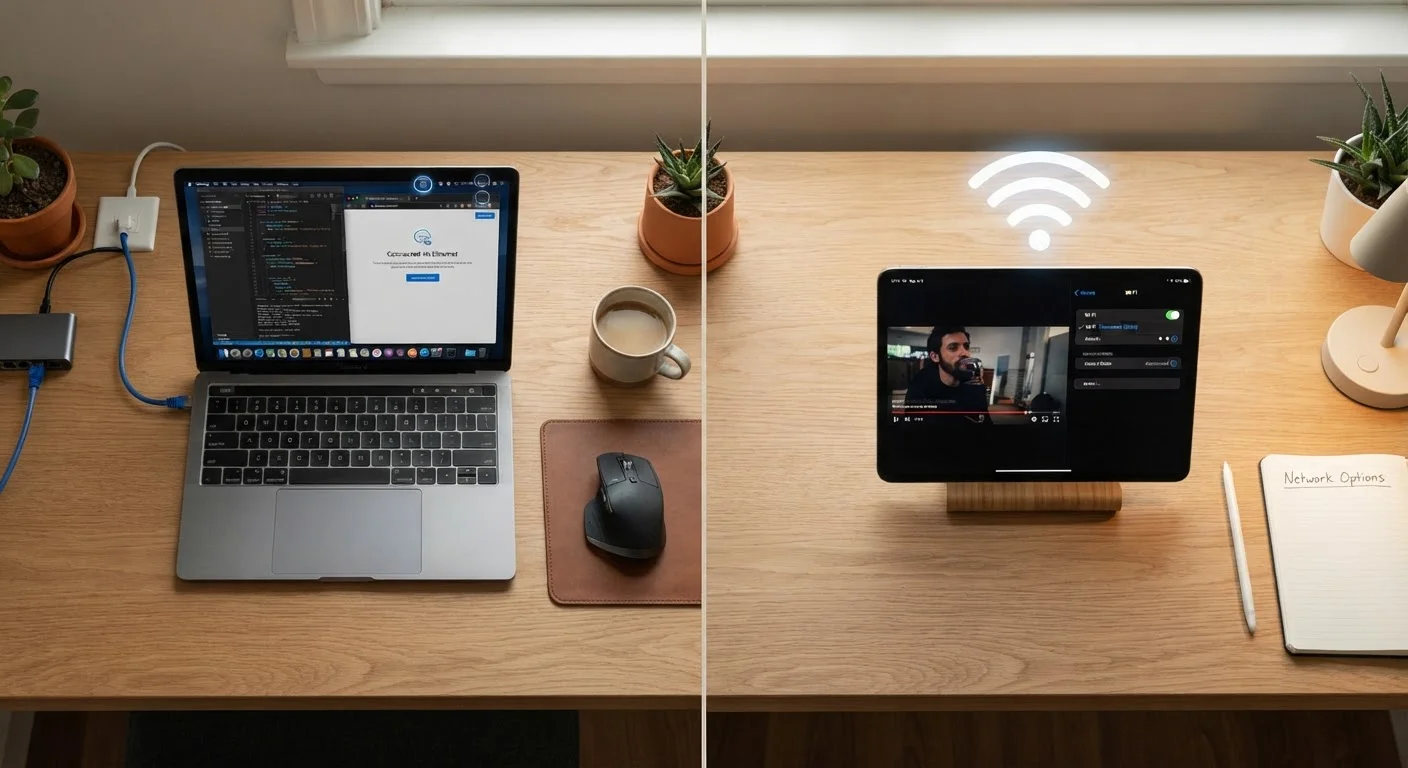
The challenge in most households is not any single activity, but the combination. When several family members are streaming, video calling, or gaming at once, even a moderately fast plan can feel strained. This is also why the connection type you use - wireless or wired - can make a noticeable difference in how reliably that bandwidth reaches your device.
Why Your Advertised Plan and Your Real Experience Differ
Internet service providers sell plans with a headline bandwidth figure - say, 200 Mbps or 500 Mbps. That number represents the theoretical maximum under ideal conditions, not what you'll reliably see every minute of every day.
Several factors reduce real-world bandwidth below that ceiling:
- Network congestion: During peak evening hours, many households in a neighborhood share the same infrastructure, reducing the slice available to each.
- Wi-Fi signal quality: A weak wireless signal introduces errors that force data to be resent, reducing effective throughput.
- Router age and capability: Older routers may not be able to process data fast enough to keep up with modern plan speeds.
- Shared household devices: Every active device draws from the same pool.
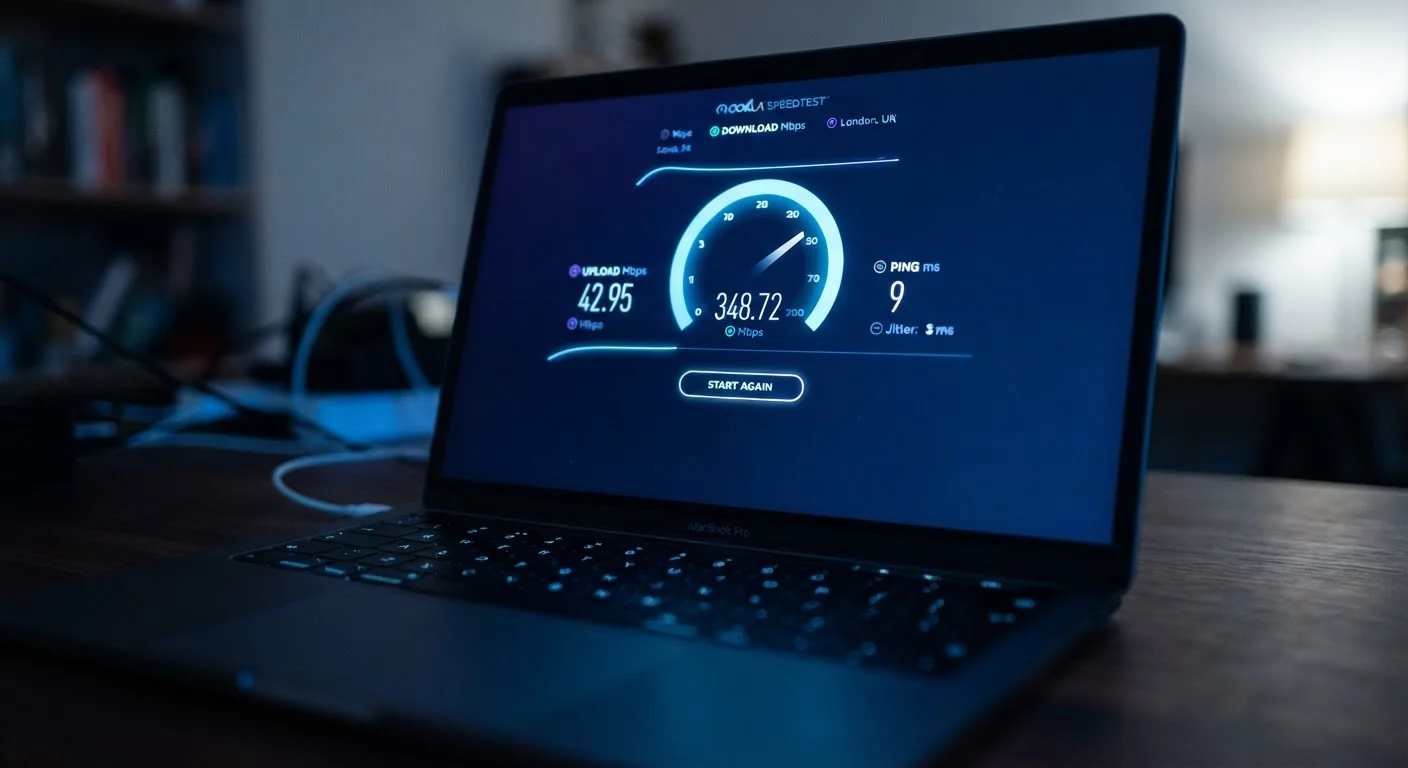
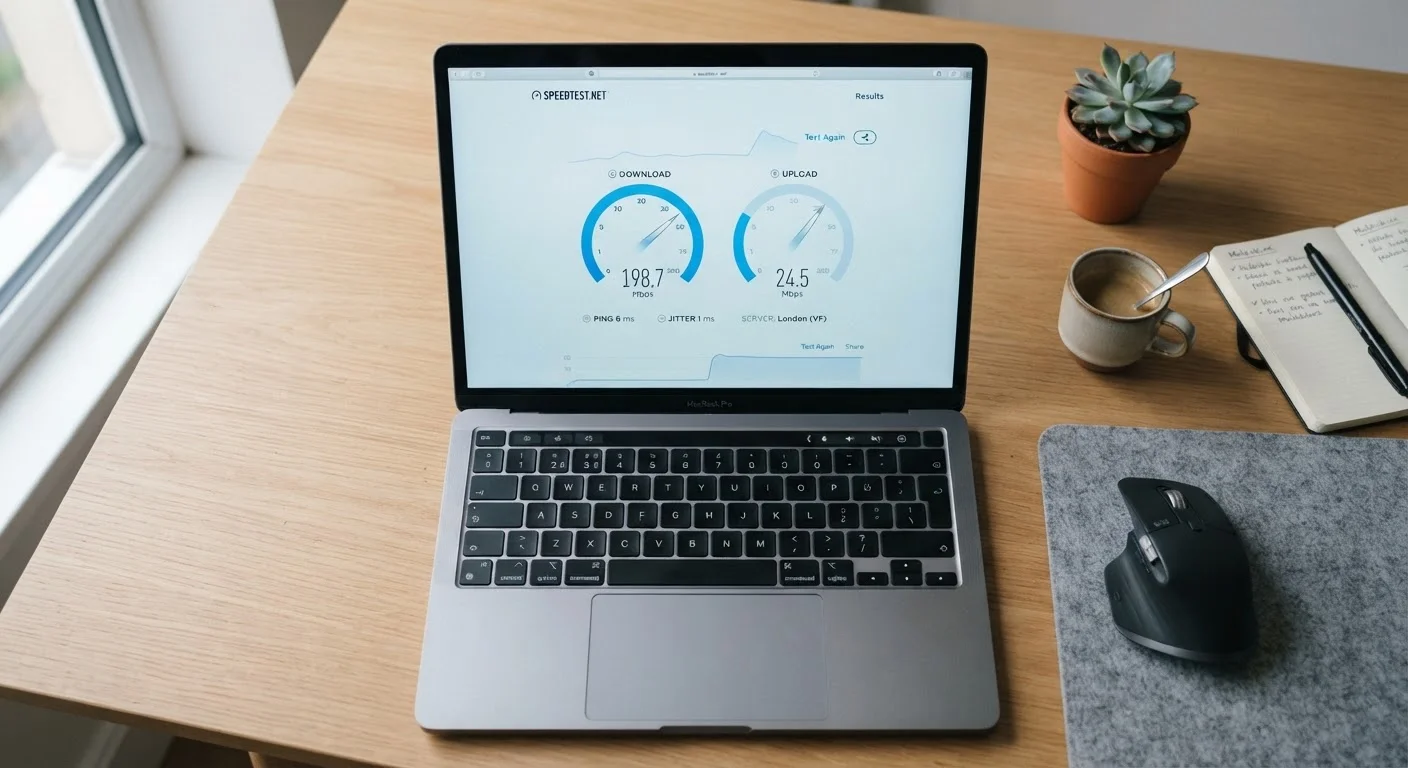
If you want to see how your connection is actually performing - not just what you're paying for - running a speed test is a useful starting point. Our article on reading speed test results accurately explains how to interpret those numbers without being misled.
Schedule Heavy Downloads for Off-Peak Hours
Large software updates, cloud backups, and file downloads can be scheduled to run overnight or during low-traffic periods. Most operating systems and cloud services allow you to set backup windows. This keeps your bandwidth available when you actually need it during the day.
Bandwidth vs. Latency: Two Different Problems
One of the most common misunderstandings about internet performance is conflating bandwidth with latency. They are distinct - and both matter.
Bandwidth determines how much data can flow at once. Latency is the delay between sending a request and receiving a response, measured in milliseconds. A connection can have enormous bandwidth but high latency, meaning it can carry a lot of data, but there's a noticeable lag before anything starts arriving.
This distinction matters most for real-time activities. In video calls or online gaming, latency is often the culprit behind choppy audio or delayed reactions - not insufficient bandwidth. For large file downloads or streaming, bandwidth is the primary constraint.
Understanding which problem you actually have saves time, money, and frustration. Upgrading to a higher-bandwidth plan will not fix a high-latency issue caused by your router's placement or a distant server. Activities like backing up files to the cloud are also bandwidth-intensive - see our explainer on how cloud storage works to understand why syncing can quietly affect your connection.
Bandwidth Caps Are a Separate Issue
Some internet plans include a monthly data cap - a limit on the total amount of data you can transfer in a billing period. This is different from bandwidth, which describes how fast data can flow. Exceeding a data cap may result in slower speeds or extra charges, depending on your provider's policy. Always review your plan's terms to understand both the speed ceiling and any usage limits.