The Simple Idea Behind 'The Cloud'
The word "cloud" makes a straightforward concept sound mysterious. In practice, cloud storage means your files live on someone else's computer - specifically, on powerful servers housed in large data centers - rather than exclusively on your laptop, phone, or external hard drive.
When you save a photo to a cloud service, your device sends that file over the internet to those remote servers. The service keeps it safe there and makes it available whenever you log in, from whatever device you're using. The "cloud" is really just a network of computers you're renting space on.
This is meaningfully different from local storage, where files exist only on the device where you saved them. If that device is lost, stolen, or damaged, locally stored files can be gone for good. Cloud storage sidesteps that risk by keeping a copy somewhere separate from your hardware.
Cloud Storage vs. Cloud Backup: Not the Same Thing
Cloud storage and cloud backup are often used interchangeably, but they serve different purposes. Cloud storage is primarily about access - keeping files available across devices. Cloud backup is specifically designed for recovery - creating a restorable copy in case something goes wrong. Some services combine both, but not all storage services automatically back up everything on your device.
Why It Changes How You Manage Files
Before cloud storage became widespread, moving a file between your work computer and your home computer involved emailing it to yourself or carrying a USB drive. Cloud storage eliminated that friction. Save a document on your office laptop, and it's waiting on your tablet when you get home - no manual transfer required.
This also changes how you think about device storage. Instead of obsessing over how many gigabytes your phone has left, you can offload photos and documents to the cloud and keep your device running smoothly. It's the digital equivalent of using a storage unit so your apartment stays uncluttered - though unlike physical storage, the common storage myths that apply at home don't really translate here.
60%+
Of global internet users who use cloud storage
Statista estimates indicate that a significant majority of internet users worldwide have adopted some form of cloud storage service.
5-15 GB
Typical free cloud storage offered per account
Most major providers offer a free storage tier in this range, sufficient for documents and lighter personal file management.
For shared projects, cloud storage also enables real-time collaboration. Multiple people can view or edit the same file simultaneously, with changes appearing for everyone right away. That functionality would have required specialized software just a decade ago.
What You Should Know About Privacy and Security
Convenience comes with questions worth asking. When your files sit on a third-party server, the provider's security practices become your security practices. Reputable services encrypt your data - scrambling it so it's unreadable to anyone without the right key - both when it travels to their servers and while it rests there.
Still, encryption doesn't mean total privacy. The service provider operates the infrastructure, which means their terms of service, legal obligations, and potential data breaches all affect your files. Reading those terms isn't exciting, but knowing what you're agreeing to is worthwhile.
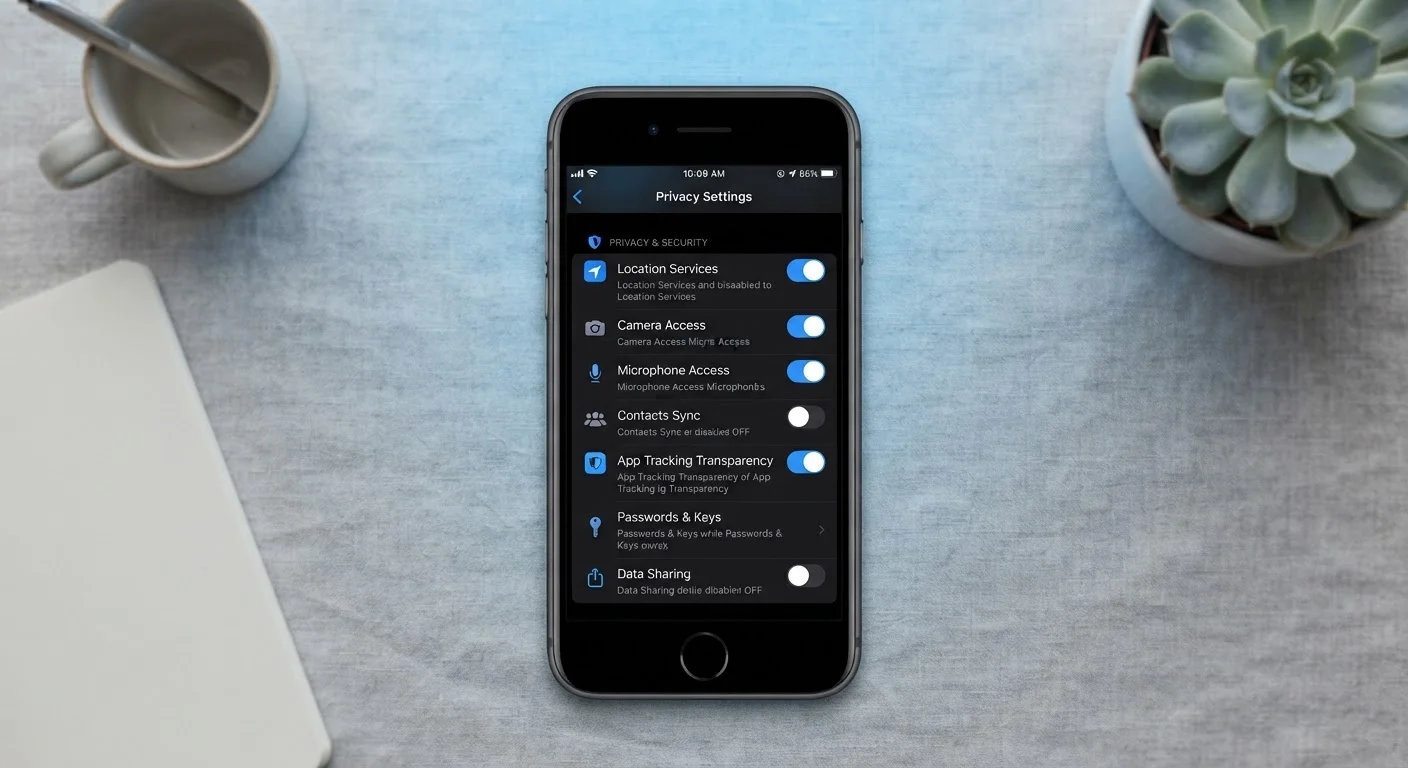
Strong account security matters enormously here. Enabling two-factor authentication - where you confirm your identity with a second step beyond just a password - is one of the highest-impact things you can do. If you've never explored those settings, our guide on privacy settings most people ignore walks through exactly where to look. It's also worth understanding how cloud services differ from other browser-based data like cookies - if that distinction feels fuzzy, cookies, cache, and browser history explained can help clarify the landscape.
Turn On Two-Factor Authentication
Your cloud account is only as secure as the password protecting it - and passwords alone get compromised. Enabling two-factor authentication adds a second verification step (like a code sent to your phone) that makes unauthorized access dramatically harder. Most major cloud services offer this in their account security settings and it takes only a few minutes to set up.
Practical Ways to Think About Cloud Storage
Most people already use cloud storage without thinking of it that way. If your phone automatically backs up photos, if you access your email on multiple devices, or if you've ever opened a shared document in a browser - you've used it.
The key is being deliberate about which files live where and why. Cloud storage is ideal for files you need on multiple devices, files you'd be upset to lose, and documents you share with others. Files you rarely access and want to keep strictly private might reasonably stay local - or on an encrypted external drive.
Understanding what cloud storage actually does puts you in a better position to evaluate the services you're already using and decide whether your current setup genuinely fits your needs, rather than just defaulting to whatever came pre-installed on your device.