The Core Units: Bits, Mbps, and Gbps
Every internet speed number boils down to one question: how much data can move through your connection in one second? The unit doing the measuring is bits per second.
A bit is the smallest unit of digital data - a single 0 or 1. Because internet connections move enormous quantities of bits, the numbers are grouped into more manageable prefixes:
- Kbps - kilobits per second (1,000 bits/s). Mostly historical; dial-up connections operated in this range.
- Mbps - megabits per second (1,000,000 bits/s). The standard unit for home internet plans today.
- Gbps - gigabits per second (1,000,000,000 bits/s). Used for high-end fiber plans, sometimes marketed as 'gigabit internet.'
A quick memory trick: Mbps is to internet speed what mph is to a car - it tells you the rate, not the total amount. And just as a faster car covers more ground per hour, a higher Mbps connection moves more data per second.
One thing that trips people up: megabits (Mb) and megabytes (MB) are not the same. Storage is measured in bytes; speed is measured in bits. There are 8 bits in 1 byte. So a 100 Mbps connection downloads data at roughly 12.5 megabytes per second - which is why a 1 GB file doesn't download in one second on a 1 Gbps plan, but it does download in about eight seconds.
| 1 Gbps equals | 1,000 Mbps |
| Good latency for gaming | Under 50 ms |
| FCC minimum broadband definition | 25 Mbps download / 3 Mbps upload (FCC, as of 2023 (proposed update to 100/20 Mbps pending)) |
| HD video streaming requirement | ~5 Mbps per stream |
| 4K video streaming requirement | ~25 Mbps per stream |
| Acceptable jitter for calls | Under 30 ms |
Latency, Ping, and Jitter - The Other Half of the Story
Raw speed tells you capacity; latency tells you responsiveness. These measure different things, and both affect your experience online.
Think of speed as the width of a highway - more lanes mean more cars (data) can travel at once. Latency is more like the distance to your destination - even on a wide highway, a farther destination takes longer to reach.
Mbps
Megabits per second - a unit measuring how much data travels through your connection each second. Most home internet plans are measured in Mbps.
Gbps
Gigabits per second - equal to 1,000 Mbps. Used for very fast fiber connections and marketed as 'gigabit internet.'
Latency
The time it takes for a data packet to travel from your device to a server and back, measured in milliseconds (ms). Lower is better.
Ping
A common way to measure latency. When you 'ping' a server, you send a small signal and time how long the round trip takes.
Download Speed
How fast data comes to your device - the number ISPs advertise most prominently. Affects streaming, browsing, and file downloads.
Upload Speed
How fast data leaves your device heading to the internet. Critical for video calls, sending files, and live streaming.
Jitter
Inconsistency in latency over time. High jitter causes choppy audio or video calls even when average latency seems acceptable.
Latency is why a fast cable plan can still produce frustrating video call delays, or why a gamer on fiber still complains about lag when connected to a distant server. Every time your device sends a request - loading a webpage, sending a message, making a move in an online game - that request travels to a server and a response comes back. Latency is how long that round trip takes, in milliseconds.
- Under 20 ms: Excellent - barely perceptible delay.
- 20-50 ms: Good - suitable for most uses including gaming.
- 50-100 ms: Noticeable but acceptable for browsing and streaming.
- Over 150 ms: Can produce real issues in calls, gaming, and interactive apps.
Jitter adds another layer: it measures how consistent your latency is. A connection that bounces between 15 ms and 80 ms has high jitter - and that inconsistency is often what makes a video call feel choppy even when your average latency looks fine.
Advertised Speed vs. Real-World Speed
Internet service providers typically advertise maximum or 'up to' speeds, not guaranteed speeds. Actual performance depends on your router, network congestion, distance from equipment, and how many devices share the connection simultaneously. Running a speed test at different times of day gives a more realistic picture than any advertised figure.
For a deeper look at how throughput capacity shapes your everyday online experience, see our explainer on bandwidth - it complements these speed concepts well.
Reading a Speed Test Result with Confidence
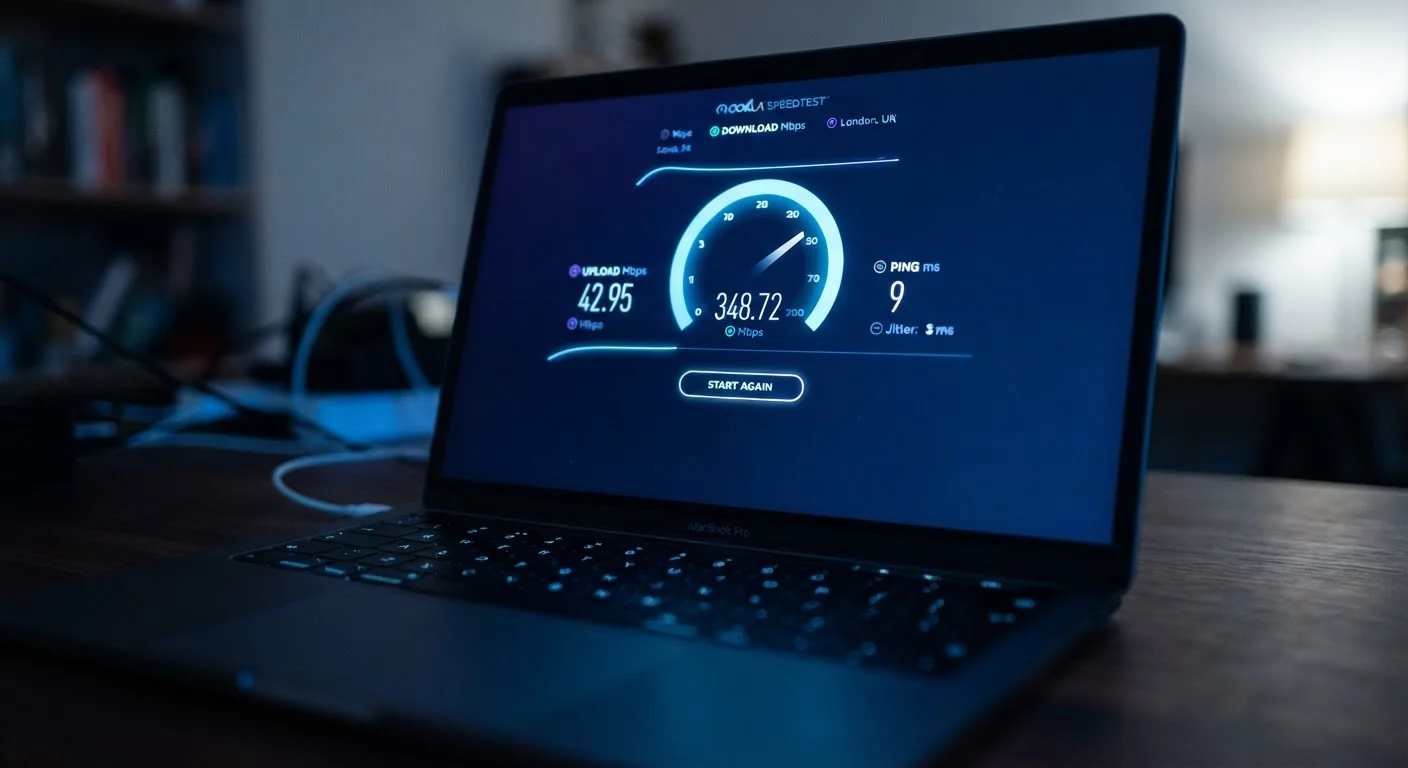
When you run a speed test, you'll typically see four numbers: download speed, upload speed, ping, and sometimes jitter. Here's how to interpret each one for your actual situation:
- Download speed
- The most-advertised figure. Governs how fast content arrives - streaming video, loading pages, pulling files from cloud storage. Most households consume far more download than upload.
- Upload speed
- How fast data leaves your device. Matters most for video calls, sharing files, backing up photos, or live streaming. Asymmetric plans (common with cable) deliver much slower upload speeds than download.
- Ping / Latency
- The round-trip time in milliseconds. Lower numbers mean a more responsive connection. Check this if you experience lag in calls or games.
- Jitter
- Variability in latency across multiple measurements. A low, stable ping is more valuable than an average that swings widely.
If your speed test results fall well below what your ISP advertises, try testing on a wired (Ethernet) connection rather than Wi-Fi, and run the test at different times. Persistent shortfalls are worth reporting to your provider - most plans come with service guarantees that specify a minimum delivered speed.
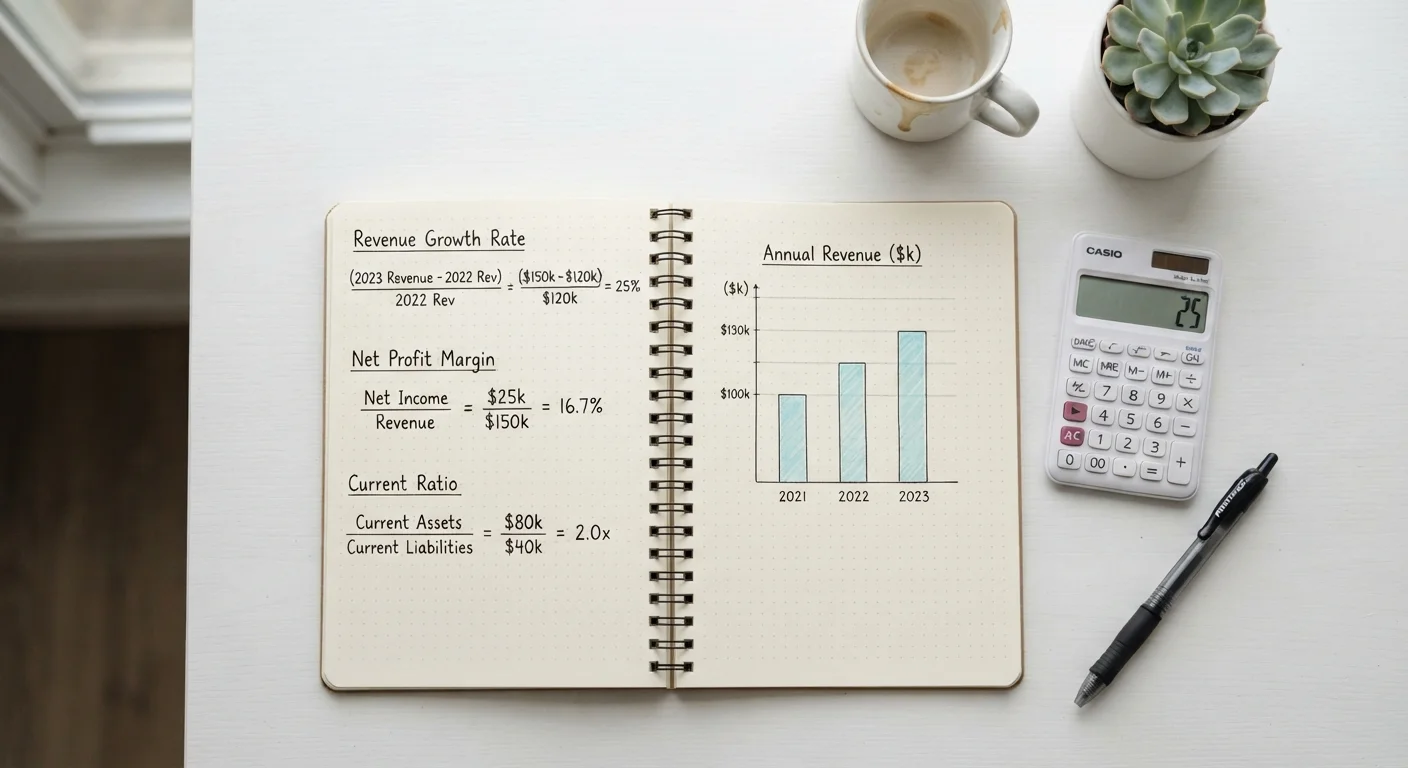
Understanding these numbers works a lot like understanding personal finance metrics - the individual figures matter less than knowing what they represent and what benchmark is right for your situation. Much like how financial ratios tell a clearer story when you know what each measures, internet speed numbers make sense once you know what each one is actually tracking.
1,000 Mbps
Data throughput in a gigabit connection
Gigabit plans have become widely available through fiber providers, though actual speeds vary by network conditions.
~20 ms
Typical latency on a wired fiber connection
Wired connections consistently outperform Wi-Fi in latency, making them preferable for real-time applications like video calls or gaming.
25 Mbps
FCC minimum download speed for broadband classification
The FCC's current threshold, though a proposed update would raise the standard to 100 Mbps download and 20 Mbps upload.