Why the 'Best' App Is the Wrong Thing to Search For
App stores and productivity blogs are full of lists naming the definitive task manager. The problem is that productivity is deeply personal. An app that transforms one person's chaotic inbox into a calm daily routine might leave another person more overwhelmed than before.
The smarter question isn't "which app is best?" - it's "which app structure matches how my brain actually organizes information?" Before you download anything new, it helps to understand the main structural categories that task apps fall into. For a broader map of productivity software types, see this guide to productivity software categories.
| List-Based | Board-Style (Kanban) | Calendar-Integrated | All-in-One Workspace | |
|---|---|---|---|---|
| Best cognitive style | Linear, sequential thinkers | Visual, big-picture thinkers | Time-oriented planners | Systems builders and power users |
| Setup complexity | Very low | Low to moderate | Low | High |
| Works best for | Daily personal tasks | Multi-stage projects | Deadline-driven schedules | Complex workflows or teams |
| Common pitfall | Lists grow without review | Too many columns, no flow | Missed tasks feel like failure | Setup becomes the hobby |
| Maintenance effort | Low | Moderate | Moderate | High |
The Four Main Structures - and Who Each Fits
List-Based Apps
These apps present tasks as simple checklists, often with the ability to add due dates, priorities, and sub-tasks. They work best for people who think linearly - who naturally break a goal into steps and feel satisfied checking boxes. If your mental model of a productive day is a numbered list, this structure reinforces that habit without adding noise.
Board-Style (Kanban) Apps
Kanban-style apps organize tasks into columns - typically something like "To Do," "In Progress," and "Done" - displayed as cards you drag between stages. Visual thinkers and people managing multiple simultaneous projects often find this layout more intuitive than a flat list, because it shows the state of work at a glance rather than burying everything in a single queue.
Calendar-Integrated Apps
Some people don't think in task categories - they think in time. For them, a task only feels real when it's placed in a specific time slot. Apps that tightly integrate with a calendar, or that let you schedule tasks like appointments, match this mental model. The risk: if a task doesn't get done in its slot, it can feel like failure rather than just a rescheduling.
All-in-One Workspace Apps
These combine notes, tasks, databases, and collaboration tools in a single environment. They're powerful but come with a steep setup cost. Unless you genuinely need that breadth - managing a team, running a complex freelance workflow, or linking tasks to detailed reference material - this category tends to reward tinkering more than actual productivity.
Test the Empty State First
Before committing to any app, open it with zero tasks and ask: does the blank screen feel inviting or intimidating? The best tool for you should feel like a relief to open, not an obligation. If the interface prompts anxiety before you've added a single item, that's useful information worth trusting.
Reading the Signs That an App Isn't Working
The most common mistake people make is blaming themselves when an app doesn't stick. If you find yourself avoiding the app, maintaining a parallel paper list, or spending more time reorganizing the system than completing tasks, the structure probably isn't suited to how you think - not a sign of personal failure.
App-Switching Is Its Own Productivity Drain
Moving between task management apps means rebuilding your system from scratch each time - losing context, recreating recurring tasks, and relearning shortcuts. Treat switching as a meaningful decision, not a quick fix. Chronic app-hopping often signals that the underlying organization problem hasn't been identified yet.
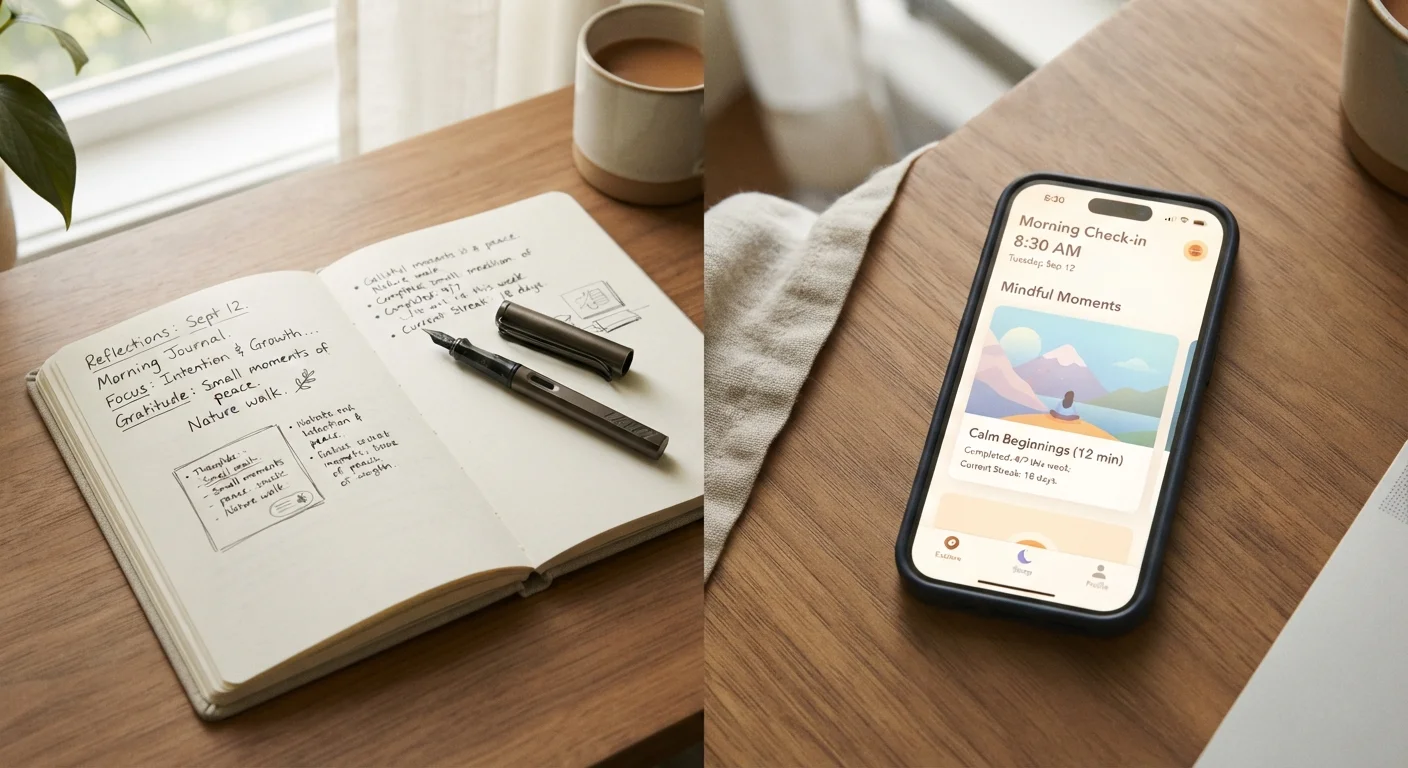
There's also an overlap worth noting: digital self-management tools span categories. If you're drawn to daily reflection alongside task tracking, it's worth reading about journaling versus mental health apps to understand where structured reflection sits relative to pure productivity tools.
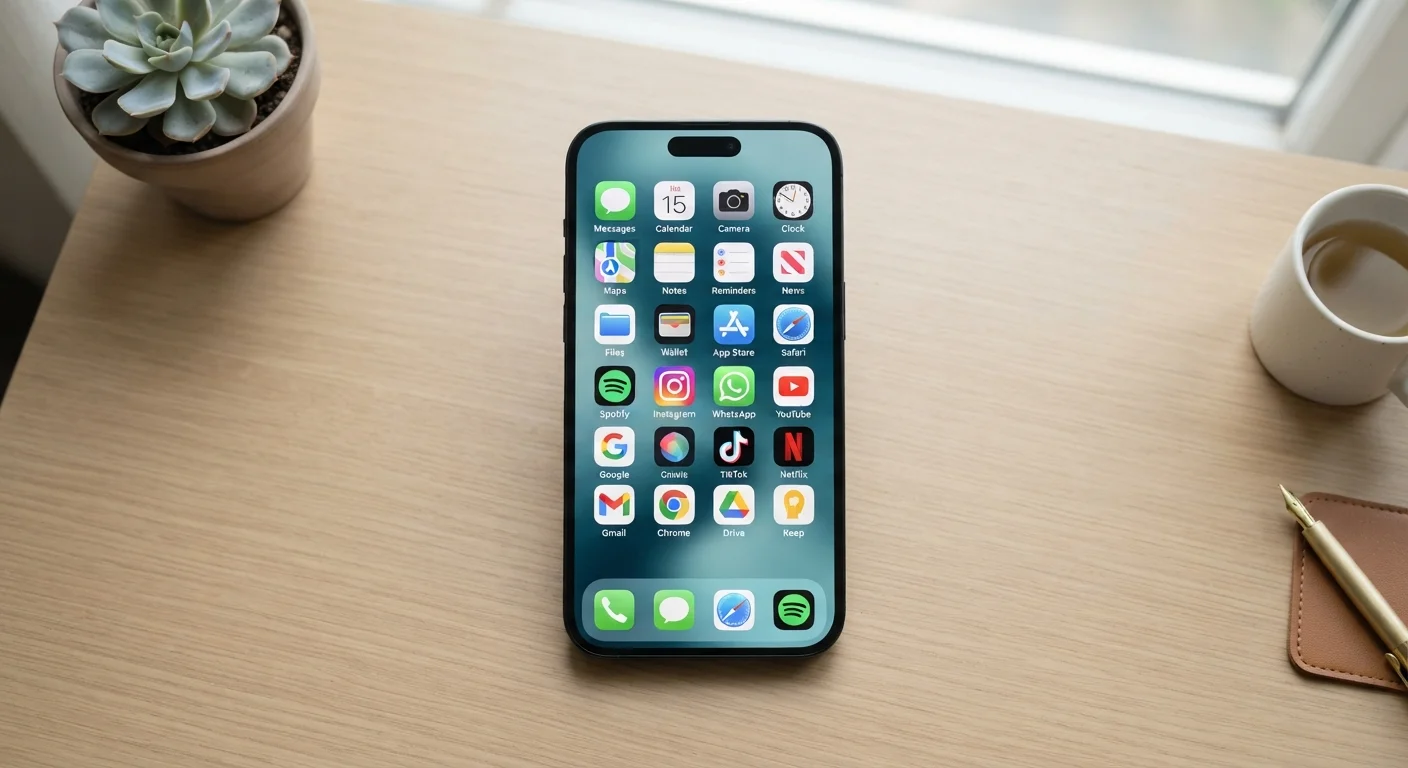
And if your device is already crowded with apps you never open, tackling the wider clutter problem first often makes the task management choice clearer. Organising your digital life is a practical starting point for that audit.
A Practical Way to Choose
Rather than trialing every app, start by answering three questions:
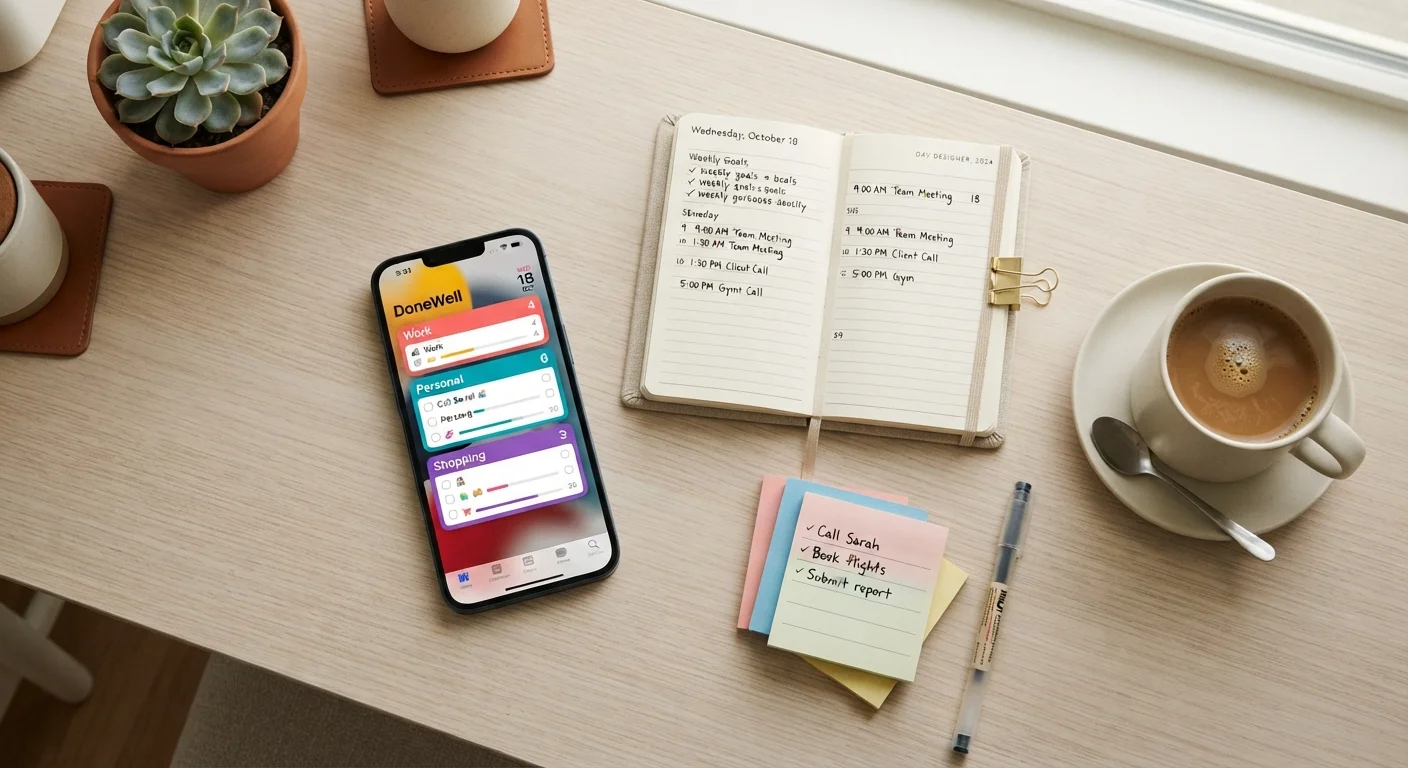
- How do I naturally write down tasks? Numbered list, sticky note cluster, or calendar slot? Match the app structure to that instinct.
- What's the largest unit of work I manage? Individual daily tasks suggest a simpler tool; ongoing projects with multiple stages suggest something with more structure.
- Will I use this alone or with others? Solo users rarely need collaboration features, which often add complexity without benefit.
Give the chosen app two full weeks of genuine use before deciding. Initial friction is normal - it usually reflects habit change, not a poor fit. Persistent friction after two weeks is the clearer signal to reconsider.
The same logic applies across many digital tool decisions - compare how this plays out in a different context with digital vs. paper planning for travel.